You shipped the tablet flow. Then users opened Settings, changed the network, left the checkout screen, or closed the kiosk app.
The Android device is part of your product experience. If it drifts from the intended journey, task completion drops and support tickets rise. Field teams then spend time recovering devices instead of helping customers.
This matters at scale. Android held 72.36% of worldwide mobile operating system market share in October 2026, according to Statcounter Global Stats. Meanwhile, customer-facing deployments span ordering terminals, check-in tablets, digital signage, and shared workplace devices.
Android kiosk software adds the device lockdown and remote controls needed to keep those experiences stable. The right choice depends on your kiosk type, provisioning model, release cadence, and support workflow.
What’s inside
This guide compares 13 Android kiosk software tools for business deployments in 2026. It includes specialist kiosk browsers, lockdown apps, endpoint management platforms, Samsung-specific controls, and an open-source option.
We assessed each product using these buying criteria:
- Device lockdown strength and kiosk escape prevention
- Browser, single-app, and multi-app support
- Remote fleet management and troubleshooting
- Pricing visibility and deployment fit
- Device Owner or Android Enterprise support
You’ll also find a side-by-side comparison, detailed product sections, a PM-focused buying checklist, and practical FAQs.
TL;DR
- Best specialist kiosk browser: Fully Kiosk Browser suits web apps, dashboards, digital signage, and API-heavy deployments
- Best for controlled public devices: KioWare supports browser lockdown, external applications, and connected kiosk hardware
- Best UEM option: Hexnode UEM combines Android kiosk mode with broader endpoint management
- Best for product-led device fleets: Esper supports managed deployments, remote operations, and controlled app releases
- Best open-source option: FreeKiosk offers source visibility, APIs, digital signage, and low-cost experimentation
- Best Samsung-specific route: Samsung Knox manages enrollment, configuration, firmware controls, and remote support for Samsung fleets
What is android kiosk software?
Android kiosk software locks an Android device into a controlled experience, such as one website, one application, approved apps, or a digital signage playlist.
The category covers several deployment models:
- Kiosk browser: Restricts users to approved websites or web applications
- Single-app kiosk mode: Keeps one Android application active
- Multi-app kiosk mode: Presents an approved launcher containing selected applications
- Device Owner mode: Grants stronger management rights for restrictions and provisioning
- Remote management: Supports configuration changes, monitoring, troubleshooting, and application deployment
- Digital signage: Displays websites, images, videos, scheduled media, or rotating playlists
- Provisioning: Enrolls devices through QR codes, configuration profiles, or Android Enterprise
A business-grade kiosk lock also limits access to system settings. Depending on the software, administrators can block navigation buttons, notifications, downloads, and unauthorized URLs.
Key features commonly include:
- Website and application allowlists
- Home button and status bar restrictions
- Password-protected administrator exits
- Device Owner provisioning
- Remote screenshots and operational alerts
- Application updates and configuration profiles
- Browser controls and URL filtering
- REST API or other integration support
Screen pinning alone does not provide the same operational control. Users may still reach system functions, while administrators receive little fleet observability.
For product managers, kiosk software is part of the product-experience reliability layer. It protects time-to-task completion while reducing manual recovery work. Strong remote operations also help teams maintain devices through frequent releases without constant engineering interruptions.
The right model starts with user behavior. A visitor check-in tablet needs different controls from a warehouse scanner. A digital menu board has another set of uptime and content requirements.
When to use android kiosk software
Lock devices to one customer journey
Use a kiosk app for check-in, patient intake, ordering, event registration, surveys, or guided onboarding stations. Device lockdown keeps users inside the flow that produces the intended outcome.
Measure completion rate alongside kiosk escape attempts. A polished interface still performs poorly when users can leave it halfway through a task.
Manage a distributed Android fleet remotely
Remote device management matters when tablets operate across stores, schools, clinics, vehicles, or customer sites. Administrators need remote configuration, monitoring, alerts, and recovery without dispatching staff.
This becomes especially important after releases. Remote updates and rollback controls reduce the operational cost of a broken build.
Run browser kiosks or digital signage
An Android kiosk browser fits web applications, dashboards, menu boards, and information screens. Evaluate URL controls, refresh behavior, media playback, and offline handling.
Unattended kiosk deployments also need reliable restart behavior. Test how the device recovers after power loss, network failure, and application crashes.
Android kiosk software comparison
Use this table as a shortlist, rather than the final buying decision. “Best for” refers to deployment patterns and operational fit.
Prices reflect the vendor information supplied for this review. G2 ratings appear only where a current listing was verified. Test kiosk escape prevention, enrollment, updates, and remote recovery on your intended hardware before purchase.
| # | Product | Best for | Key differentiator | Pricing | G2 rating |
|---|---|---|---|---|---|
| 1 | Fully Kiosk Browser | Web applications and digital signage | Granular browser controls with extensive integration support | $10.99 plus tax per device, one-time | N/A |
| 2 | KioWare for Android | Public kiosks and connected hardware | Browser lockdown with peripheral support | Custom pricing, 14-day trial | N/A |
| 3 | Hexnode UEM | Managed Android and mixed-device fleets | Kiosk mode inside a broader UEM platform | From $2.20 per device monthly | 4.5/5 |
| 4 | Scalefusion | Cross-platform device governance | Kiosk controls with remote troubleshooting | From $2 per device monthly, billed annually | 4.7/5 |
| 5 | Esper | Product and engineering-led fleets | Device operations and deployment pipelines | From $2 per device monthly | 4.5/5 |
| 6 | AirDroid Business | Remote support and device recovery | Remote control with workflow automation | From $1 per device monthly, billed annually | 4.9/5 |
| 7 | ManageEngine Mobile Device Manager Plus | IT-managed kiosk deployments | Mature MDM controls and a free edition | Free for 25 devices, paid from $495 yearly | N/A |
| 8 | SureMDM by 42Gears | Rugged and frontline devices | Broad endpoint management with kiosk controls | From $3.99 per device monthly | N/A |
| 9 | SureLock | Focused Android device lockdown | Dedicated single-app and multi-app restrictions | Custom pricing | 4.6/5 |
| 10 | Miradore | Small and midsized teams | Lightweight multi-platform device management | Free for 50 devices, paid from $2.75 monthly | 4.8/5 |
| 11 | Citrix Endpoint Management | Citrix-centric enterprises | Endpoint governance across hybrid environments | Custom pricing | 4.0/5 |
| 12 | Samsung Knox | Samsung Galaxy fleets | Hardware-aligned enrollment and device controls | Custom pricing, selected services free | 4.4/5 |
| 13 | FreeKiosk | Open-source deployments | Free kiosk application with optional cloud management | Free app, cloud from €9 monthly | N/A |
Best 13 tools for android kiosk software
The products below cover distinct deployment models. Compare their kiosk type, operational controls, pricing, and fit with your existing device governance.
1. Fully Kiosk Browser
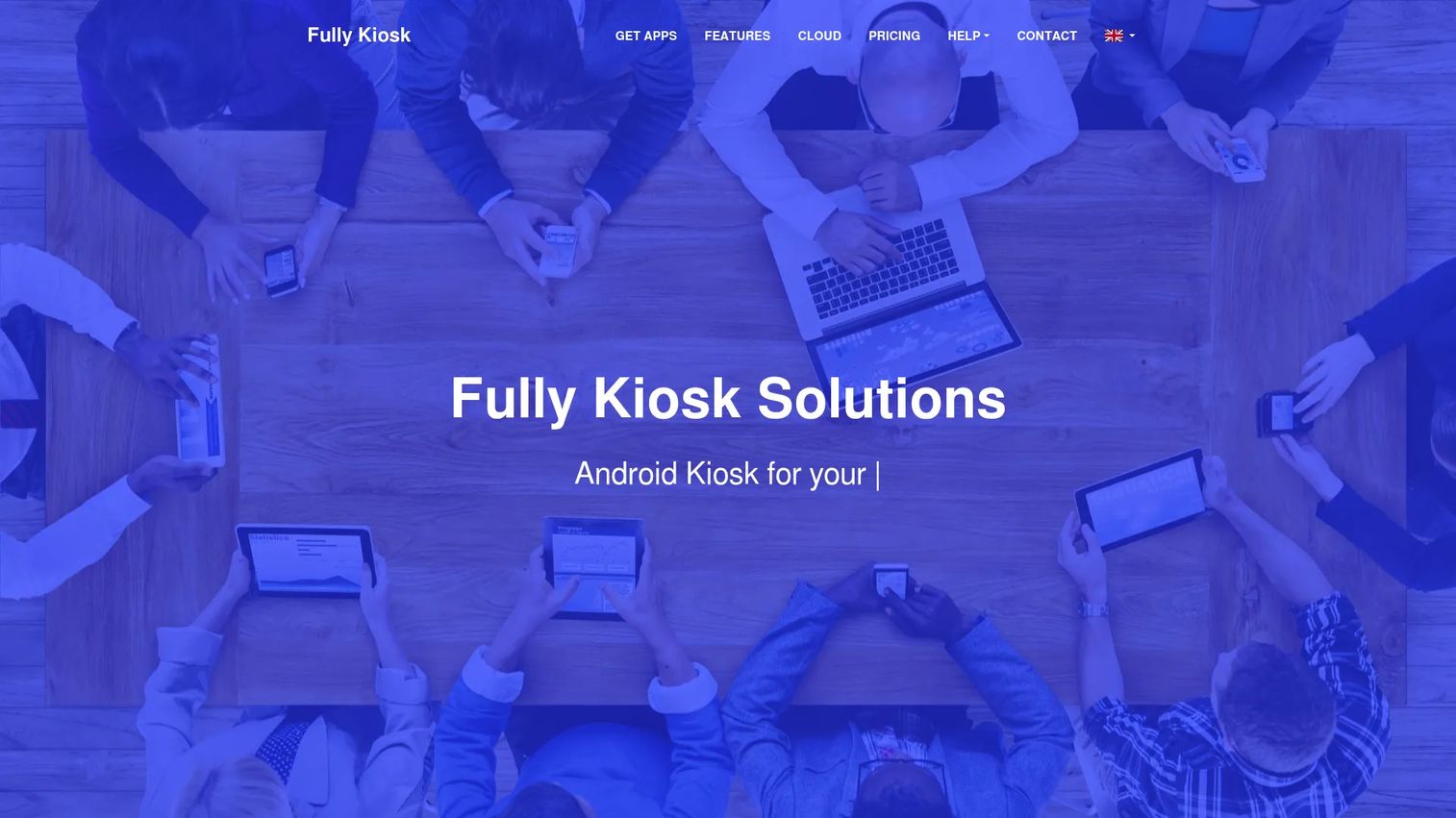
Fully Kiosk Browser is a specialist Android kiosk browser and application launcher. It displays fullscreen websites, web apps, media, local files, and approved applications on dedicated devices.
The platform includes device lockdown, remote administration, and Fully Cloud management. Technical teams can connect deployments through REST API, JavaScript, MQTT, barcode, QR, NFC, camera, or Bluetooth support.
Motion detection and wake controls suit smart building panels or unattended displays. Automatic reload settings also help web-first products recover from connectivity issues.
Best for: Organizations deploying web applications, dashboards, self-service tablets, digital signage, or unattended information screens.
Key features
- Android kiosk browser
- Remote cloud management
- Media and playlist support
- REST API and MQTT
- NFC and QR support
Why choose Fully Kiosk Browser: Choose it when your experience runs mainly in a browser and needs granular controls. Its integration options also suit teams building custom hardware workflows.
PMs can update a web experience without shipping a dedicated launcher. However, broader endpoint governance may require a UEM platform alongside it.
Fully Kiosk Browser pricing: The Fully PLUS license costs $10.99 plus tax per device as a one-time payment. Fully Cloud costs up to €1.18 monthly per device, paid annually.
2. KioWare for Android
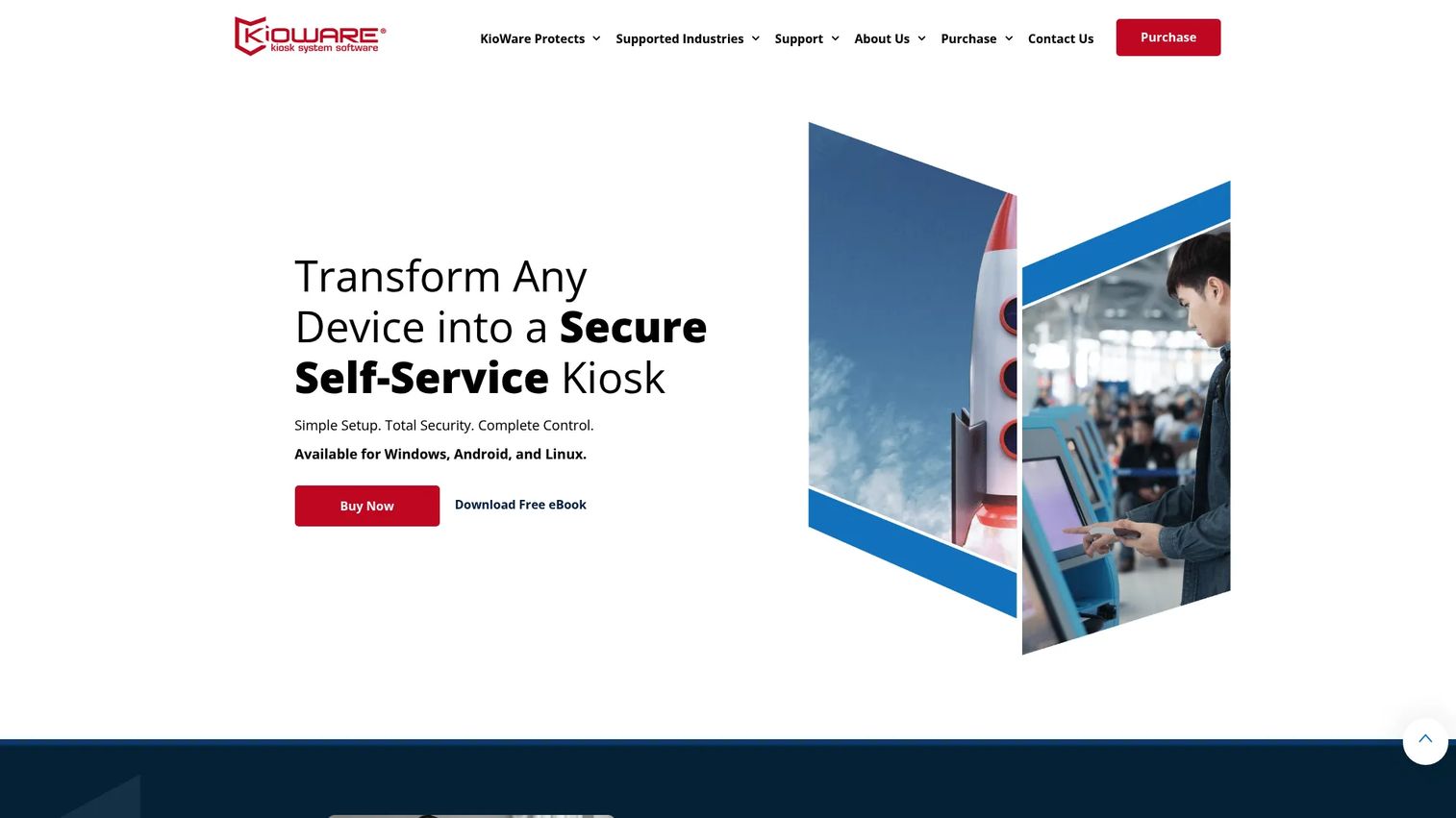
KioWare for Android turns Android hardware into controlled self-service terminals. It supports website lockdown, single-app mode, startup on boot, interface customization, and automatic user-data clearing between sessions.
The product fits public kiosks where users interact with connected hardware or external applications. KioWare also provides remote management for monitoring and maintaining deployed devices.
Its browser controls help teams restrict navigation and protect administrative exits. These controls matter for transactional journeys where leaving the intended flow interrupts payment, registration, or check-in.
Best for: Retail kiosks, public access terminals, ordering stations, surveys, rugged devices, and hardware-connected workflows.
Key features
- Browser and application lockdown
- Single-app mode
- Automatic session data clearing
- Remote device management
- Interface customization
Why choose KioWare for Android: Consider it when the kiosk connects software to a physical customer journey. It offers a more focused kiosk layer than a general device-management suite.
Product teams should test all peripherals during release validation. Barcode scanners, payment hardware, and other accessories can introduce failure states beyond the Android application itself.
KioWare for Android pricing: Custom pricing is available across Starter, Essential, and Enterprise plans. Each plan bills annually per device, with a 14-day trial.
3. Hexnode UEM
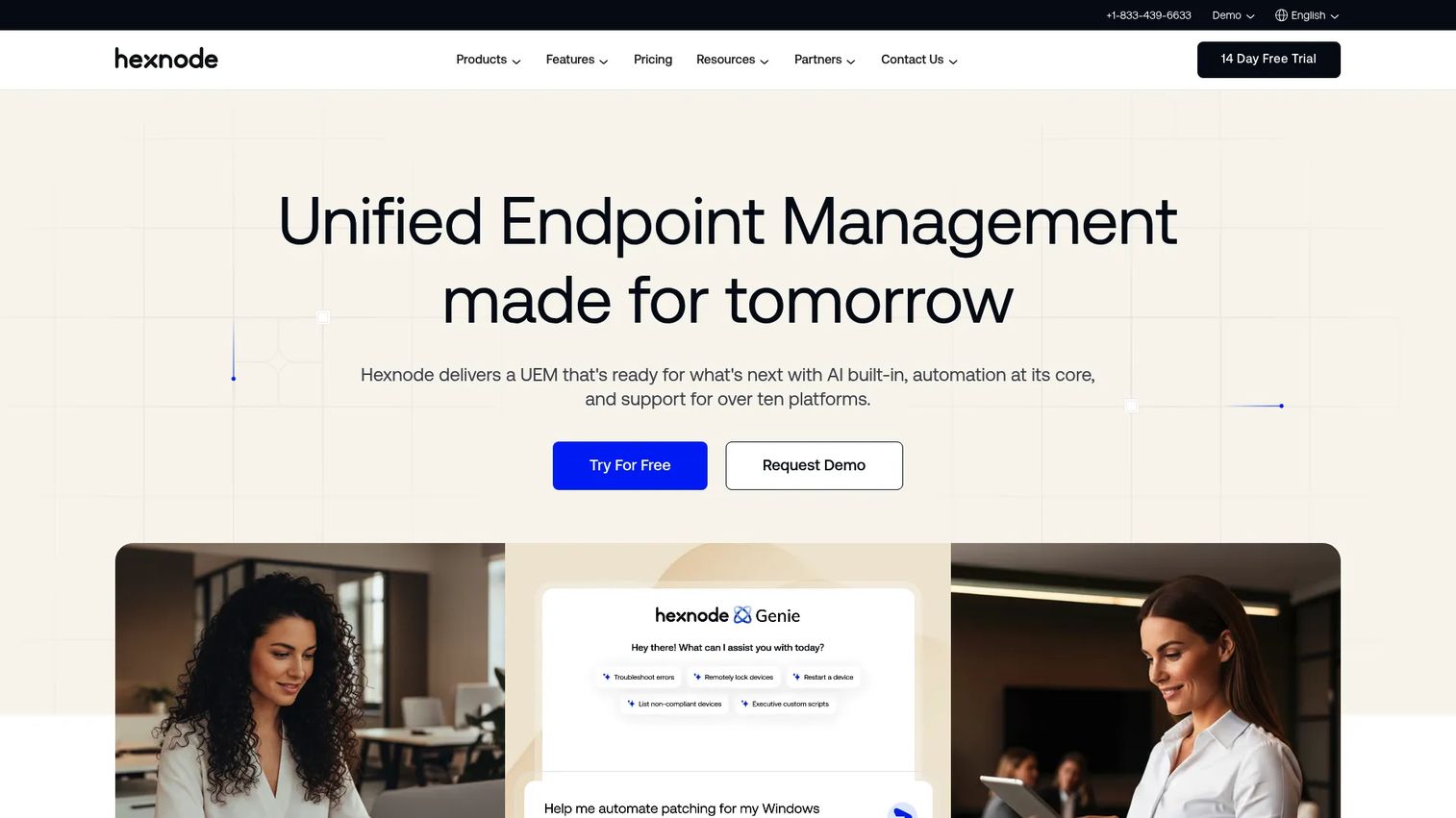
Hexnode UEM manages mobile devices, computers, rugged hardware, and purpose-built endpoints from a central console. Its Android controls cover enrollment, application distribution, policy enforcement, remote actions, and kiosk deployment.
The platform suits teams managing single-app or multi-app experiences inside a wider device strategy. Android Enterprise support helps administrators provision company-owned devices with stronger controls.
Remote access and monitoring give support teams more context when field devices stop behaving as expected. Geofencing, location tracking, and reporting add fleet-level observability.
Best for: IT teams managing kiosks alongside mobile, desktop, rugged, or shared-device fleets.
Key features
- Single-app kiosk mode
- Multi-app kiosk mode
- Android Enterprise management
- Remote access and monitoring
- Application and content management
Why choose Hexnode UEM: Choose it when kiosk devices need the same governance as the rest of your endpoint estate. It fits cross-functional ownership between product, IT, and support.
The minimum purchase covers 15 devices. Small pilots should account for that threshold before comparing per-device costs.
Hexnode UEM pricing: Pro starts at $2.20 per device monthly. Enterprise costs $3.20, while Ultimate costs $4.70 per device monthly, with a 14-day trial.
G2 rating: 4.5/5
4. Scalefusion
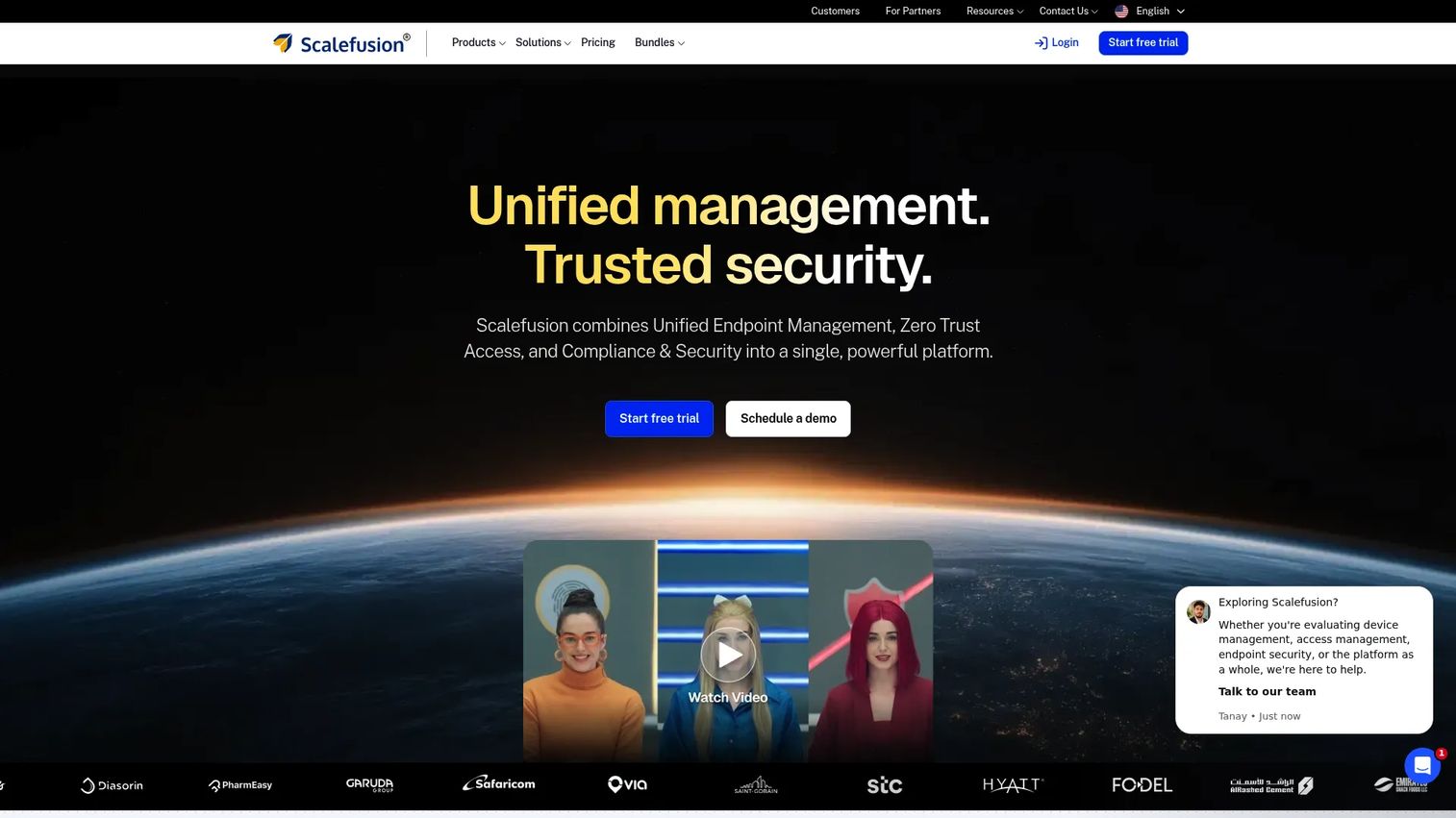
Scalefusion combines Android kiosk mode with cross-platform endpoint management. Teams can manage applications, content, operating system updates, and security policies across distributed devices.
Remote troubleshooting and device analytics help operations teams investigate failures without visiting each location. The platform also supports commands, automation, and centralized reporting.
Scalefusion fits deployments where kiosks sit beside employee devices or field hardware. Product teams gain a shared operational layer while IT maintains policy ownership.
Best for: Retail, education, healthcare, logistics, and field teams managing distributed endpoint fleets.
Key features
- Android kiosk mode
- Application distribution
- Remote troubleshooting
- Device analytics
- Content management
Why choose Scalefusion: Evaluate it when release coordination and support visibility are recurring problems. The platform covers kiosk lockdown while giving IT broader management controls.
Its plans require at least 10 devices and annual billing. That structure suits established fleets better than a one-device proof of concept.
Scalefusion pricing: Essentials starts at $2 per device monthly, billed annually. Growth starts at $3.50, with a 14-day trial.
G2 rating: 4.7/5
5. Esper
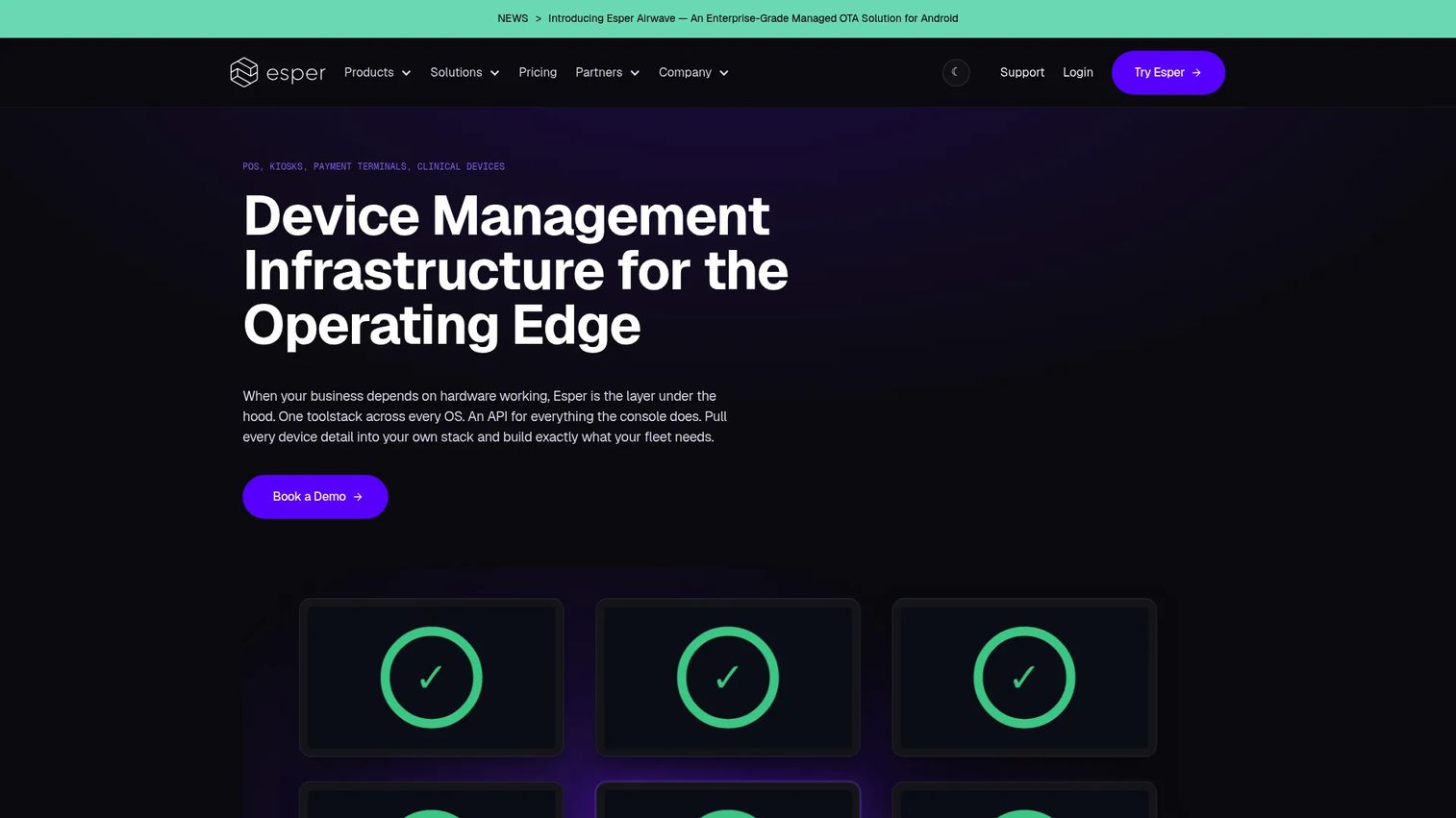
Esper provides device management infrastructure for dedicated fleets. It supports Android, iOS, Linux, Windows, and related purpose-built hardware.
Its capabilities include enrollment, provisioning, kiosk mode, application management, and remote control. Blueprints and drift monitoring help teams detect devices that no longer match their intended configuration.
Esper also provides APIs, SDKs, and software deployment pipelines. Those controls suit product organizations that treat physical devices as part of their release surface.
Best for: Product and engineering teams operating kiosks, POS systems, handhelds, signage, or other business-critical edge devices.
Key features
- Android fleet operations
- Application rollout controls
- Remote device debugging
- Drift monitoring
- Managed provisioning
Why choose Esper: Choose it when application delivery and fleet observability matter as much as lockdown. It fits teams coordinating releases across many dedicated Android devices.
The product offers more operational depth than a basic Android browser kiosk. That breadth makes the most sense when engineering owns a repeatable deployment process.
Esper pricing: Genesis starts at $2 per device monthly. Bridge costs $4, while Architect costs $6 per device monthly, with a 30-day trial.
G2 rating: 4.5/5
6. AirDroid Business
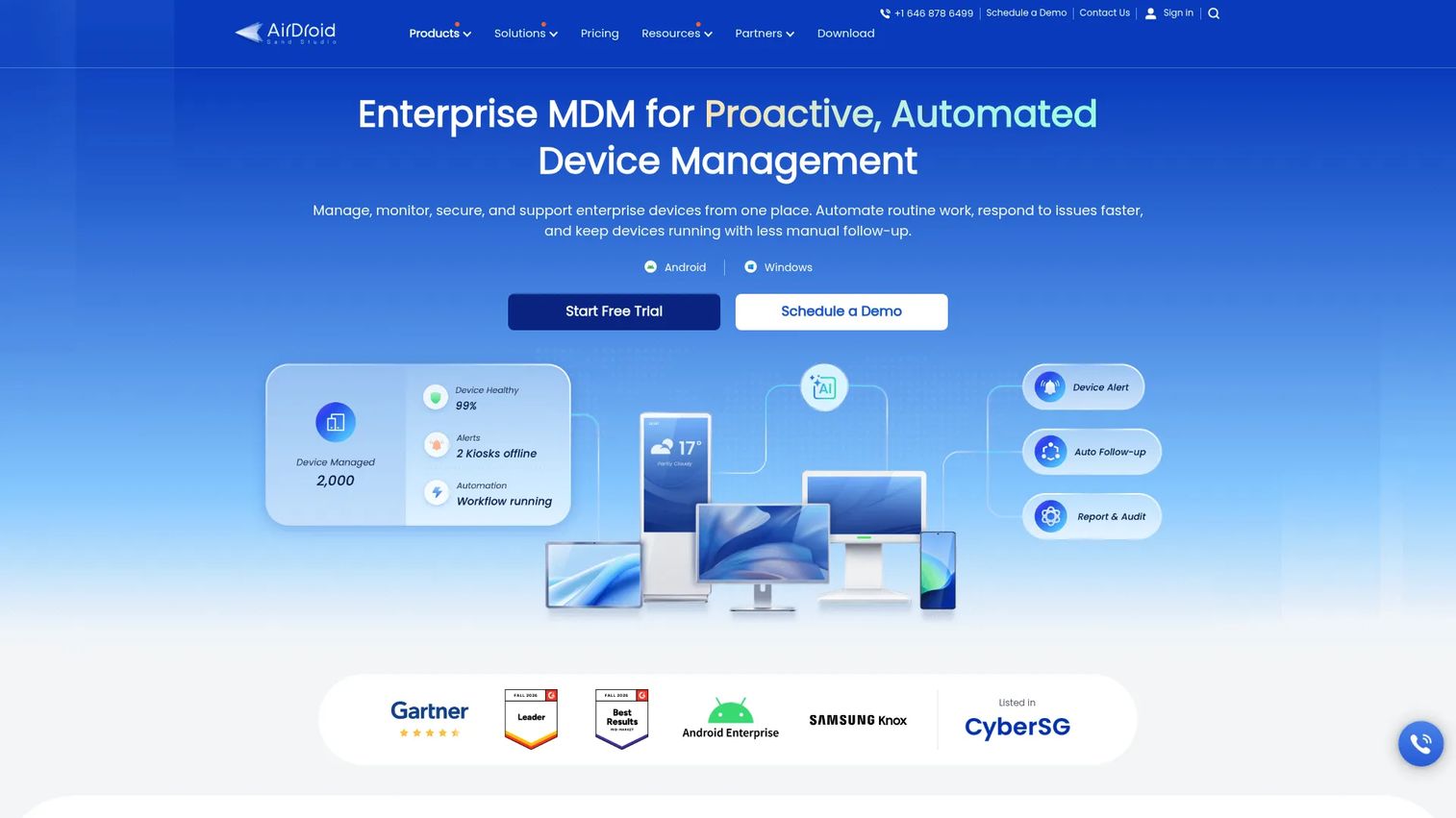
AirDroid Business manages and remotely controls Android or Windows devices. It includes automated enrollment, kiosk mode, policy enforcement, application management, and file transfer.
Remote access is the central strength. Support teams can inspect devices, control them from another location, and apply corrective actions when a customer-facing flow stops working.
Device tasks and workflow automation help teams standardize recurring operations. Geofencing and location tracking also support mobile or field-based fleets.
Best for: Teams supporting unattended devices, retail tablets, logistics hardware, signage, and service counters remotely.
Key features
- Remote access and control
- Android kiosk mode
- Device monitoring
- Application management
- Workflow automation
Why choose AirDroid Business: Consider it when remote troubleshooting drives your support load. Direct access can reduce field escalations and shorten recovery time.
PMs should map remote support actions into the incident process. Clear ownership prevents product, operations, and IT teams from duplicating recovery work.
AirDroid Business pricing: Basic starts at $1 per device monthly, billed annually. Plans require at least 10 devices, while on-premises deployment uses custom pricing.
G2 rating: 4.9/5
7. ManageEngine Mobile Device Manager Plus
ManageEngine Mobile Device Manager Plus provides centralized management for devices, applications, content, and security policies. It supports Android alongside other major operating systems.
Kiosk mode sits within a larger MDM toolkit covering enrollment, remote troubleshooting, inventory, and reporting. IT teams can also apply profiles and issue remote commands.
The platform fits organizations where internal IT already owns endpoint standards. Product teams can focus on the kiosk journey while device governance follows an established process.
Best for: Enterprise IT, education, healthcare, or corporate fleets that include kiosks among other managed endpoints.
Key features
- Android kiosk mode
- Application management
- Remote commands
- Security policies
- Inventory reporting
Why choose ManageEngine Mobile Device Manager Plus: Choose it when kiosk devices are one part of a mature IT environment. Existing endpoint ownership can simplify procurement and ongoing support.
The free edition supports meaningful pilot work. Teams can validate enrollment and remote recovery before expanding to a paid license.
ManageEngine Mobile Device Manager Plus pricing: The free edition covers up to 25 devices. Standard starts at $495 yearly for one user and 50 devices.
8. SureMDM by 42Gears
SureMDM by 42Gears manages mobile, desktop, kiosk, wearable, and rugged endpoints. Its Android capabilities include kiosk management, remote control, monitoring, and application deployment.
Location tracking and geofencing suit mobile field operations. Administrators can also apply security policies, remotely lock devices, or wipe managed hardware.
The platform is relevant where device downtime interrupts warehouse throughput, deliveries, bedside workflows, or retail service. Centralized controls give support teams a way to respond without waiting for hardware returns.
Best for: Rugged, frontline, healthcare, logistics, warehouse, and retail device fleets.
Key features
- Android device management
- Kiosk lockdown
- Remote control
- Rugged device support
- Application deployment
Why choose SureMDM by 42Gears: Evaluate it when rugged-device management and kiosk controls must share the same operational layer. It suits fleets extending beyond standard tablets.
For narrower lockdown needs, a dedicated kiosk application may offer fewer controls to maintain. SureMDM fits better when fleet oversight is a core requirement.
SureMDM by 42Gears pricing: Standard starts at $3.99 per device monthly. Premium costs $5.49, while Enterprise costs $7.99 per device monthly.
9. SureLock
SureLock converts standard devices into dedicated-purpose endpoints. It supports single-app lockdown, multi-app lockdown, application allowlisting, and password-protected administrative access.
A customizable home screen gives users a controlled launcher instead of the standard Android interface. Device and peripheral controls reduce access to functions outside the intended workflow.
SureLock can work with remote management through SureMDM. This pairing lets teams start with focused lockdown and add broader fleet administration where required.
Best for: Shared tablets, education devices, visitor check-in, retail counters, and basic public kiosks.
Key features
- Single-app lockdown
- Multi-app lockdown
- Custom home screen
- Password-protected exit
- Application allowlisting
Why choose SureLock: Choose it when you need a dedicated lockdown layer without introducing a full UEM program. It provides a focused route for single-purpose Android devices.
Teams needing deeper fleet instrumentation should assess the management layer separately. The kiosk application controls user access, while broader monitoring requires additional administration.
SureLock pricing: Custom pricing. Ask sales about device count, deployment length, and remote-management requirements.
G2 rating: 4.6/5
10. Miradore
Miradore manages Android, Apple, Windows, and macOS devices. It covers configuration, restrictions, application management, inventory, and remote support.
The platform offers a free plan for smaller fleets. Paid tiers add stronger device control, automation, integrations, and remote assistance.
Miradore suits teams introducing formal device governance without a large endpoint-management program. Its reporting helps product and IT teams establish a shared view of fleet status.
Best for: Small businesses, schools, nonprofits, and midsized teams managing mixed device fleets.
Key features
- Android device management
- Application restrictions
- Device inventory
- Security policies
- Remote support
Why choose Miradore: Consider it when you need practical MDM controls with a low entry cost. The free device allowance supports pilots and smaller deployments.
Verify the exact kiosk restrictions against your escape-prevention requirements. A lightweight management platform may not match every dedicated lockdown scenario.
Miradore pricing: The Free plan covers up to 50 devices after the 14-day trial. Premium starts at $2.75 per device monthly.
G2 rating: 4.8/5
11. Citrix Endpoint Management
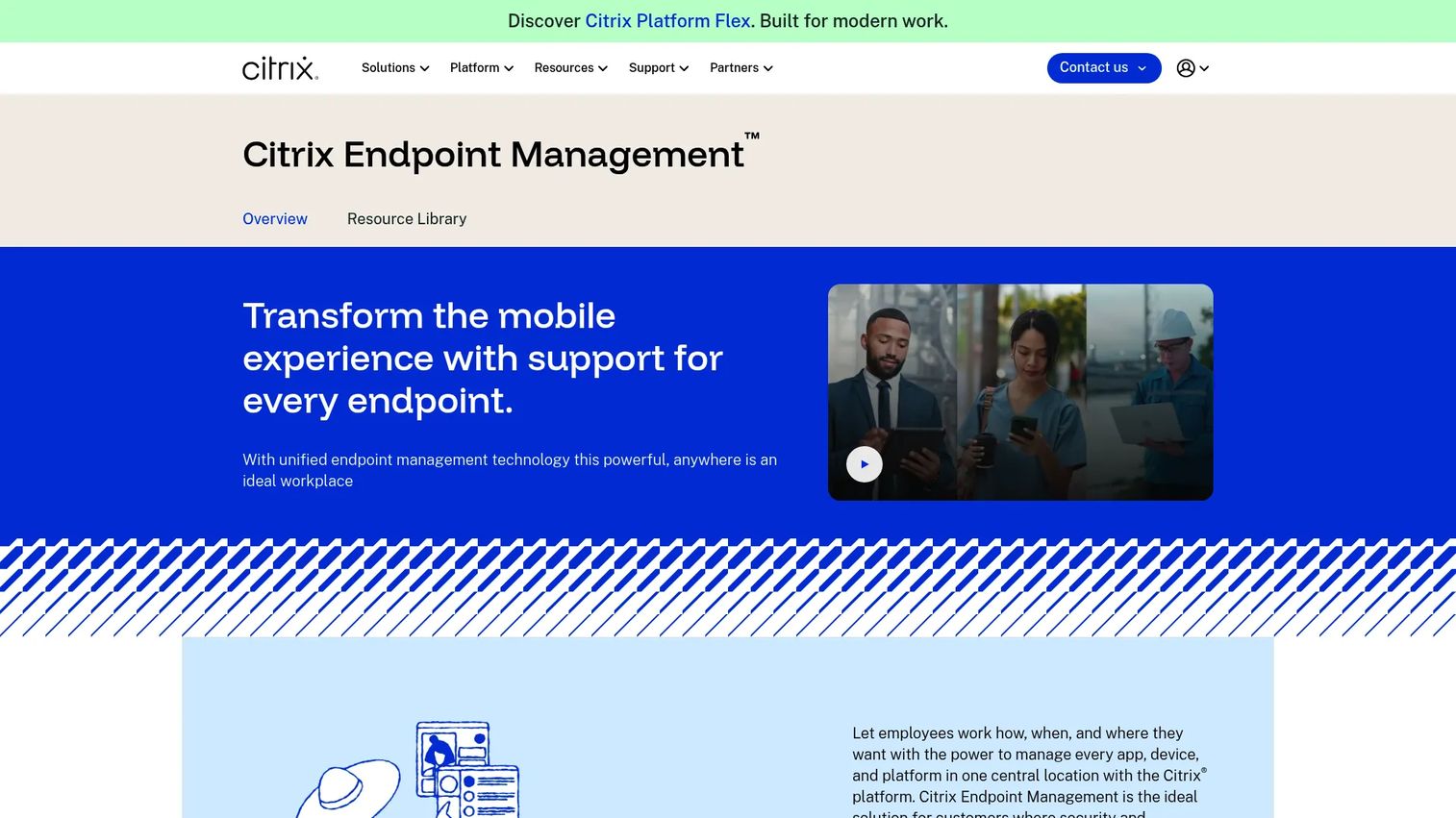
Citrix Endpoint Management provides mobile device and application management across major endpoint platforms. It supports enrollment, policy controls, application deployment, inventory, and remote administration.
The product also manages enterprise applications and data on employee-owned devices. Deployment options include cloud and on-premises environments.
Its strongest fit is an organization already operating within Citrix infrastructure. Existing identity, application, and endpoint processes can keep kiosk governance aligned with enterprise standards.
Best for: Citrix-centric organizations managing Android devices within a broader hybrid endpoint environment.
Key features
- Enterprise endpoint management
- Android policy controls
- Application management
- Data governance
- Remote administration
Why choose Citrix Endpoint Management: Choose it when enterprise IT already uses Citrix and wants centralized endpoint governance. It provides more scope than a standalone Android browser kiosk.
Teams seeking only a simple website lock should weigh the administrative footprint. This option fits governed environments with established endpoint ownership.
Citrix Endpoint Management pricing: Custom pricing. Ask sales about deployment model, endpoint volume, application management, and support requirements.
G2 rating: 4.0/5
12. Samsung Knox
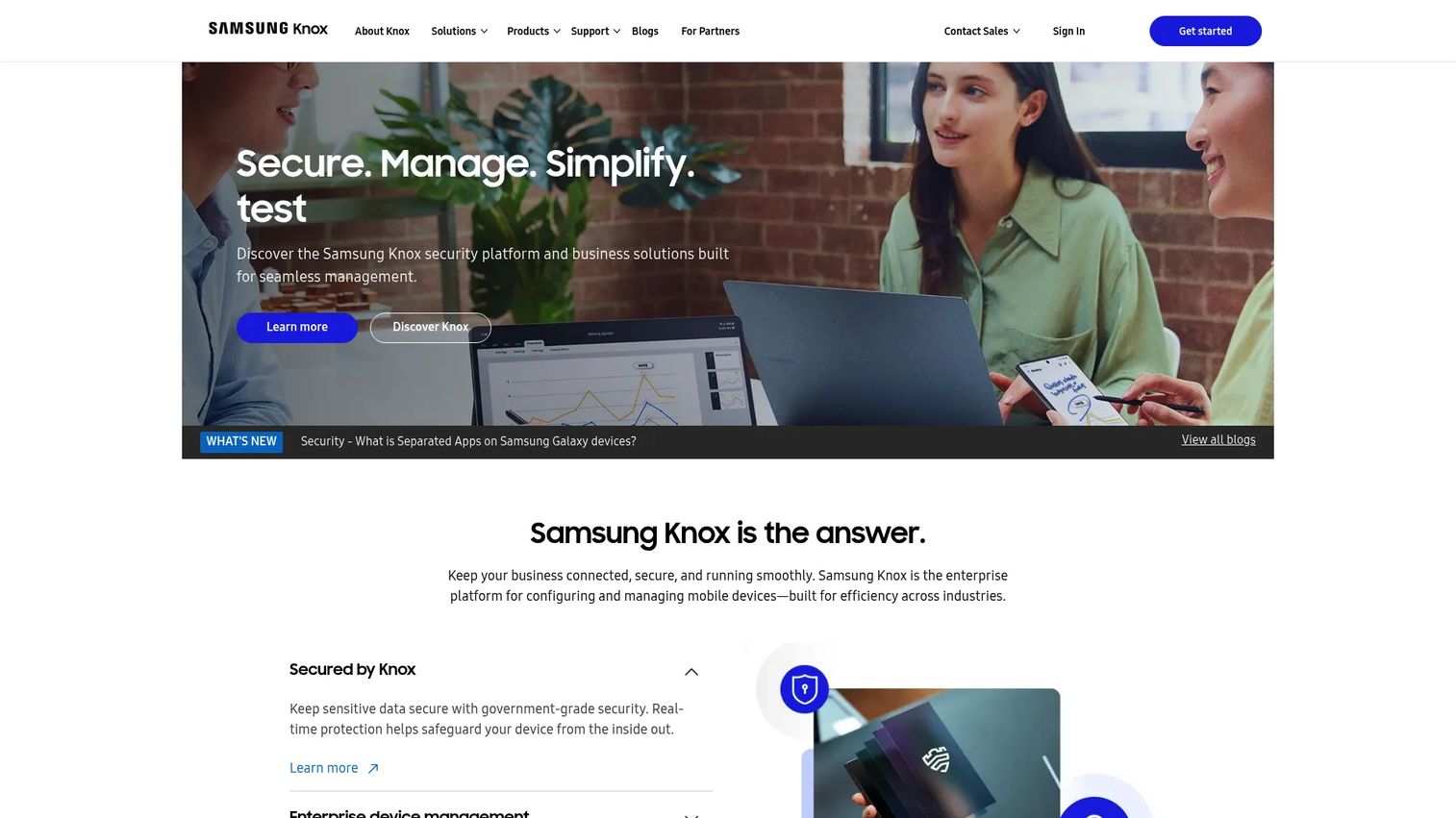
Samsung Knox provides security, deployment, management, and support tools for Samsung Galaxy devices. Its product family covers bulk enrollment, centralized management, device configuration, and operating system update control.
Knox Mobile Enrollment supports large-scale provisioning. Knox Manage provides centralized administration, while Knox Configure helps teams apply device-specific settings.
Remote support and device analytics add operational visibility. Knox E-FOTA gives administrators control over operating system update timing across managed Samsung devices.
Best for: Organizations standardizing customer-facing or frontline deployments on Samsung Galaxy hardware.
Key features
- Samsung device controls
- Bulk Knox enrollment
- Kiosk configuration
- Firmware update control
- Remote management
Why choose Samsung Knox: Choose it when Samsung hardware is already part of the product strategy. The controls align closely with the manufacturer’s device layer.
Mixed-manufacturer fleets need a separate evaluation. Confirm whether a broader UEM platform offers more consistent governance across every Android model.
Samsung Knox pricing: Custom pricing applies to Knox Suite plans and standalone licenses. Knox Mobile Enrollment and selected platform services are free under stated conditions.
G2 rating: 4.4/5
13. FreeKiosk
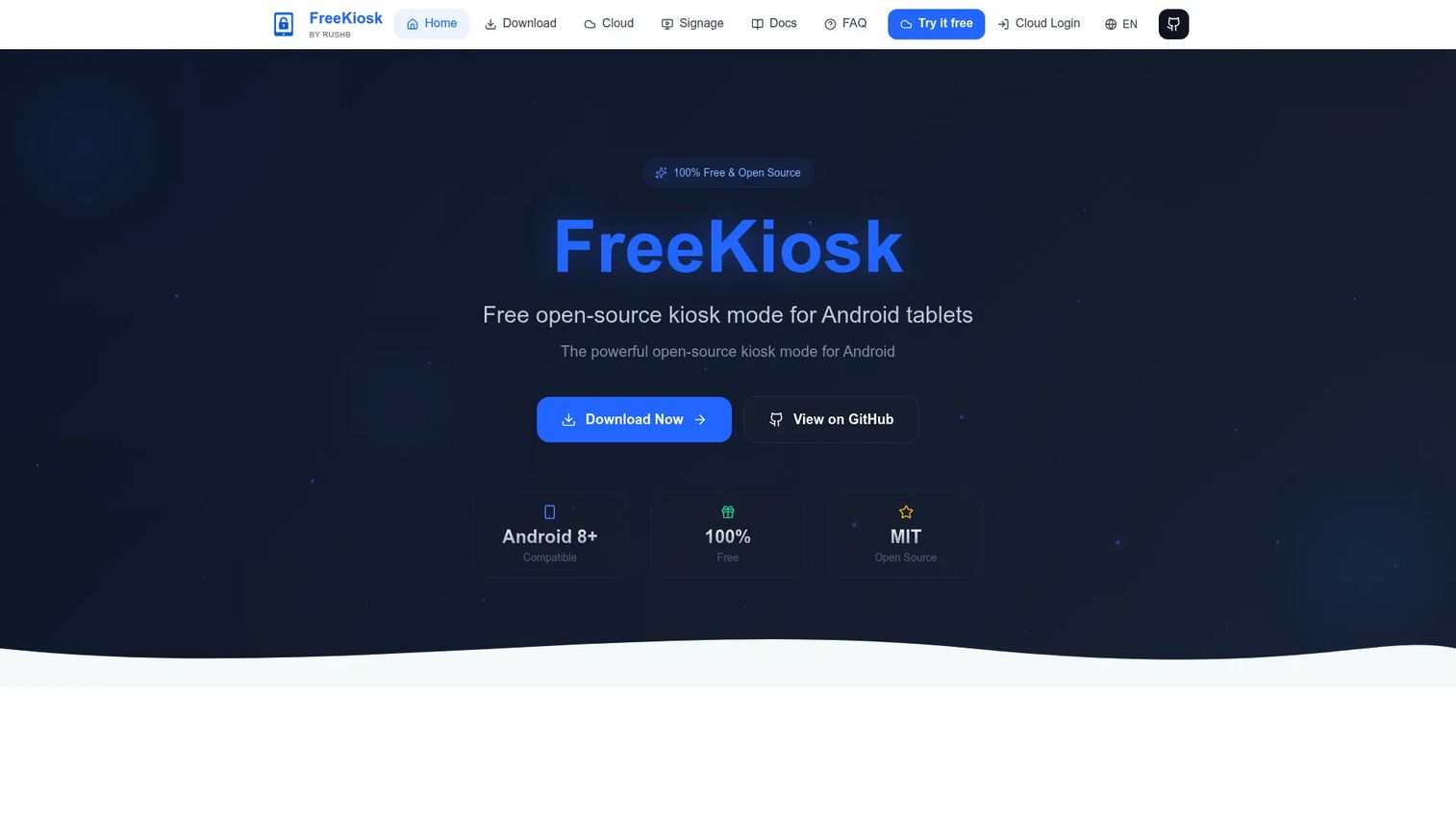
FreeKiosk is free, open-source Android kiosk software with optional cloud fleet management. It supports full device lockdown, external applications, web content, and digital signage.
Media features include URL rotation, scheduling, and playlists. Technical teams can use its REST API, MQTT support, or Home Assistant integration for automation.
The Android application is free. Cloud management adds centralized configuration and oversight for larger fleets, while the open-source model gives engineering teams source visibility.
Best for: Technical teams building pilots, prototypes, signage systems, or controlled Android deployments with engineering support.
Key features
- Open-source kiosk mode
- Device Owner API
- Digital signage playlists
- REST API
- MQTT automation
Why choose FreeKiosk: Consider it when source access and technical control matter. It offers a practical testing route before committing to a larger commercial platform.
Engineering ownership is the main consideration. Plan who will test releases, maintain configuration, and handle device recovery over the deployment’s lifetime.
FreeKiosk pricing: The Android application is free. Cloud management includes one free device, with paid access from €9 monthly excluding VAT.
Considerations when choosing android kiosk software
Match the kiosk type to the user journey
Start with the intended behavior. A browser kiosk suits web applications, while single-app mode fits focused native workflows.
Choose multi-app kiosk mode when users need a controlled launcher. Examples include POS plus inventory or a field workflow with scanning.
Check Device Owner and provisioning requirements
Stronger lockdown often uses Device Owner mode, Android Enterprise enrollment, or QR provisioning. Some enrollment paths require a factory reset.
Decide this before hardware deployment. Retrofitting stronger management later can force teams to re-enroll devices across every location.
Evaluate remote operations before pricing
Low license costs lose their appeal when field teams must recover devices manually. Check for screenshots, alerts, remote restart, profile updates, and offline-status monitoring.
Test application updates and rollback procedures. Your pilot should reproduce the same network conditions found in stores or customer sites.
Verify escape prevention and privacy controls
Test the notification shade, navigation buttons, application switching, hardware keys, and browser address bar. Also inspect downloads, camera access, and stored session data.
A reliable kiosk should protect both task completion and customer information. Document every permitted route out of the kiosk lock.
Plan for release cadence and support ownership
Define who updates the kiosk app and who monitors device health. Assign incident ownership before launch.
Product, IT, engineering, and field operations need one recovery process. Instrumentation gaps become expensive once a fleet reaches multiple locations.
Conclusion
Android kiosk software should match the experience you’re protecting and the fleet you must operate.
For browser-first kiosks, Fully Kiosk Browser and KioWare for Android are strong starting points. Both focus on controlled web experiences, though their management models differ.
Broader Android device management calls for platforms such as Hexnode UEM, Scalefusion, Esper, AirDroid Business, ManageEngine, or SureMDM. Compare them around release safety, remote recovery, and fleet observability.
SureLock offers focused lockdown, while Miradore provides a lighter MDM route. Samsung Knox belongs on the shortlist for standardized Samsung fleets. FreeKiosk gives technical teams an open-source path for pilots and controlled deployments.
Before buying, map the kiosk journey. Decide whether you need a browser, single-app mode, or a managed launcher. Then confirm enrollment and remote-management requirements.
Shortlist three products and test them on your intended hardware. Include application updates, network loss, escape attempts, and remote recovery in the pilot.
FAQs
The best android kiosk software depends on the deployment type. Browser kiosks need strong URL controls, while managed fleets require provisioning, monitoring, application updates, and remote recovery.
Samsung-only deployments can benefit from manufacturer-specific management. Open-source software fits technical pilots where engineering owns maintenance and support.
Android kiosk mode is a locked-down device state that restricts users to one application, selected apps, a website, or a managed launcher. It prevents access to functions outside the intended workflow.
Stronger control commonly uses Android Enterprise or Device Owner mode. Basic screen pinning provides fewer administrative and remote-management controls.
A kiosk browser limits an Android device to approved websites or web applications. It usually controls navigation, fullscreen display, refresh behavior, and administrator exits.
Broader kiosk software can also manage native apps, settings, enrollment, hardware behavior, and fleet policies. Many UEM platforms add remote troubleshooting and device inventory.
Yes. An Android kiosk browser can open one approved website in fullscreen mode and block unauthorized navigation.
Use URL allowlists and password-protected exits. Test browser refresh behavior, network loss, cached data, and recovery after device restarts.
Yes. Multi-app kiosk mode presents a managed launcher containing approved applications while hiding everything else.
Common examples include POS plus inventory, learning and assessment applications, or field software paired with barcode scanning. Confirm whether background apps remain available during the intended workflow.
Simple application lockdown can work without Android Enterprise. Stronger provisioning and remote management commonly rely on Android Enterprise Device Owner mode.
Confirm enrollment requirements before purchasing hardware. Some management methods require new or factory-reset devices during initial provisioning.
Free and open-source kiosk software can suit pilots, smaller deployments, or engineering-led projects. The deciding factor is operational ownership rather than license cost alone.
Larger fleets often need centralized monitoring, support, enrollment, and remote troubleshooting. Include those requirements when comparing free and paid options.
Run a pilot with production hardware, expected network conditions, and the intended kiosk application. Test releases, rollback, escape attempts, support escalation, and remote recovery.
Track task completion, device uptime, support tickets, and update effort. These metrics show whether the kiosk layer improves the product experience or adds operational overhead.