Your roadmap promises a release this quarter. The sprint board shows busy engineers. Neither tells you whether the dependency blocking onboarding improvements will clear.
That gap makes choosing agile project management software consequential. Product managers need a dependable connection between prioritization and delivery risk, without rebuilding status reports before every stakeholder meeting.
Adding another workspace can make coordination harder. In 2025, B2B Reviews reported that 57% of respondents used more project management tools than the previous year.
The best agile project management software should earn its place by reducing duplicate updates and making tradeoffs visible. That means preserving product context as work moves through development, while giving stakeholders enough information to make decisions.
Start with the questions your current system cannot answer. Which commitments are slipping? Where is work waiting? Can you connect a shipped change to the activation or retention outcome it supports?
An agile project management tool should help your team answer those questions without making the PM the reporting interface.
What’s inside
- Who this serves: Product managers and engineering leaders choosing agile management tools for iterative delivery, plus cross-functional teams supporting releases.
- How tools were selected: Backlog and planning capabilities, execution visibility, reporting, and compatibility with existing workflows.
- What the comparison covers: Seventeen agile project management software tools, with team-fit recommendations, screenshots, entry pricing, and G2 ratings.
- How to shortlist: Separate dedicated agile project tools from broader work management platforms and collaboration tools. Compare options against your delivery model before comparing subscription costs.
The emphasis is sprint-based product delivery, with room for Kanban and enterprise planning. Capabilities and commercial details come from vendor documentation and supplied G2 research.
TL;DR
- Best for structured software delivery: Jira suits teams that need configurable workflows and dependency management alongside backlog planning.
- Best for cross-functional product work: Asana and ClickUp connect delivery coordination with the work happening outside engineering.
- Best for development traceability: GitLab and Azure Boards keep planning close to code activity and development workflows.
- Best for focused product engineering: Linear and Shortcut organize execution around issues, cycles, or iterations.
- Best for scaled planning: Businessmap emphasizes flow and strategy alignment. Digital.ai Agility addresses coordination across enterprise portfolios.
- Best for a smaller starting point: Zoho Sprints offers dedicated agile planning. Trello suits visual task management before advanced reporting becomes essential.
What is agile project management software?
Agile project management software helps teams organize iterative work through backlog prioritization, execution tracking, feedback, and continuous improvement.
For product teams, its central job is maintaining the connection between an intended outcome and the work required to deliver it. A roadmap commitment should remain understandable when broken into smaller engineering tasks.
The category includes dedicated Scrum and Kanban tools, broader work management platforms, and agile development tools connected to software delivery.
Look for these core capabilities:
- Backlog management: Capture requests and rank work before committing capacity.
- Sprint planning: Select an achievable workload and track changes during execution.
- Board visualization: Show work states, ownership, and blocked items.
- Work hierarchy: Connect individual tasks to epics or product objectives.
- Delivery reporting: Examine burndown, velocity, cycle time, and cumulative flow.
- Roadmap coordination: Understand dependencies and communicate release progress.
- Continuous improvement: Turn retrospective decisions into owned follow-up work.
- Integrations: Reduce repeated updates between planning and development systems.
Scrum software centers on time-boxed sprints and a selected backlog. Kanban software emphasizes continuous movement, often using work-in-progress limits to manage congestion. Hybrid teams need an agile software management tool that accommodates both planned commitments and incoming work.
Reporting deserves particular attention. Velocity describes a team's completed estimates across iterations; it should inform planning rather than become a competition between teams. Cycle time examines how long work takes to move through a defined process.
Neither metric establishes customer value. Pair delivery instrumentation with product analytics to understand whether a release improves activation or retention.
The boundaries also matter. General project management software covers broader scheduling and coordination. Enterprise agile planning adds portfolio and investment alignment.
DevOps platforms extend into source code and delivery pipelines. Visual collaboration tools support discovery and ceremonies, but a workshop board does not automatically become a reliable execution system.
Choose the layer your team needs. Buying more capabilities than you can maintain creates additional administration without necessarily improving decisions.
When to use agile project management software
Plan sprint work without losing product context
Use agile project software when customer requests compete with bugs and technical debt for the same capacity. Keep the intended outcome attached to each commitment.
For an onboarding initiative, distinguish interface improvements from instrumentation work before estimating the sprint. A shared backlog should make those choices visible to engineering and stakeholders.
Track delivery risk before the sprint review
Adopt a shared system when blockers surface only after commitments slip. Inspect aging work and scope changes while there is still time to respond.
Burndown and cumulative flow answer different questions, so choose reports around decisions your team makes. Bring those findings into retrospectives and assign ownership to the resulting improvements.
Coordinate product and engineering across teams
Move beyond a single board when releases depend on work owned elsewhere. Shared planning should expose dependencies without requiring everyone to use identical daily workflows.
For example, an activation experiment may require backend changes before lifecycle messaging can launch. Test whether your shortlist shows that relationship clearly and keeps stakeholder updates connected to execution.
Agile project management software comparison
The best agile project management software depends on where coordination breaks down. Dedicated delivery tools suit engineering execution; broader platforms help when launch work spans departments.
Use the “Best for” column to narrow the field before comparing prices. A low entry rate means little if your required reporting or permissions sit on another plan.
The table includes specialist agile planning tools and complementary platforms. Miro, for example, belongs in a ceremony and discovery workflow rather than automatically replacing your execution system.
Prices are in USD unless stated otherwise. Annual rates represent monthly equivalents with annual billing. Pricing and G2 ratings reflect supplied research dated November 24, 2026.
| # | Product | Best for | Key differentiator | Pricing | G2 rating |
|---|---|---|---|---|---|
| 1 | Jira | Structured software delivery | Configurable workflows and cross-team dependencies | Free; Standard $8.48/user/month, monthly billing | 4.3/5 |
| 2 | Asana | Cross-functional product coordination | Goals and portfolios alongside project work | Free; Starter $10.99/user/month, annually | 4.4/5 |
| 3 | ClickUp | Workspace consolidation | Tasks, Docs, Whiteboards, and dashboards | Free; Core $9/user/month, annually | 4.6/5 |
| 4 | Wrike | Complex cross-functional delivery | Resource management and request intake | Free; Team $10/user/month, annually | 4.2/5 |
| 5 | Smartsheet | Grid-based planning and reporting | Spreadsheet-style views and portfolio visibility | Pro $9/member/month, annually | 4.4/5 |
| 6 | Zoho Sprints | Dedicated agile planning | Backlogs and releases with agile reporting | Free; paid plan options | 4.5/5 |
| 7 | GitLab | Planning within DevSecOps | Code review and CI/CD alongside development work | Free; Premium $29/user/month, annually | 4.5/5 |
| 8 | Azure Boards | Azure DevOps teams | Work items connected to development activity | Basic free for first 5 users; then $6/user/month | 4.4/5 |
| 9 | Linear | Product engineering execution | Issues and cycles connected to initiatives | Free; Basic $10/user/month, annually | 4.6/5 |
| 10 | Shortcut | Software team planning | Iterations and objectives in a shared workspace | Free; Team $8.50/user/month, annually | 4.4/5 |
| 11 | Aha! | Product strategy and roadmaps | Customer insights connected to prioritization | Roadmaps from $59/user/month | 4.4/5 |
| 12 | Miro | Discovery and agile ceremonies | Collaborative visual canvas | Free; Starter $8/member/month, annually | 4.6/5 |
| 13 | Teamwork.com | Client-facing agile delivery | Project execution with profitability management | Free; Basics $9.99/user/month, annually | 4.4/5 |
| 14 | monday.com | Configurable business workflows | Visual work management across departments | Free; Basic $9/seat/month, annually | 4.7/5 |
| 15 | Trello | Simple visual task management | Boards and cards with no-code automation | Free; Standard $5/user/month, annually | 4.4/5 |
| 16 | Businessmap | Portfolio flow management | Operational work connected to OKRs/KPIs | Seat-based Standard; Enterprise custom pricing | 3.9/5 |
| 17 | Digital.ai Agility | Enterprise agile planning | Portfolio coordination across agile frameworks | Custom pricing | 3.7/5 |
Best 17 tools for agile project management
1. Jira
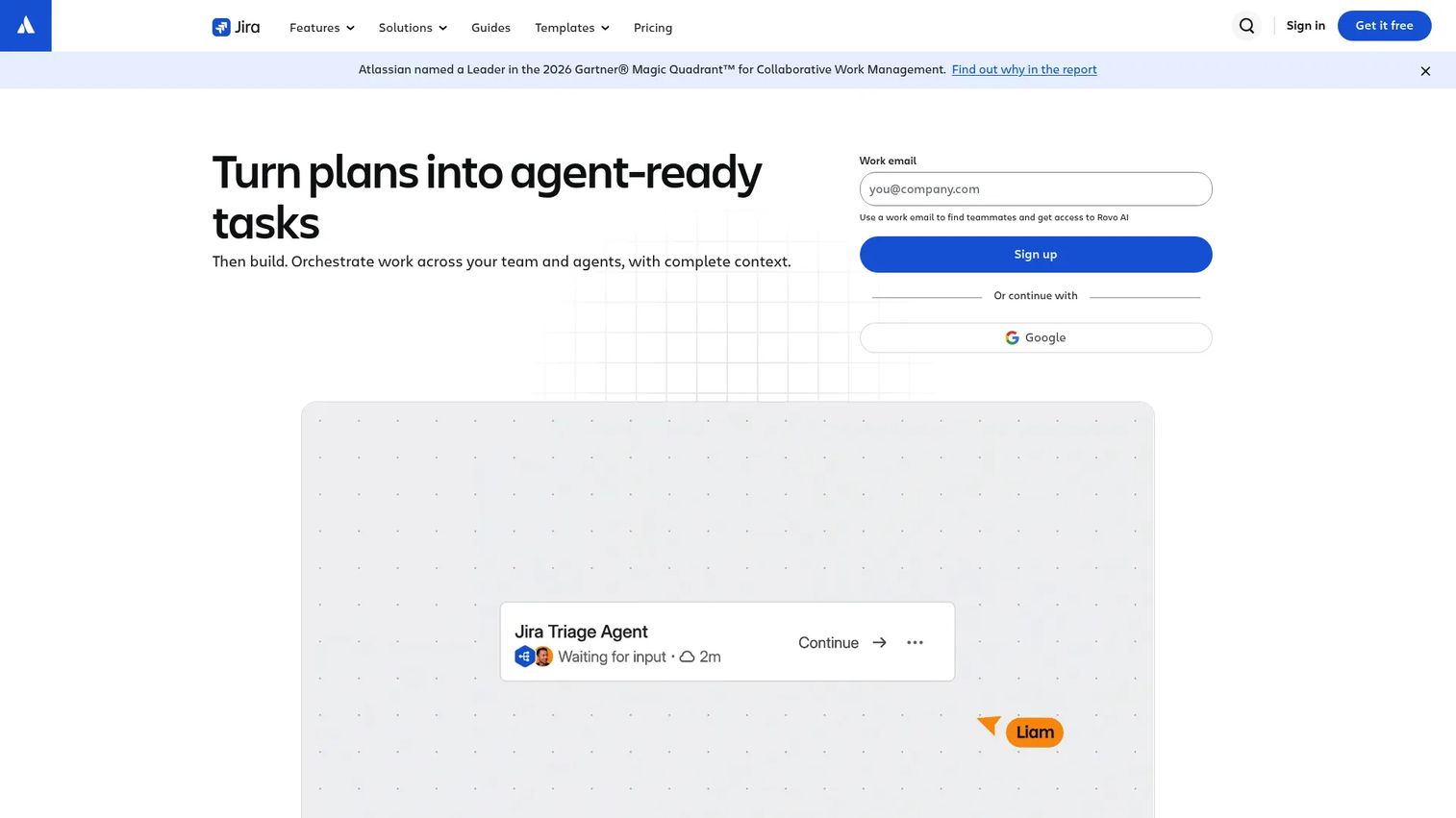
Jira supports structured planning across software delivery and cross-functional work. Its backlog and board views give teams execution detail, while timelines and dependency management support coordination beyond an individual sprint. Workflow automation helps reduce repeated administrative actions.
For a PM, the useful test is whether one initiative remains understandable at different levels. Engineering needs actionable work items; leadership needs a credible account of progress and dependencies.
Try an onboarding improvement with both product changes and technical prerequisites. Evaluate whether the team can maintain that connection without creating a separate reporting project.
Best for: Established software teams that need configurable planning and clear workflow ownership.
Key features
- Backlog, board, list, and timeline views
- Cross-team dependency management
- Workflow automation
- Rovo Search, Chat, and Agents
- AI-driven reports and dashboards
Why choose Jira: Choose it when your operating model benefits from explicit workflows and permissions. Establish shared conventions early to keep customization manageable.
The buying decision should include an administrator or workflow owner. Ask that person to demonstrate how a proposed status change affects existing reporting.
Jira pricing: Free supports up to 10 users. Standard starts at $8.48 per user/month, billed monthly.
G2 rating
2. Asana
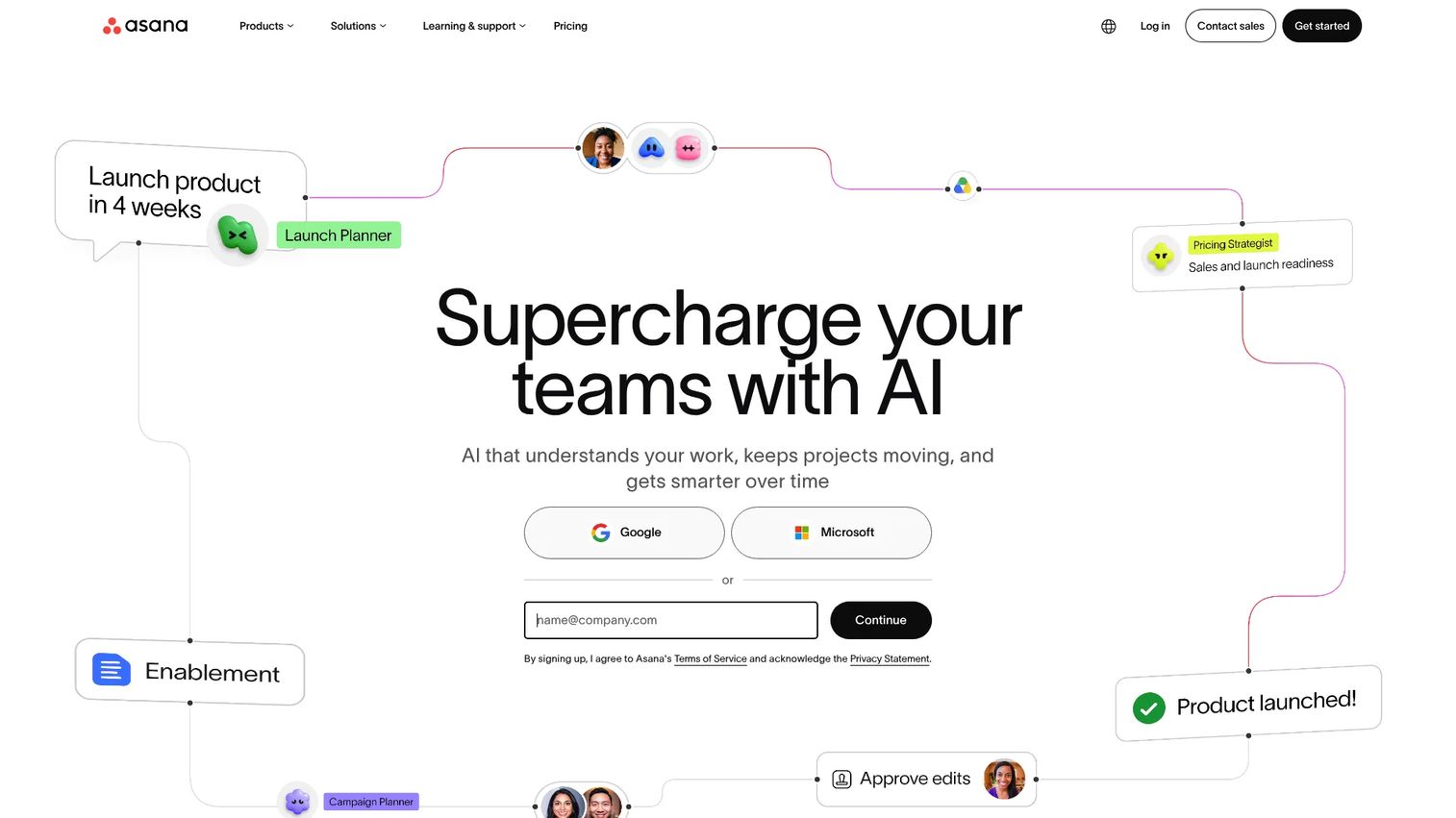
Asana organizes projects and organizational goals across departments. Its views and intake capabilities suit product work that extends beyond engineering's sprint board. Portfolios and workload management support conversations about competing commitments.
Consider a release involving design approvals, customer education, and a launch campaign. A PM needs to see those dependencies without translating every department's work into developer terminology.
Evaluate the handoff between engineering delivery and launch readiness. The important question is whether stakeholders can find the status they need without asking you to summarize it.
Best for: Product teams coordinating releases with design, marketing, customer success, and leadership.
Key features
- List, calendar, timeline, and Kanban views
- Goals and portfolios
- Custom fields and intake forms
- Rules and workflow automation
- Dashboards and workload management
Why choose Asana: Pick it when cross-functional coordination drives the purchase. Test development integrations separately if engineering requires detailed code-to-work traceability.
Be precise about what remains in the development system. Assign ownership for shared fields so launch coordination does not become a duplicate backlog.
Asana pricing: Personal is free for up to two users. Starter costs $10.99 per user/month annually or $13.49 monthly.
G2 rating
3. ClickUp
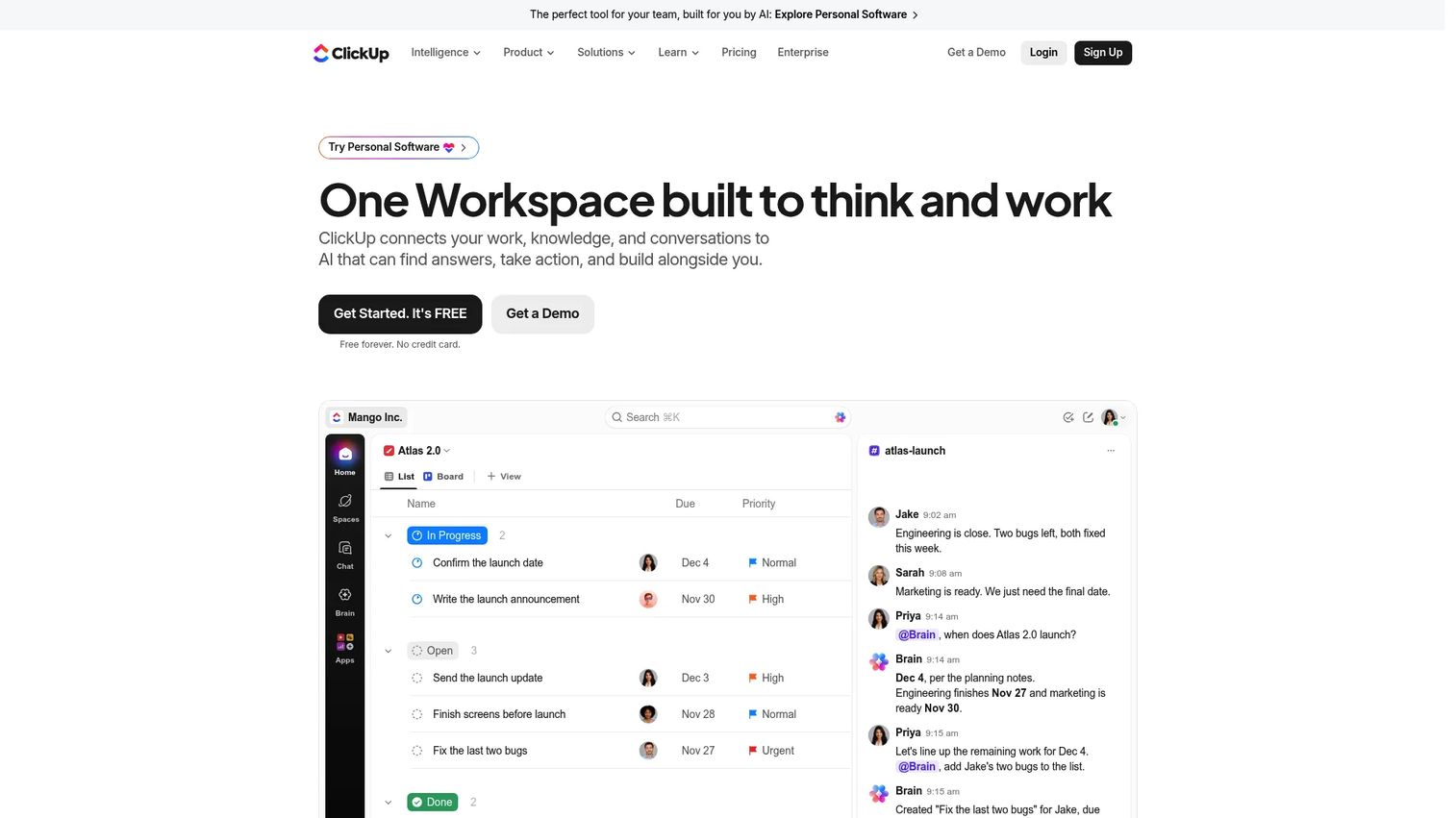
ClickUp combines task management with documentation and collaborative planning. Multiple work views and dashboards make it worth evaluating when product work is scattered across separate subscriptions. Its breadth supports a consolidation decision rather than a board-only purchase.
Start by identifying which existing workspace you intend to retire. Keeping every old system while adding another configurable platform defeats the purpose.
For an activation initiative, bring the brief and execution tasks into your evaluation. Ask a designer and an engineer to locate their next action without explanation.
Best for: Teams seeking a shared workspace for project execution and supporting product documentation.
Key features
- Tasks and subtasks
- Docs, Forms, and Whiteboards
- Board, Timeline, and Gantt views
- Automations and integrations
- Dashboards and time tracking
Why choose ClickUp: Choose it when consolidating work and knowledge is a priority. Keep the initial configuration narrow enough for teams to maintain consistently.
Agree on which fields drive reporting before adding optional ones. During the pilot, count how many updates require manual copying from another application.
That exercise tests whether consolidation reduces coordination cost or merely relocates it.
ClickUp pricing: Free Forever is available. Core costs $9 per user/month, billed annually.
G2 rating
4. Wrike
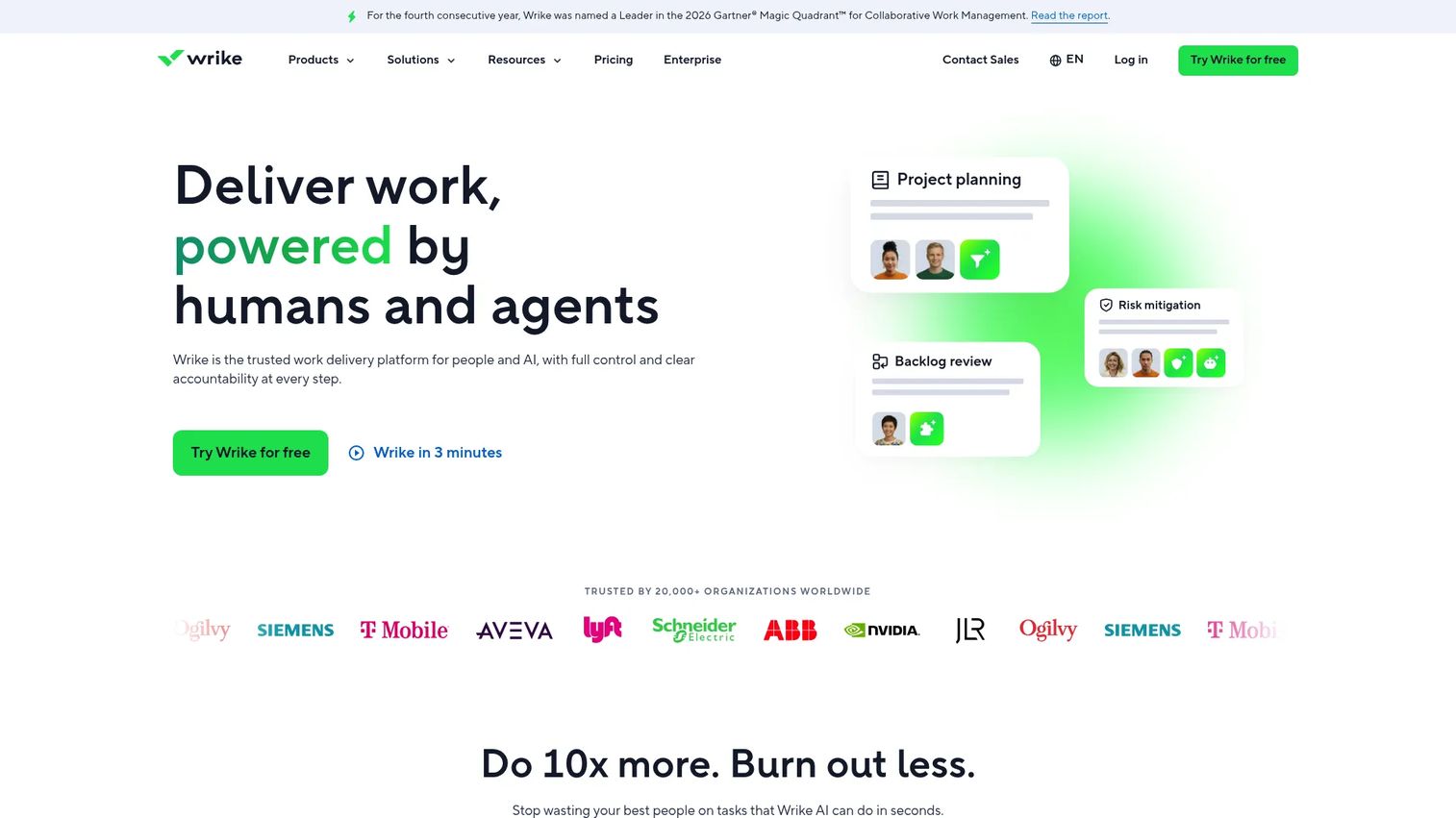
Wrike focuses on complex work delivery across functions. Resource management and dynamic request forms make it relevant when incoming demand competes with planned product work. Dashboards and interactive Gantt charts add oversight beyond an execution board.
This is worth considering when release confidence depends on shared specialists. A sprint can look achievable while the designer or reviewer supporting it is committed elsewhere.
Build that resource conflict into the evaluation. Ask whether the planning view exposes the issue early enough to change the commitment.
Best for: Teams balancing iterative delivery with structured intake and resource coordination.
Key features
- Dynamic request forms
- Interactive Gantt charts
- Workflow automation
- Resource and capacity management
- Dashboards and advanced analytics
Why choose Wrike: Choose it when capacity and intake control matter alongside task progress. Teams focused solely on sprint execution should assess the administration involved.
Include the people approving or supplying work in your pilot. Their participation determines whether intake improves prioritization or becomes another channel to monitor.
Evaluate reporting from a stakeholder's perspective, including how easily they can identify work awaiting a decision.
Wrike pricing: A free plan is available. Team costs $10 per user/month, billed annually.
G2 rating
5. Smartsheet
Smartsheet combines spreadsheet-style planning with dashboards and workflow automation. Its grid and scheduling views suit organizations where product delivery must fit established reporting practices. It deserves consideration as hybrid agile project planning software.
The practical appeal is stakeholder familiarity. A product team can evaluate whether existing planning conventions remain usable while reducing manual report assembly.
Test a release with dependencies across departments. Inspect the experience for both the person updating a work item and the executive reading the rollup.
Best for: Product organizations needing grid-based coordination and management reporting across hybrid delivery processes.
Key features
- Grid, Gantt, board, and calendar views
- Dashboards and reports
- Forms and workload tracking
- Automated workflows
- Microsoft 365 and Jira integrations
Why choose Smartsheet: Choose it when reporting conventions and cross-department planning carry significant weight. Define a clear boundary between shared planning and engineering's execution records.
Avoid recreating every legacy spreadsheet during implementation. Start with the decisions your current reports support, then remove fields that nobody uses.
For sprint-oriented teams, explicitly test backlog movement and delivery reporting rather than assuming a familiar grid covers both.
Smartsheet pricing: Pro costs $9 per member/month annually or $12 monthly. Pro is available to new customers only.
G2 rating
6. Zoho Sprints
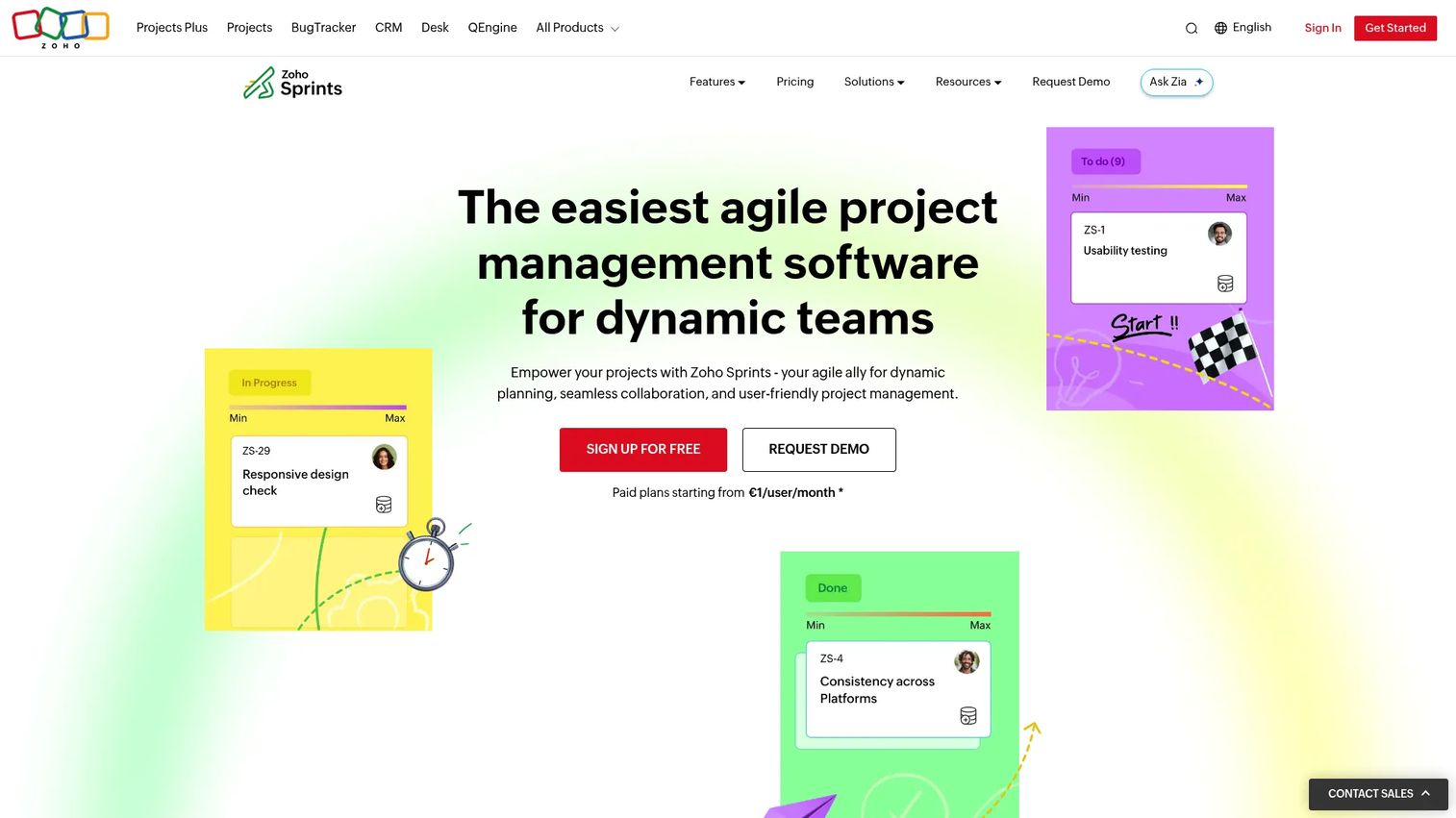
Zoho Sprints is dedicated agile software supporting Scrum, Kanban, and hybrid workflows. Its scope connects backlog work with releases and agile reporting. Test case management also gives teams a reason to evaluate it beyond basic sprint board software.
For PMs, this is a focused candidate when the purchase centers on delivery practice. Start with a backlog refinement session rather than a broad organization-wide project template.
Follow one selected item through planning and release coordination. Examine how much context survives the handoff to testing.
Best for: Small and midsized product teams seeking dedicated backlog and sprint planning software.
Key features
- Backlog management and epics
- Scrum and Kanban boards
- Release management
- Agile reports and dashboards
- Test cases and timesheets
Why choose Zoho Sprints: Choose it when dedicated agile planning is the priority. Evaluate broader stakeholder coordination separately if departments need substantially different workflows.
Bring your retrospective questions into the trial. Ask which report would help explain unfinished work and whether the answer requires an export.
That is more useful than comparing the number of available charts.
Zoho Sprints pricing: Free supports three users and three projects. Paid options include Starter, Elite, Premier, and Enterprise.
G2 rating
7. GitLab
GitLab combines software planning with source code management and CI/CD. Its DevSecOps scope makes it relevant when delivery visibility must extend through implementation. The buying question includes how engineering builds and secures software.
For a PM, proximity to development activity can improve the evidence behind a status conversation. Evaluate whether your team can distinguish completed coding from a change ready for customers.
Use a release that requires review and deployment coordination. Ask engineering to explain the remaining work using the platform rather than a manually prepared summary.
Best for: Engineering organizations that want planning connected to their software development platform.
Key features
- Source code management
- Code review
- Built-in CI/CD
- Artifact registries
- Application security testing
Why choose GitLab: Choose it when development traceability carries more weight than broad business collaboration. Include nontechnical stakeholders in testing to assess how they obtain release updates.
Product leaders should also separate delivery evidence from outcome measurement. Shipping an onboarding change does not establish whether users reached value sooner.
Keep the activation hypothesis and measurement owner visible in the planning process.
GitLab pricing: A free plan is available. Premium costs $29 per user/month, billed annually.
G2 rating
8. Azure Boards
Azure Boards provides agile work tracking within Azure DevOps. Backlogs and sprint planning connect team commitments with customizable dashboards. Its GitHub integration links commits and pull requests to work items.
That connection matters when a PM needs evidence behind a delivery update. A board state becomes more useful when the team can inspect the development activity supporting it.
During evaluation, follow a requirement into implementation and back into the stakeholder report. Check whether the same item remains recognizable throughout.
Best for: Software teams already using Azure DevOps or seeking connected Microsoft development workflows.
Key features
- Work items and backlogs
- Scrum and Kanban boards
- Sprint planning
- Customizable dashboards
- GitHub commit and pull request linking
Why choose Azure Boards: Choose it when existing development infrastructure makes adoption practical. Test stakeholder access and reporting alongside the engineering workflow.
Include a blocked dependency in the pilot rather than showing only completed work. The buying decision should account for how clearly the system explains uncertainty.
For agile development tools, that visibility is often more valuable than another presentation view.
Azure Boards pricing: Basic includes the first five users free, then costs $6 per user/month. Stakeholder access is free with limited capabilities.
G2 rating
9. Linear
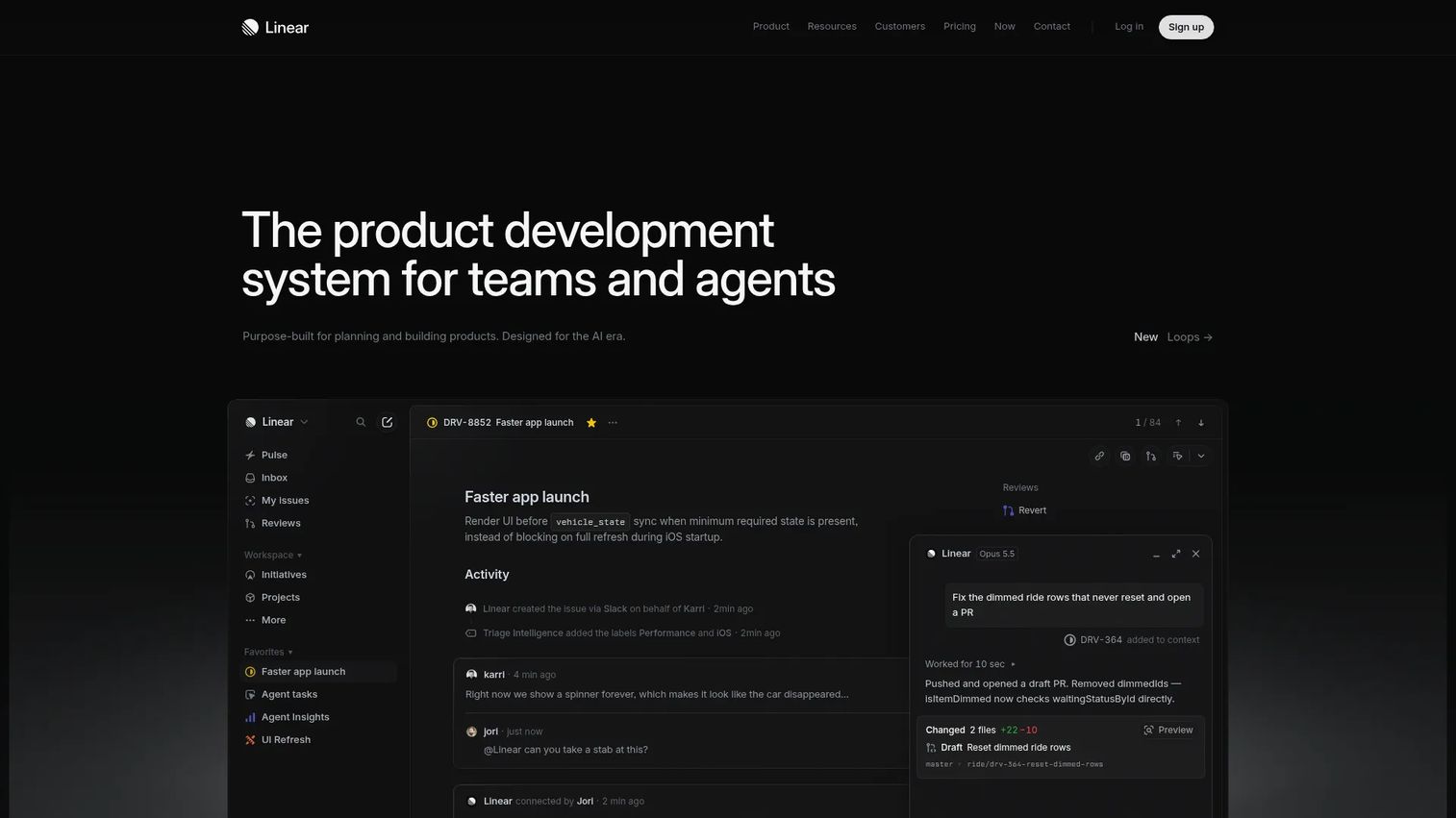
Linear organizes product development through issues and cycle planning. Projects and initiatives connect execution to broader direction. Customer requests and Linear Asks extend the intake side of that workflow.
Its relevance for PMs comes from keeping prioritization close to engineering execution. Evaluate whether the team can move from an incoming request to a planned initiative without losing the original problem.
Use a customer-reported onboarding obstacle as your test case. Preserve the evidence and clarify what would make the proposed change successful.
Best for: Product engineering teams seeking focused issue tracking and cycle-based planning.
Key features
- Issues and cycle planning
- Projects and initiatives
- Roadmaps
- Insights and analytics
- Customer requests and Linear Asks
Why choose Linear: Choose it when product development is the central workflow. Larger organizations should test their governance and reporting requirements before standardizing across departments.
Pay attention to work that spans teams rather than judging only an individual developer's experience. A focused interface still needs to support the coordination your release model requires.
Include support-originated requests in the pilot if those influence your backlog.
Linear pricing: Free includes unlimited members, two teams, and 250 issues. Basic costs $10 per user/month, billed annually.
G2 rating
10. Shortcut
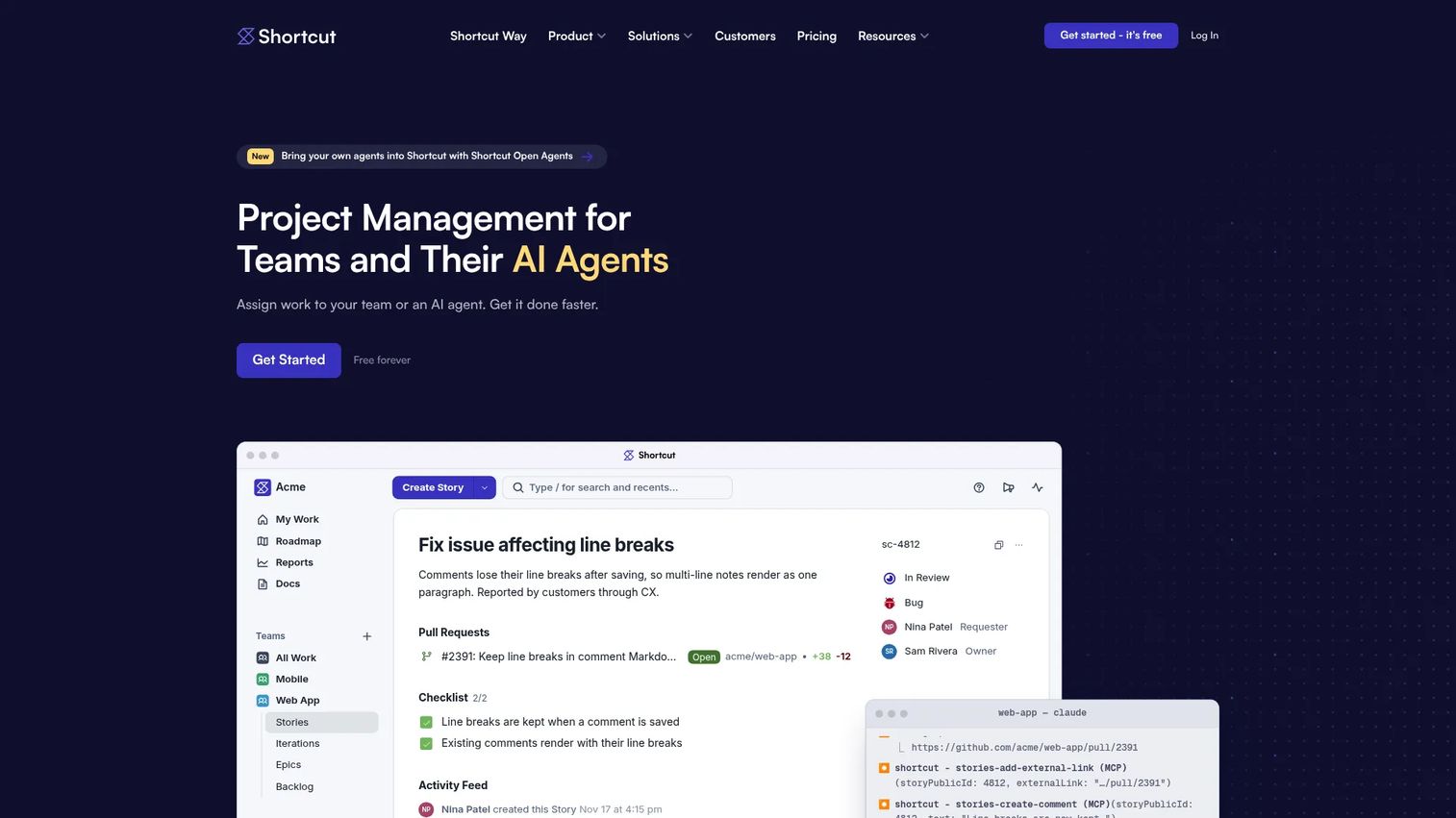
Shortcut brings software-team planning together with documentation and reporting. Its iterations and backlogs provide an execution structure, while objectives and roadmaps support product direction. It fits a shortlist focused on product-engineering coordination.
Evaluate how the team moves from a proposed improvement into an iteration. The useful distinction is whether the plan retains enough context for engineers to make informed implementation choices.
Bring an incomplete item into the next planning session during the pilot. Observe how clearly its history and remaining scope can be communicated.
Best for: Software teams wanting shared planning vocabulary and connected delivery context.
Key features
- Backlogs and Kanban boards
- Sprints and iterations
- Objectives and roadmaps
- Docs
- Reporting and automations
Why choose Shortcut: Choose it when software planning should remain the organizing principle. Test portfolio oversight separately if leaders need coordination across many programs.
Ask a PM and an engineering lead to produce the same release update independently. Differences reveal where definitions or information ownership still need work.
The trial should expose those gaps before migration makes them expensive to change.
Shortcut pricing: Free supports up to 10 users. Team costs $8.50 per user/month, billed annually.
G2 rating
11. Aha!
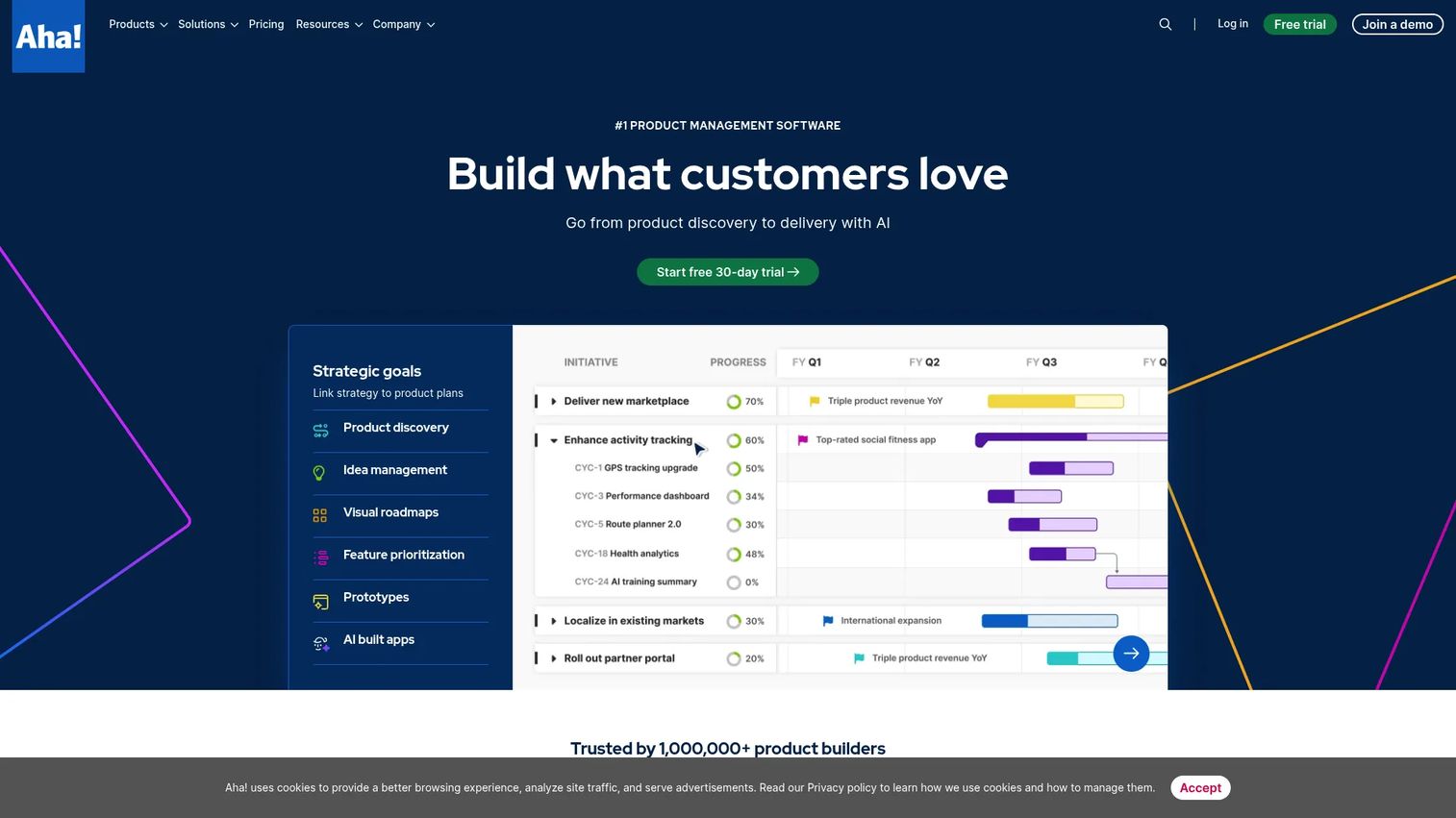
Aha! connects product strategy with customer insights and roadmapping. Its product suite addresses decisions upstream of sprint execution. This makes it relevant when backlog priorities lack a defensible connection to customer problems.
A PM evaluating agile roadmap software should start with a contested investment decision. Compare how well the tool preserves supporting evidence and communicates why one initiative takes precedence.
For an onboarding project, capture the affected segment and intended activation outcome. Then evaluate how that reasoning remains available as delivery planning develops.
Best for: Product organizations that need stronger prioritization and stakeholder alignment before committing engineering capacity.
Key features
- Product strategy and roadmapping
- Customer research and insights
- Idea collection and prioritization
- Whiteboards and prototyping
- AI planning assistant
Why choose Aha!: Choose it when prioritization quality is the purchasing driver. Define how roadmap decisions will connect to the system engineering uses for execution.
Treat product-line selection as part of the evaluation. Roadmapping and idea collection address related jobs, but they should not be priced as interchangeable purchases.
Bring your engineering counterpart into the handoff discussion before choosing a configuration.
Aha! pricing: Aha! Roadmaps starts at $59 per user/month. Other products are priced separately.
G2 rating
12. Miro
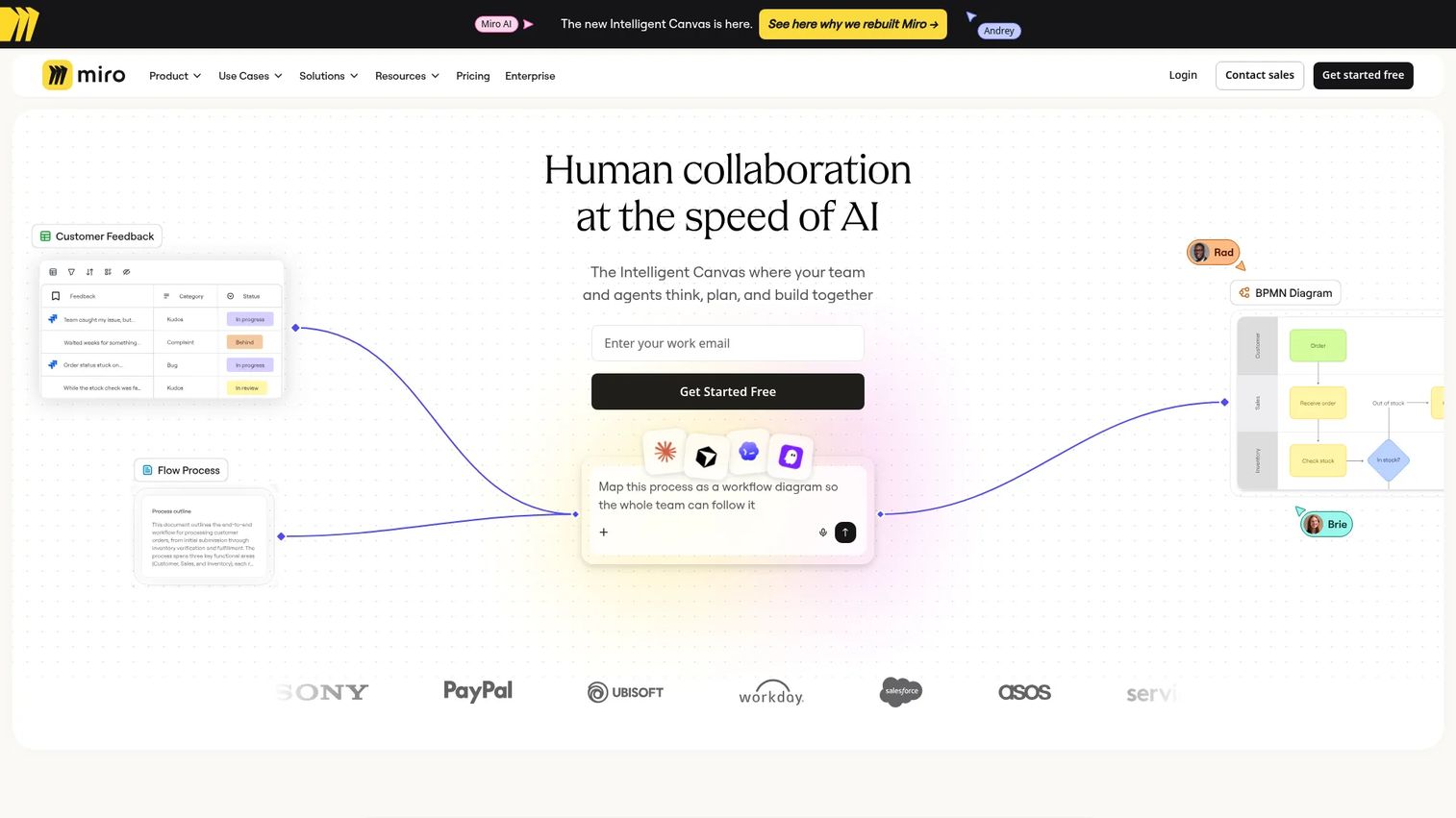
Miro provides a collaborative canvas for product discovery and planning. Workshops and visual mapping make it useful when teams need to understand a problem together. Its role in an agile stack is often complementary to execution tracking.
Use it to evaluate the quality of your planning conversations. A retrospective should produce owned changes, while a discovery workshop should clarify assumptions that require testing.
The handoff matters as much as the session. Decide where accepted actions will live and how their completion will be tracked afterward.
Best for: Distributed product teams running discovery workshops and agile ceremonies.
Key features
- Collaborative infinite canvas
- Journey mapping and diagramming
- Voting and workshop collaboration
- Tables, timelines, and Kanban
- Interactive prototypes
Why choose Miro: Choose it when visual collaboration is the missing capability. Keep an explicit execution system for commitments requiring ongoing delivery tracking.
For onboarding work, map the user's path and identify the point where value becomes visible. Use the session to distinguish interface assumptions from missing product instrumentation.
Assess whether workshop participants leave with clear decisions rather than another board to revisit later.
Miro pricing: Free includes three editable boards. Starter costs $8 per member/month, billed annually.
G2 rating
13. Teamwork.com
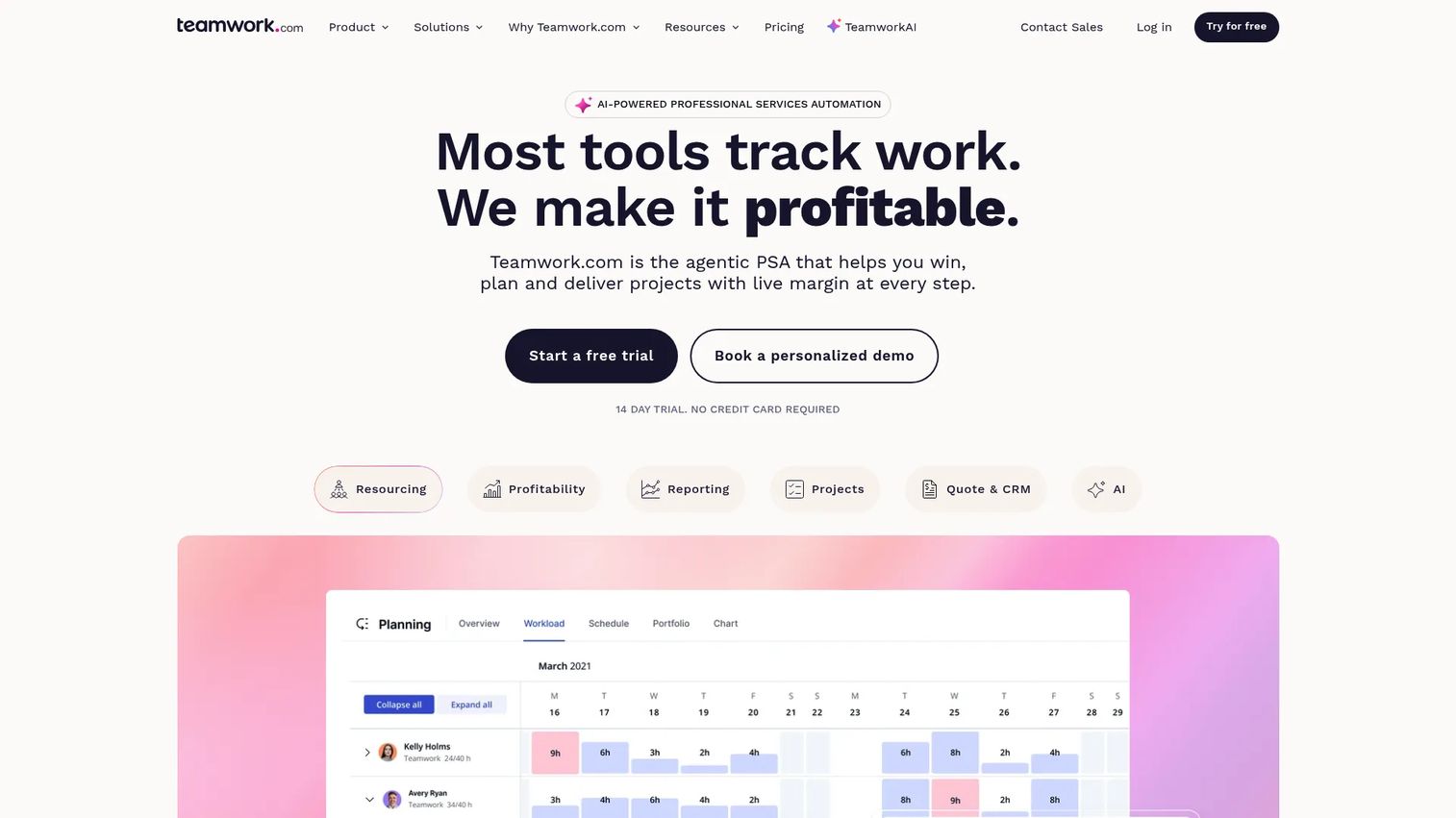
Teamwork.com connects client project delivery with resource and financial management. It suits agile rhythms where commitments must also respect budgets and billable capacity. The buying context differs from an internal product team's backlog.
A services PM needs to understand both delivery progress and the commercial effect of scope changes. That makes time and budget visibility part of the execution decision.
Evaluate a client request arriving midway through planned work. Ask whether the team can assess the capacity impact before accepting it.
Best for: Agencies and professional services teams delivering iterative client work.
Key features
- Task, board, list, and Gantt views
- Resource and workload planning
- Billable time tracking
- Budgets and retainers
- Profitability forecasting
Why choose Teamwork.com: Choose it when delivery decisions must account for client economics. Internal software teams should assess whether that emphasis matches their operating model.
Include a project manager and the person responsible for margins in the trial. Their questions should be answerable from compatible records rather than separate spreadsheets.
The aim is to make scope decisions with commercial context, without asking engineers to maintain financial reports themselves.
Teamwork.com pricing: Free supports five users and five projects. Basics costs $9.99 per user/month, billed annually.
G2 rating
14. monday.com
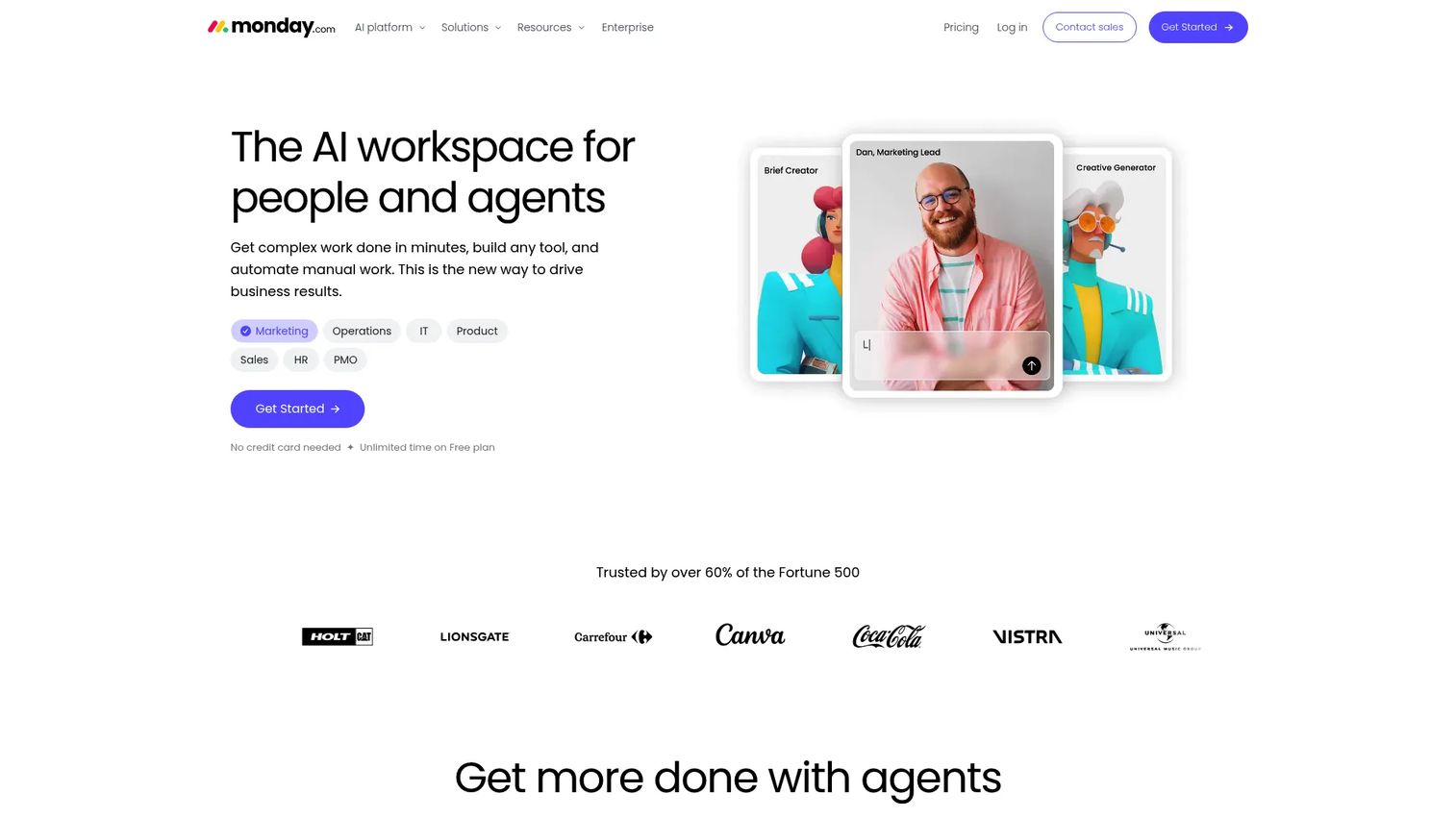
monday.com provides configurable work management across business functions. Boards and dashboards support shared visibility, with automations connecting repeatable steps. Its broad workflow orientation makes it relevant for product operations and release coordination.
Start with a process that crosses departmental boundaries. For example, a release may need operational readiness before customer-facing communication begins.
Evaluate whether each participant understands the same status definitions. Visual consistency helps only when “ready” means the same thing to the people making commitments.
Best for: Cross-functional teams that want configurable planning and shared business workflow visibility.
Key features
- Configurable boards
- Dashboards
- Docs and forms
- Integrations and automations
- Timeline and Gantt views
Why choose monday.com: Choose it when broad stakeholder participation drives the purchase. Engineering teams should test the required development handoffs rather than assume business workflow coverage is sufficient.
Identify the owner of each automation before rollout. Otherwise, a change in process can leave teams relying on actions that nobody maintains.
Keep reporting requirements concrete, such as identifying a release waiting on a specific approval.
monday.com pricing: Free supports two seats. Basic costs $9 per seat/month annually, using the vendor's 10-seat pricing view.
G2 rating
15. Trello
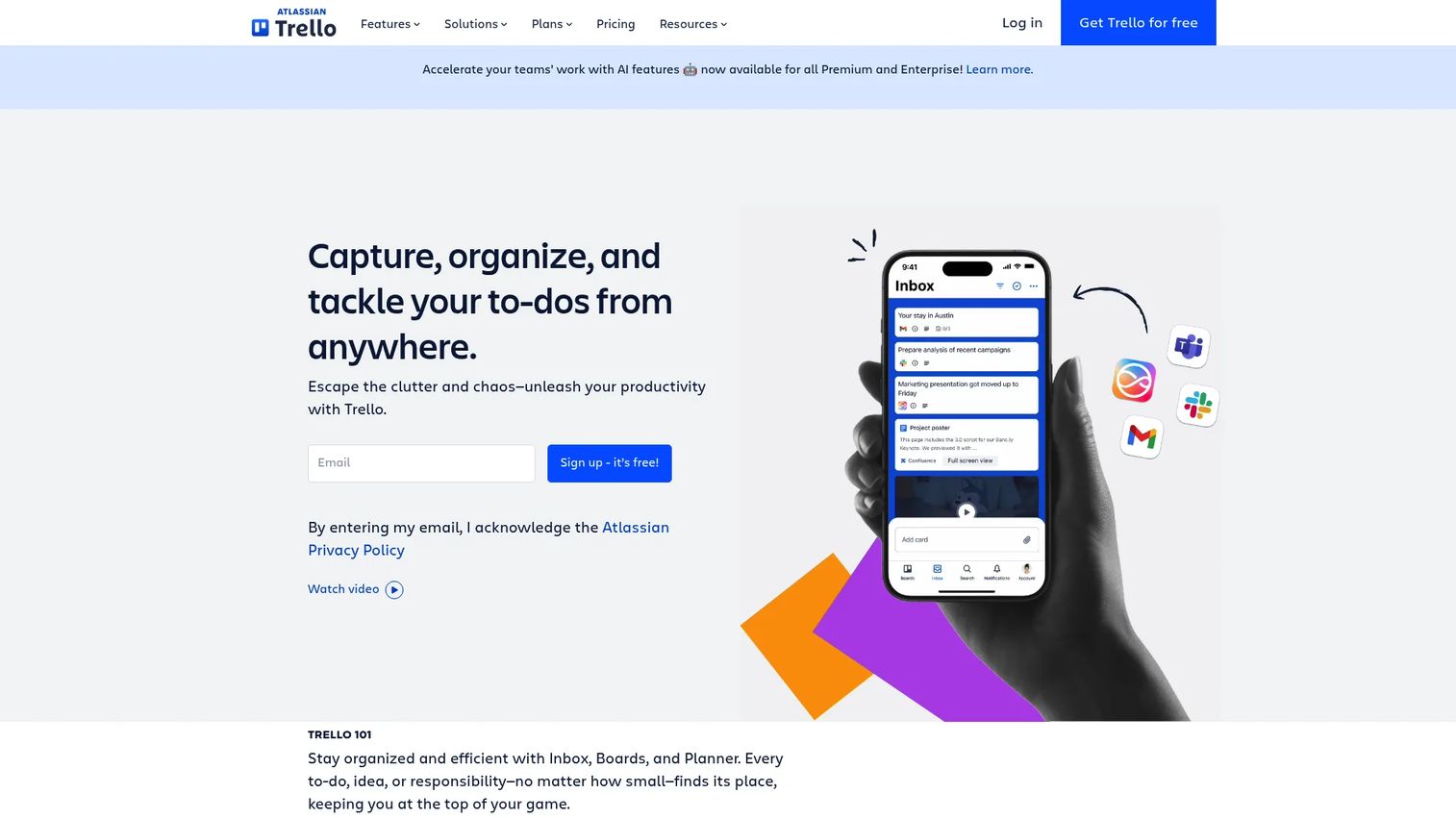
Trello organizes work using boards and cards. Its visual model suits teams beginning with shared task visibility. No-code automation and Power-Ups provide additional workflow options.
For a small product team, the first requirement may be making ownership and next actions visible. That is a reasonable starting point before introducing a more elaborate planning hierarchy.
Test the reporting you expect to need later, however. A board that works for today's task list may require additional tooling for portfolio or sprint analysis.
Best for: Small teams managing straightforward visual workflows and lightweight Kanban practices.
Key features
- Boards, lists, and cards
- No-code automation
- Power-Ups and integrations
- Planner and calendar synchronization
- Timeline and dashboard views
Why choose Trello: Choose it when shared visibility is the immediate priority. Evaluate add-on costs before committing to reporting requirements beyond the core board workflow.
Write explicit entry and exit criteria for each list. This helps the team distinguish work that is waiting from work that is actively progressing.
During a pilot, include an interrupted task and an urgent request. See whether both remain understandable without adding more columns.
Trello pricing: Free supports up to 10 collaborators per workspace. Standard costs $5 per user/month annually or $6 monthly.
G2 rating
16. Businessmap
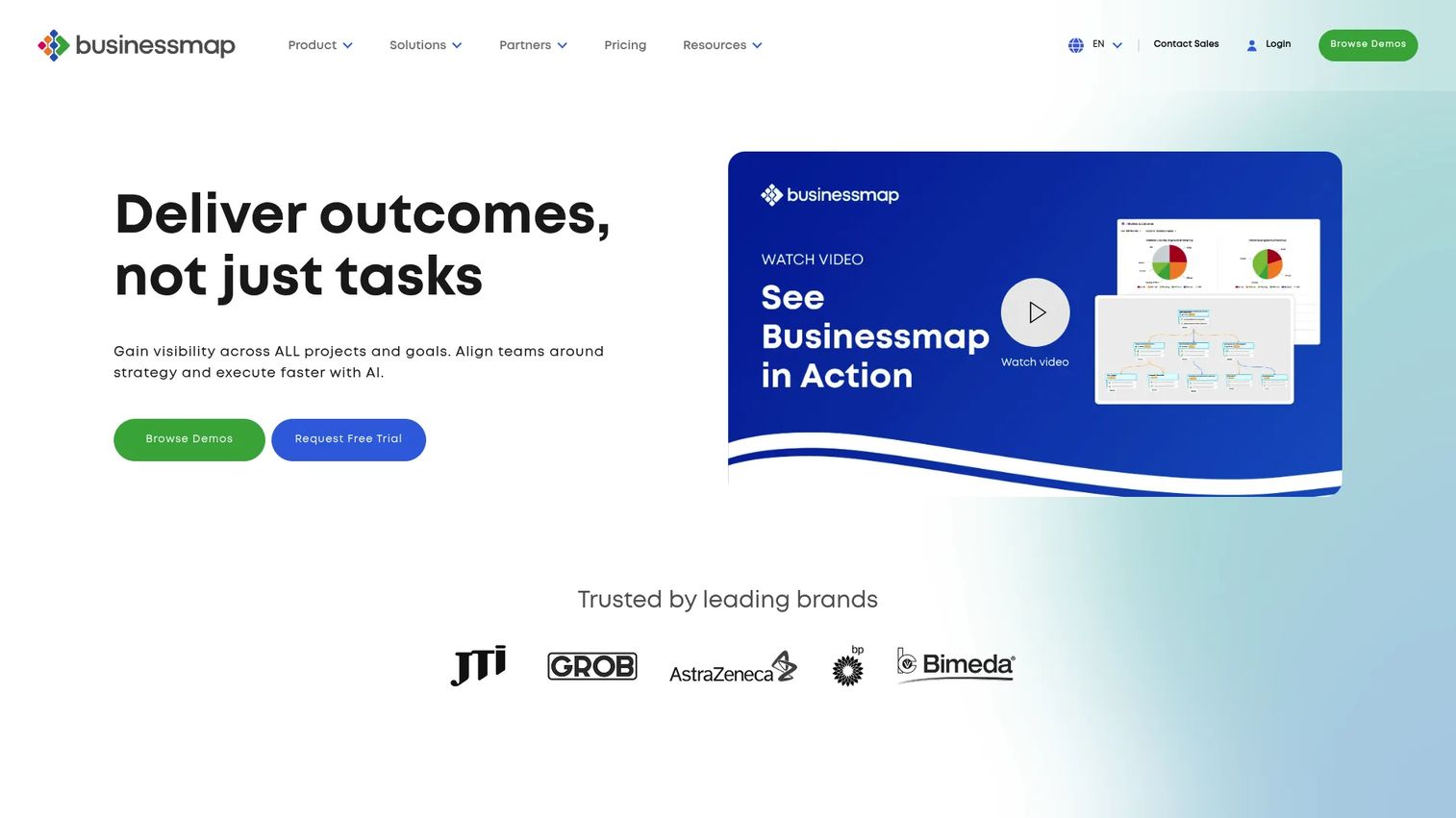
Businessmap connects operational work with strategy and portfolio visibility. Kanban and Scrum boards sit alongside OKR/KPI management and process analytics. It belongs on the shortlist when teams need to understand flow across organizational boundaries.
This approach changes the evaluation scenario. Follow work through several teams rather than inspecting one sprint board in isolation.
For a product organization, examine an initiative waiting between implementation and release approval. Ask whether the system helps distinguish active effort from elapsed waiting time.
Best for: Organizations seeking flow-oriented agile portfolio management and alignment with business objectives.
Key features
- OKR/KPI management
- Kanban and Scrum boards
- Gantt planning
- Workflow automation
- Process analytics and reporting
Why choose Businessmap: Choose it when cross-team flow is central to planning decisions. Scrum-focused teams should test their iteration practices alongside portfolio reporting.
Use existing delivery data during evaluation where possible. Agree on process boundaries before interpreting cycle-time or throughput changes.
Those definitions determine whether agile reporting tools provide useful signals. They also help prevent different teams from producing incompatible interpretations of the same metric.
Businessmap pricing: Standard uses seat-based pricing with annual or monthly billing; a free trial is available. Contact Businessmap for an Enterprise quote.
G2 rating
17. Digital.ai Agility
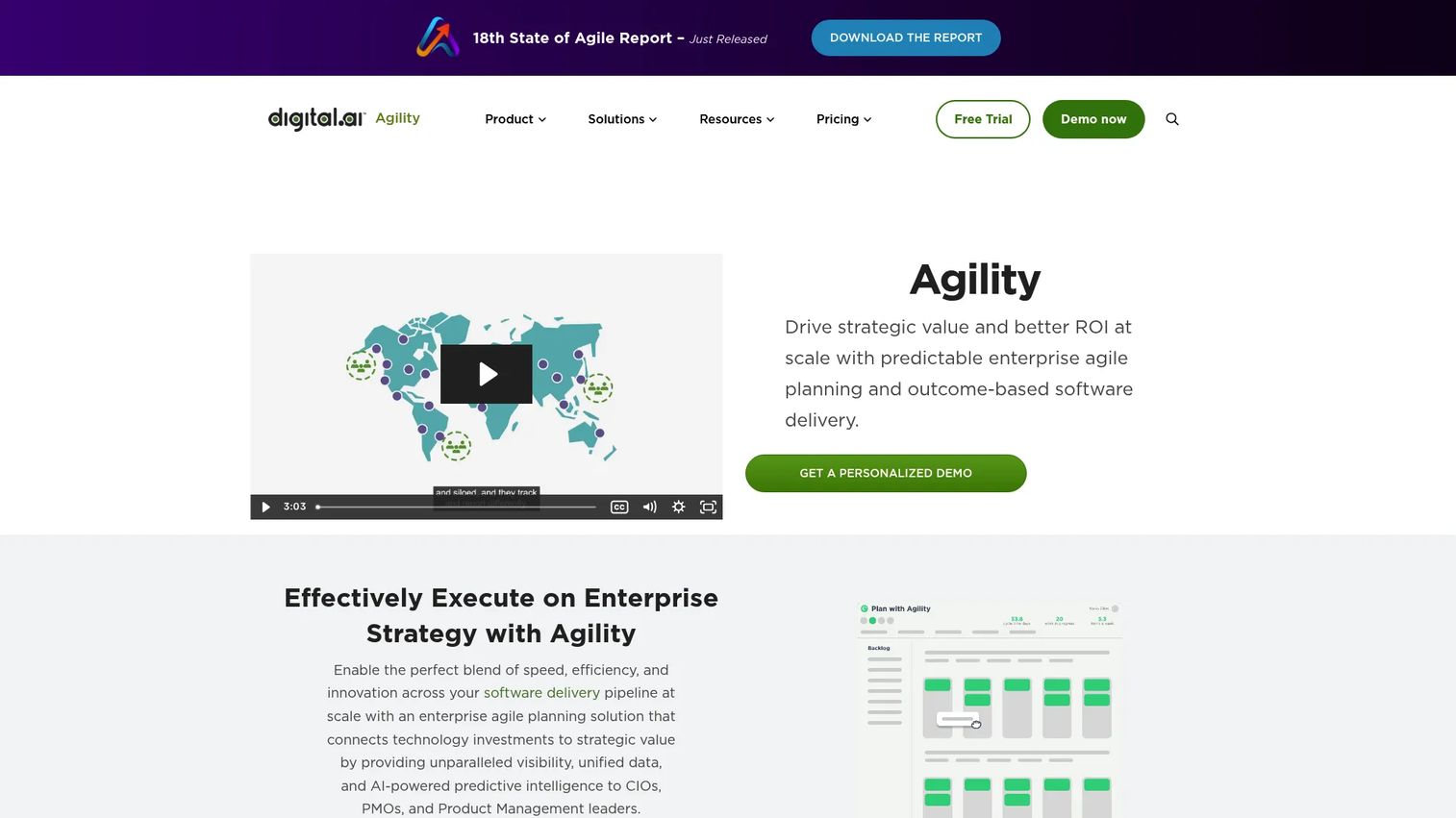
Digital.ai Agility addresses enterprise planning across portfolios and distributed teams. It supports multiple agile frameworks and connects strategic roadmaps with delivery coordination. Bidirectional integrations help organizations work across existing execution systems.
Its value should be tested at the organizational level. A single team's task list will not reveal whether the platform addresses your coordination problem.
Build a scenario involving a cross-program dependency and a changing investment priority. Ask how leaders see the consequences without requiring teams to rebuild their plans manually.
Best for: Large organizations coordinating strategy and software delivery across programs and portfolios.
Key features
- Strategic roadmaps and portfolio planning
- SAFe, Scrum, and Kanban support
- Ideas and OKR management
- Cross-team dependency management
- Forecasting and executive reporting
Why choose Digital.ai Agility: Choose it when enterprise coordination and governance justify a dedicated planning layer. Smaller teams should assess whether that operating scope exceeds their requirements.
Include product operations and integration owners in the evaluation. Agree which system owns each record before testing synchronization.
Enterprise agile planning tools should reduce reconciliation work. Measure that explicitly instead of judging the purchase by the breadth of executive dashboards.
Digital.ai Agility pricing: Custom pricing. Editions include Essentials, Pro, and Premium.
G2 rating
Considerations when choosing agile project management software
Match the tool to your delivery model
Choose around how work moves today. Sprint commitments, continuous Kanban flow, and cross-program coordination require different planning behaviors.
Test interruptions as well as planned work. Your agile software management tool should accommodate operational reality without obscuring commitments.
Check backlog and prioritization depth
Evaluate how requests become actionable work. Look for enough context to connect an item with customer evidence and a product objective.
Include a rejected request in the test. The decision history can matter as much as the approved backlog.
Verify delivery reporting before buying
Ask each vendor to answer a specific question using your scenario. Try identifying aging work or explaining why a release forecast changed.
Keep velocity reporting separate from employee performance assessment. Compare delivery trends with product outcomes rather than treating completed estimates as value.
Test integrations with existing systems
Inspect the required handoffs with development and documentation tools. Include GitHub, Azure DevOps, Confluence, or other systems your team uses.
Check synchronization direction and field ownership. An integration should remove duplicate work rather than distribute conflicting records.
Plan adoption and governance
Name owners for workflows and reporting definitions before rollout. Agree on status meanings and required fields.
Calculate subscription costs using the capabilities your team will use. Include administration and migration effort when comparing agile project tools.
Choose the tool that makes delivery decisions clearer
The best agile project management software fits your operating model and makes uncertainty visible before a commitment slips.
Start with Jira for structured software planning. Evaluate GitLab or Azure Boards when development traceability drives the decision.
Asana and ClickUp address broader coordination needs. Wrike adds resource-focused oversight, while Smartsheet and monday.com suit configurable cross-functional planning.
Linear and Shortcut deserve attention for product engineering execution. Zoho Sprints offers dedicated agile management tools; Trello serves straightforward visual workflows.
Aha! addresses prioritization and roadmapping upstream of delivery. Miro supports collaborative discovery and ceremonies. Teamwork.com connects client execution with commercial oversight.
For scaled coordination, evaluate Businessmap's flow orientation against Digital.ai Agility's enterprise planning scope.
Shortlist three candidates and run the same scenario in each. Include backlog intake, a planning session, an interrupted task, and a stakeholder update.
Involve product and engineering together. Choose the system that reduces coordination work while preserving the evidence needed to make product decisions.
FAQs
Agile project management software supports iterative planning and delivery through shared backlogs, execution tracking, reporting, and feedback. Depending on the platform, it can organize Scrum sprints or continuous Kanban flow. The buying requirement is a consistent record of commitments and progress that helps teams adjust their plans.
Product teams should choose around their main coordination problem rather than a universal ranking. Asana and ClickUp suit cross-functional work, while Jira fits structured software delivery. Aha! deserves consideration when roadmap prioritization and customer evidence are the primary gaps. Test the handoff between strategy and execution before committing.
Jira, GitLab, Azure Boards, Linear, and Shortcut are relevant candidates for software development teams. GitLab and Azure Boards warrant particular attention when planning needs close connections to development activity. Linear and Shortcut organize product engineering execution, while Jira offers configurable work management. Evaluate each against your release process and existing infrastructure.
Start with backlog prioritization, planning, board visibility, and reporting that supports delivery decisions. Add requirements for permissions and integrations before considering optional automation. Teams coordinating releases across departments should also test dependency visibility and stakeholder reporting. Require the vendor to demonstrate these capabilities using your workflow rather than an idealized example.
Jira is one agile project management tool within a broader category. Other platforms emphasize different jobs, including product roadmapping, development traceability, visual collaboration, and enterprise planning. A team already using Jira may need a complementary planning layer rather than a replacement. Define the missing capability before starting a migration.
Scrum software organizes work around time-boxed sprints and a selected backlog, with reporting such as burndown and velocity. Kanban software emphasizes continuous flow, often using work-in-progress limits and cycle-time analysis. Many platforms support both approaches. Hybrid teams should test how urgent incoming requests interact with planned commitments.
Product managers benefit from shared delivery software when they own prioritization or communicate release commitments. The platform should preserve customer context and reduce the effort required to explain progress. It does not replace discovery or product analytics. Continue measuring activation and retention to determine whether completed work produced the intended result.
Use the same evaluation scenario across shortlisted tools and involve both product and engineering. Include backlog intake, planning, a blocked dependency, and a reporting handoff. Record the manual updates required and check the subscription tier needed for essential capabilities. Favor the option your team can maintain consistently as its release cadence evolves.