How to view your Track API key in Customer.io
Here is how to view your track api key in customer.io
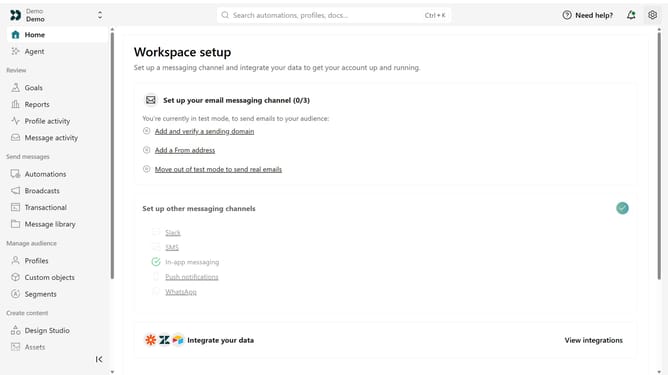
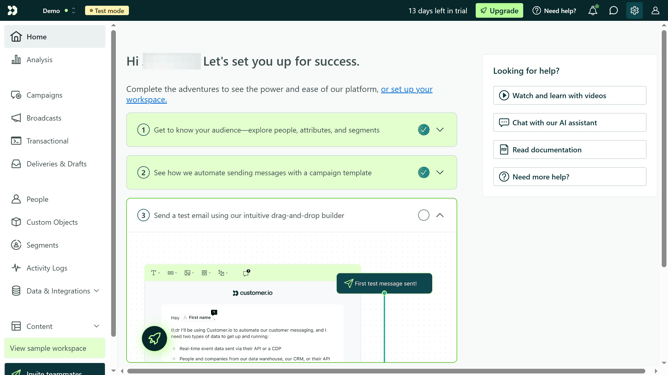
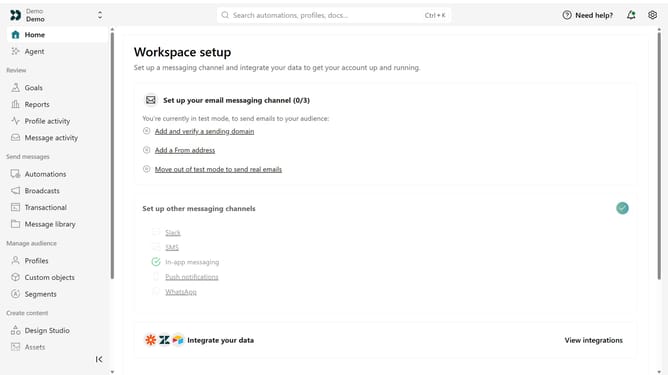
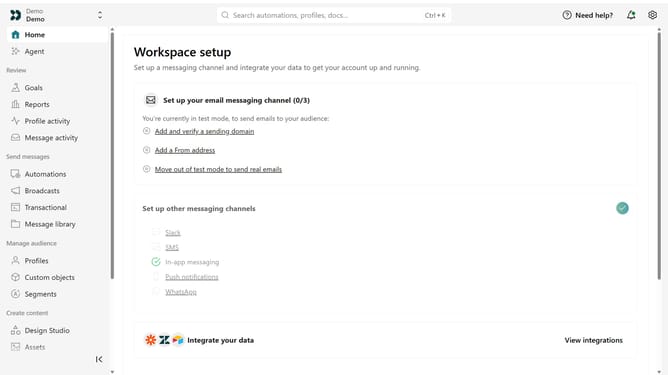
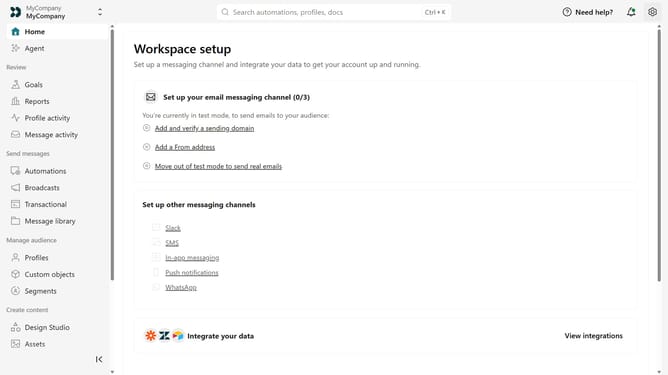
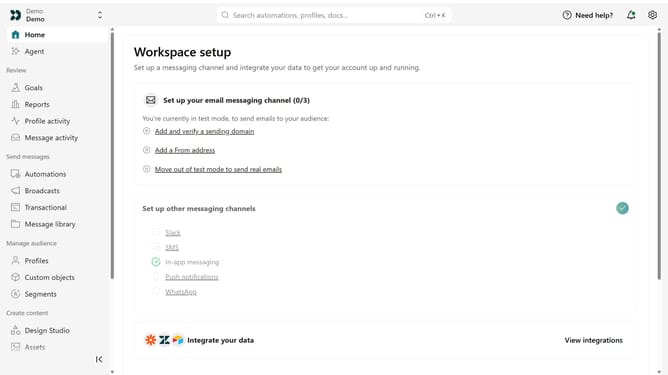
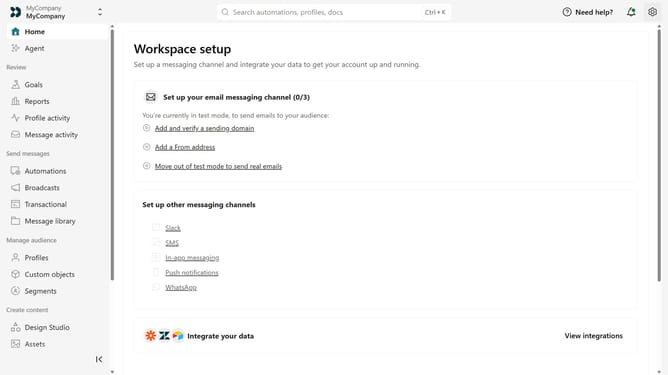
- First click on the settings icon in the top right corner
- Click on "Account settings" in the dropdown menu
- Next click on "API Credentials" in the main menu
- Then, click on "Tracking API keys" tab
- From here, you can view your available Track API keys and their details
Why should you How to view your Track API key in Customer.io
Customer.io is a powerful marketing automation platform designed to help businesses create meaningful connections with their customers through personalized messaging.
Viewing your Track API key in Customer.io is an essential feature that gives you access to integrate and sync data across your applications seamlessly.
Using the API key ensures the secure transfer of tracking information, leading to more precise targeting and a better understanding of customer behavior.
This leads to effective and personalized engagement, enhancing customer satisfaction and driving business growth.
Last update