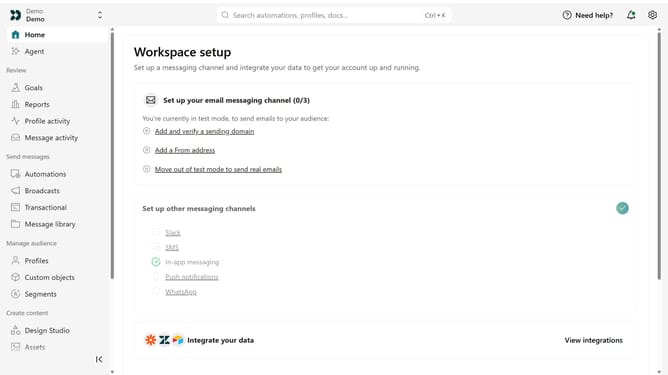
How to delete a Track API key in Customer.io
Here is how to delete a track api key in customer.io
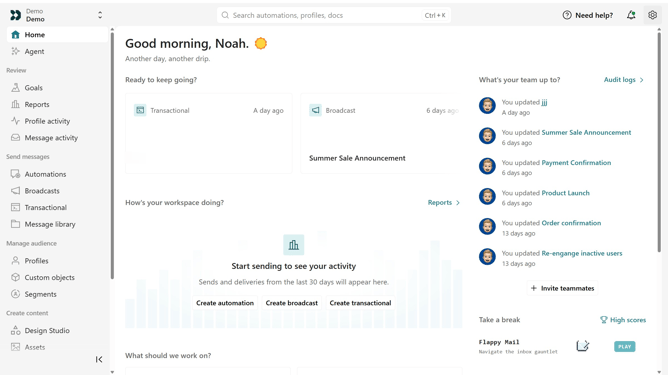
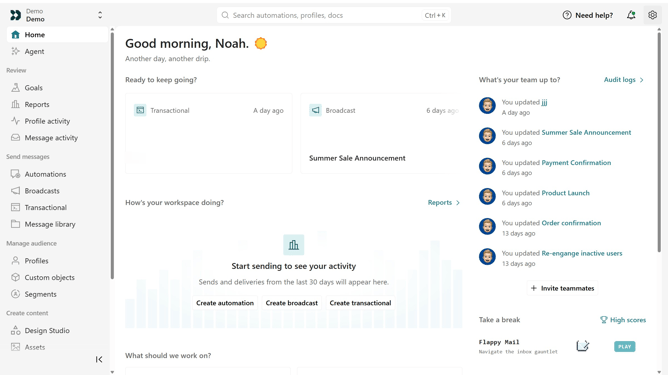
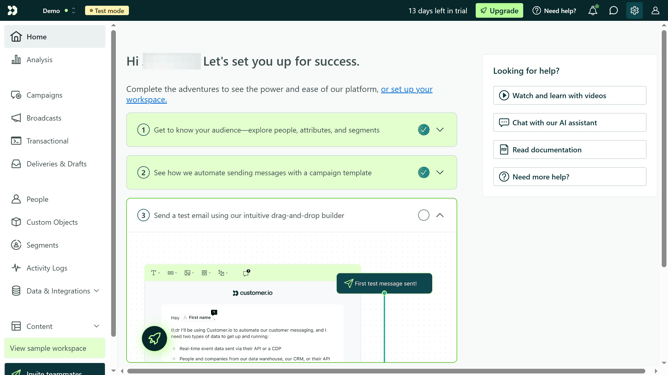
- First click on the settings icon in the top right corner
- Click on "Account settings" in the dropdown menu
- Next click on "API Credentials" in the main menu
- After that, click on "Tracking API keys" tab
- Locate the Track API key you want to delete
- Then, click on the more options menu next to the API key
- Next, select "Delete key"
- Then, enter the API key's name when prompted
- Finally, click on the "Permanently delete these credentials" button to confirm
Why should you How to delete a Track API key in Customer.io
Customer.io is a platform designed to enhance personalized communication with customers through automated messaging.
Deleting a Track API key in Customer.io is a straightforward but significant feature that helps streamline API management by removing keys that are no longer in use or required.
This feature ensures that your API keys are up to date, reducing the chance of misuse and enhancing overall security for your communication platform.
By deleting unused keys, you maintain a clean, efficient workspace, ensuring that your team's focus remains on engaging with customers effectively.
Last update