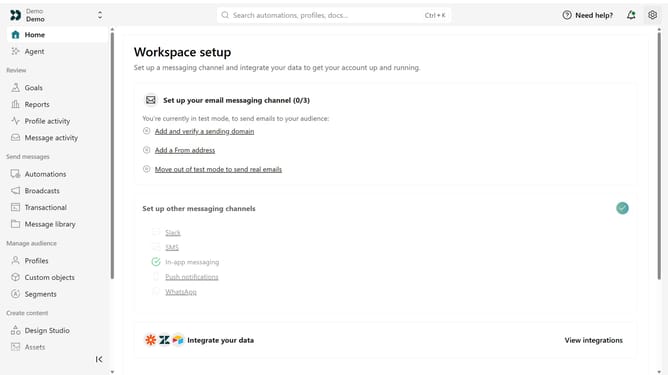
How to remove an IP address from the App API allowlist in Customer.io
Here is how to remove an ip address from the app api allowlist in customer.io
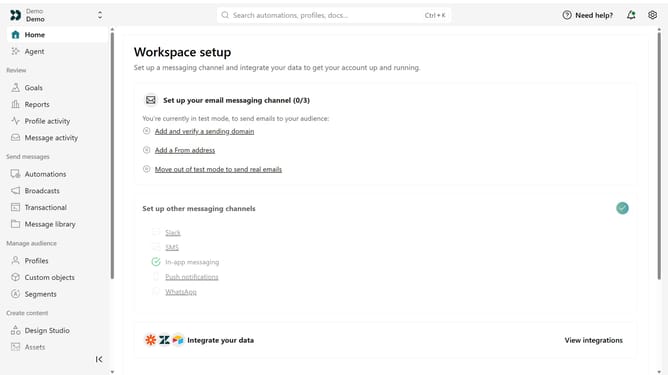
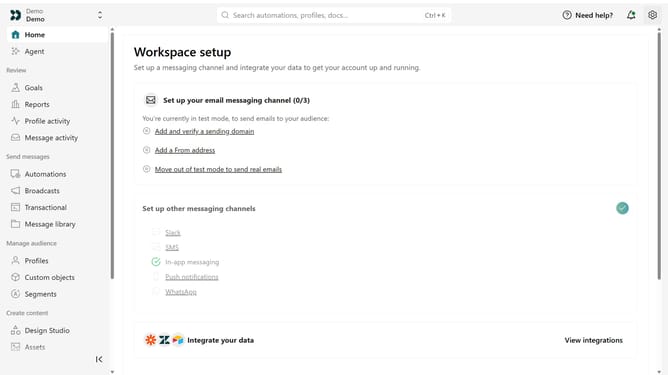
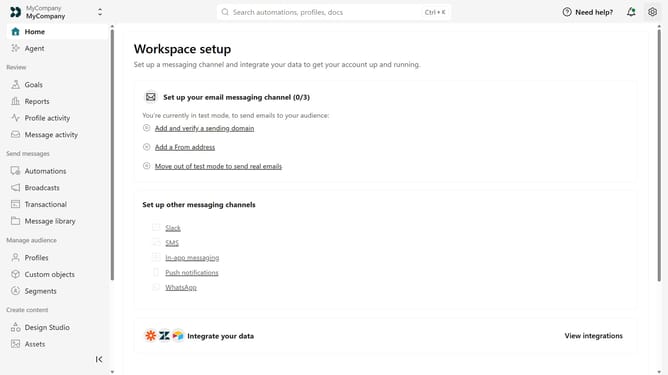
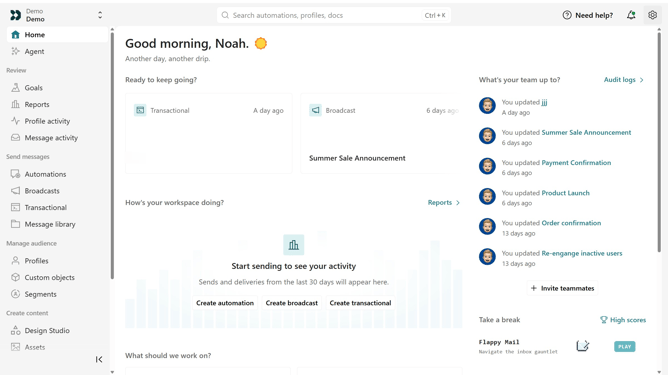
- First click on the settings icon in the top right corner
- Click on "Account settings" in the dropdown menu
- Next click on "API Credentials" in the main menu
- After that, click on "App API keys" tab
- Locate the IP address you want to remove
- Click on the more options menu next to the IP address
- Then, select the "Remove" option
- Finally, click on the "Remove IP Address" in the confirmation dialog
Why should you How to remove an IP address from the App API allowlist in Customer.io
Customer.io is a versatile platform for building targeted messaging campaigns to engage your customers effectively.
This platform's ability to manage IP addresses within the App API allowlist ensures enhanced control over network access, safeguarding your data and resources.
Removing an IP address from this list can quickly address any security concerns, streamline access management, and enhance flexibility in adapting to dynamic network requirements.
Leveraging this functionality means optimizing your organization's security while maintaining efficient workflow processes.
Last update