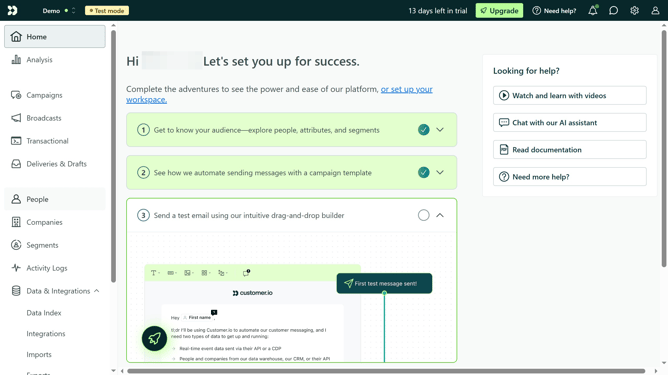
How to create email layout in Customer.io
Here is how to create email layout in customer.io
- First click on the "Email Layouts" option in the left sidebar under the Content section
- Then click on the "Create Layout" button in the top-right corner of the layouts page
- Click on a layout that you want to use
- Click into the empty input field
- Type in the description of your layout
- Click the "Create Layout" button
- Click the HTML editor
- Edit the code in the HTML editor to match the layout you want for your email
- Click the "Preview" tab above the editor to view how the email will look
- Click "Save Changes" button in the bottom-right corner to save the new email layout
Why should you create email layout in Customer.io
Customer.io is a powerful platform designed for crafting seamless customer communication experiences.
Creating email layouts in Customer.io is intuitive, enabling you to tailor messages to fit your brand’s identity.
This feature allows for easy customization, ensuring that your emails are not only visually appealing but also consistently aligned with your marketing goals.
Utilizing this capability streamlines your email design process, enhancing overall engagement and improving communication with your audience.
Last update