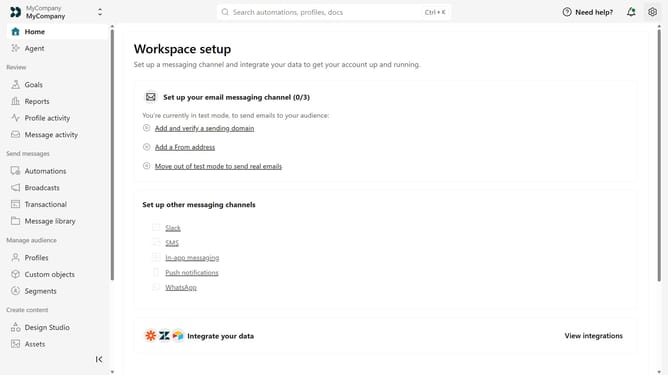
How to merge people in Customer.io
Here is how to merge people in customer.io
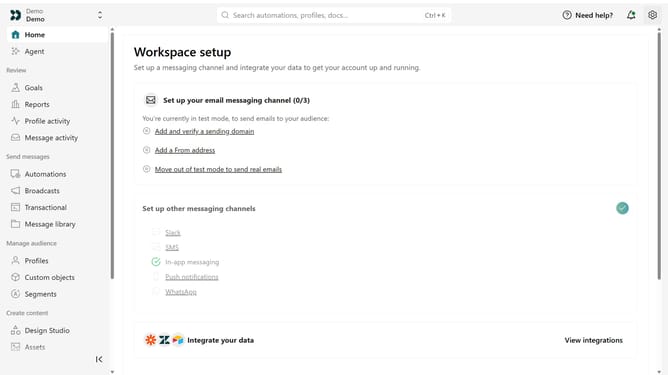
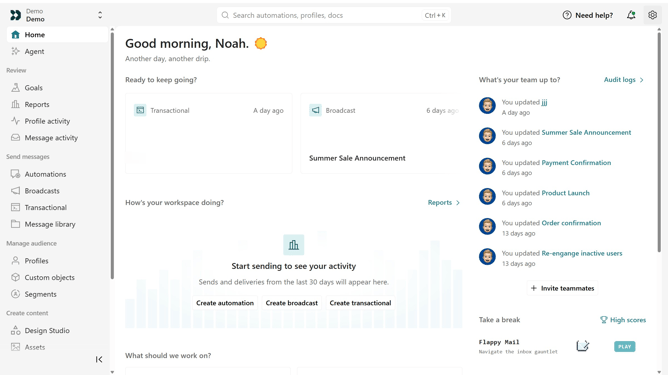
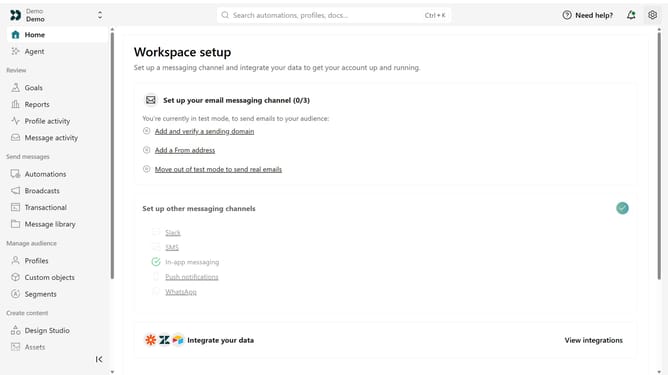
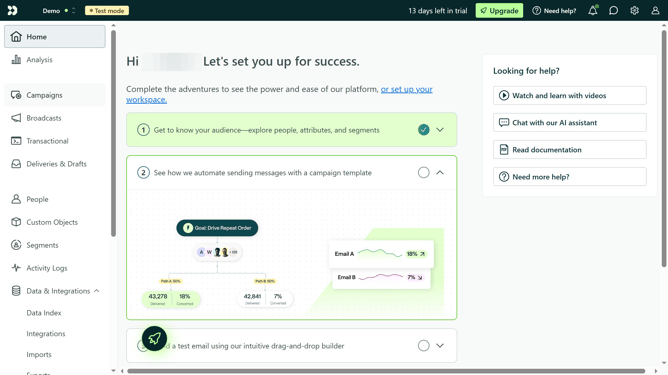
- First click on "People" in the left sidebar menu
- Then click the first person you want to merge
- Next click the checkbox for the second person you want to merge
- Click the "Merge" button in the top menu
- Click the "Next" button at the bottom right of the page
- Click the first checkbox under "Merging people is permanent" section
- Click the second checkbox about inheriting campaign and delivery history
- Click the third checkbox about not being able to restore original people
- Click the "Confirm and merge" button at the bottom right
Why should you merge people in Customer.io
Customer.io is a flexible email marketing platform designed to help businesses deliver tailored communications to their clients.
The merge feature in Customer.io allows users to combine duplicate or related profiles, ensuring a streamlined and precise customer database.
By merging profiles, businesses can minimize data clutter and improve targeting accuracy, thereby enhancing the overall marketing strategy.
This organized approach not only saves time but also ensures customers receive relevant content, boosting engagement and satisfaction.
Last update