How to stop automatically merging profiles with matching identifiers in Customer.io
Here is how to stop automatically merging profiles with matching identifiers in customer.io
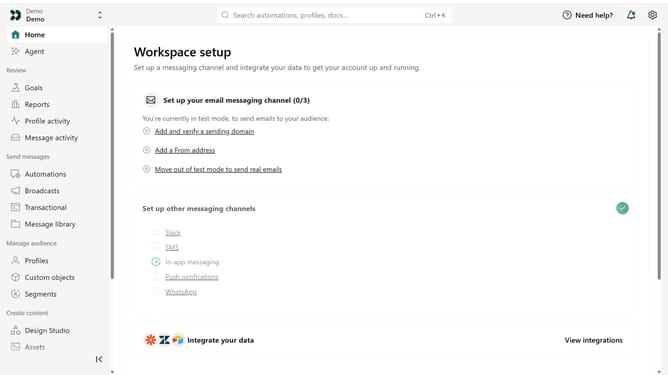
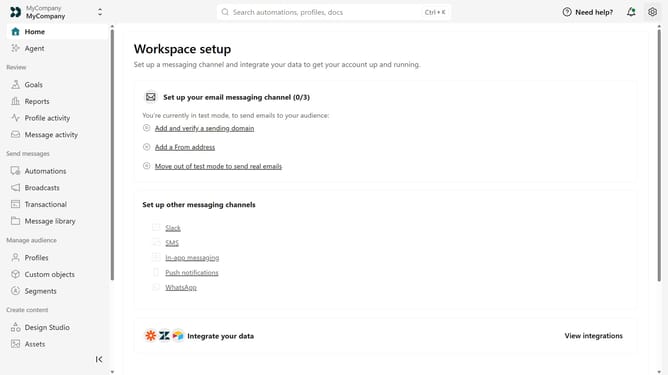
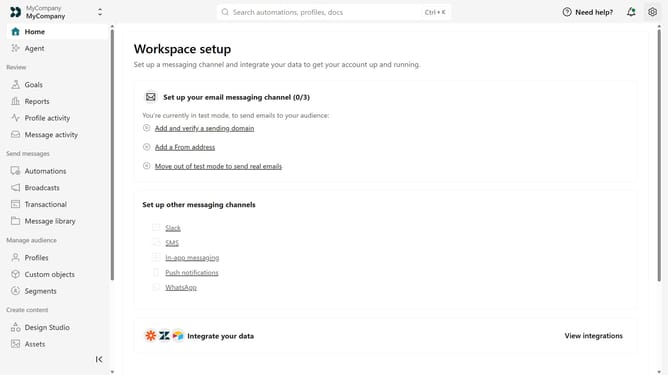
- First, click the settings icon to open the workspace settings
- Click on "Workspace settings" in the dropdown menu
- Next, scroll down and click on "Merge options"
- Then, locate the "Profile merge" section
- Finally, turn off the "Multi-identifier profile merge" toggle
Why should you How to stop automatically merging profiles with matching identifiers in Customer.io
Customer.io is a versatile platform crafted to enhance engagement through targeted messaging and automated communications.
One key feature is the ability to stop automatically merging profiles with matching identifiers. This ensures your audience data remains precise and distinct, preserving personalized engagement efforts.
Utilizing this feature allows for better data management by maintaining individual customer journeys, enhancing targeted communication strategies, and refining segmentation.
Last update