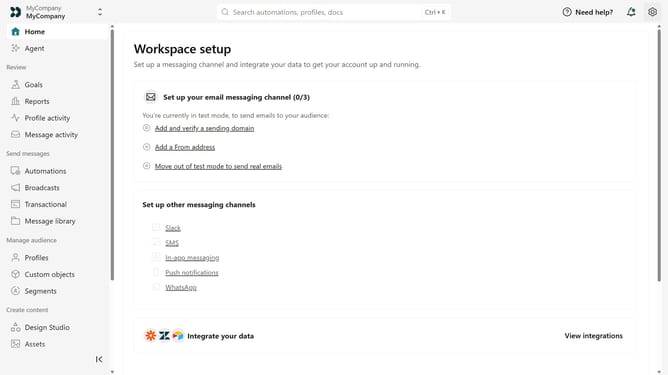
How to add your Android app link in Customer.io
Here is how to add your android app link in customer.io
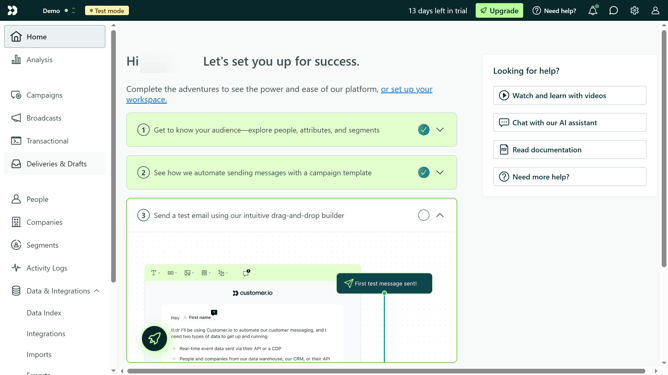
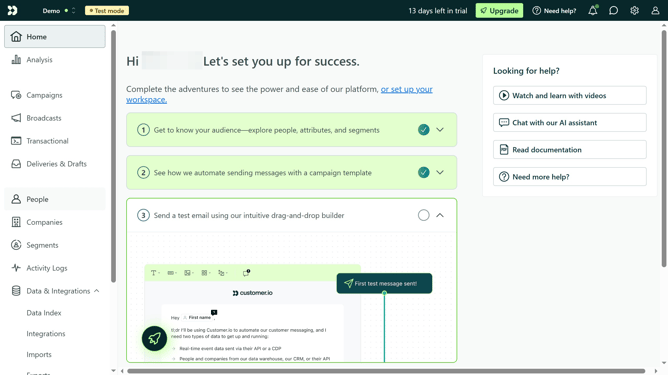
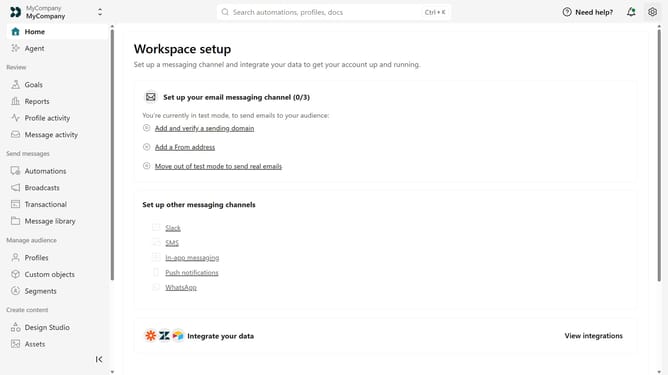
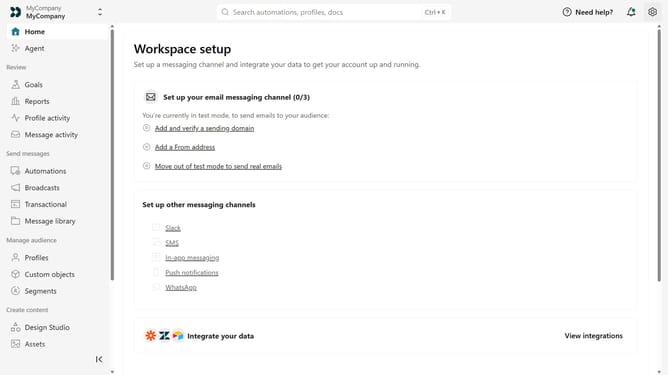
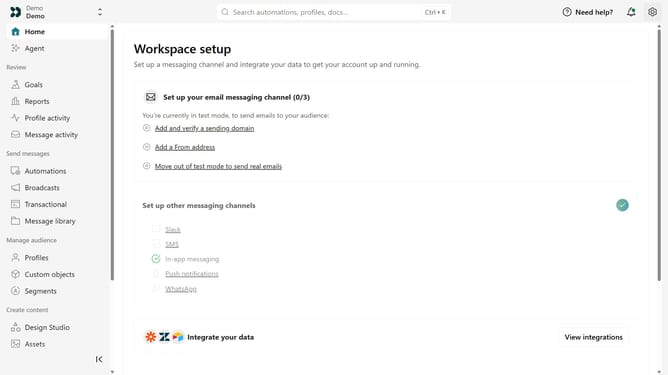
- First click on the settings icon in the top right corner
- Click on "Workspace settings" in the dropdown menu
- Next, click on "Business context" in the workspace settings
- Under "Platform availability", locate the "Android" field
- Then, enter your Android app URL
- Finally click on the "Save" button
Why should you How to add your Android app link in Customer.io
Customer.io is a platform designed to help businesses craft personalized messages to engage their users effectively.
Adding your Android app link into Customer.io enhances user interaction by directing your audience seamlessly to your app, improving engagement and user acquisition.
By integrating your app link, you leverage Customer.io's robust messaging system, making notifications more actionable and relevant, ensuring a cohesive user journey from message to app.
This feature not only boosts app downloads but also strengthens your communication strategy, creating a stronger connection with your audience.
Last update