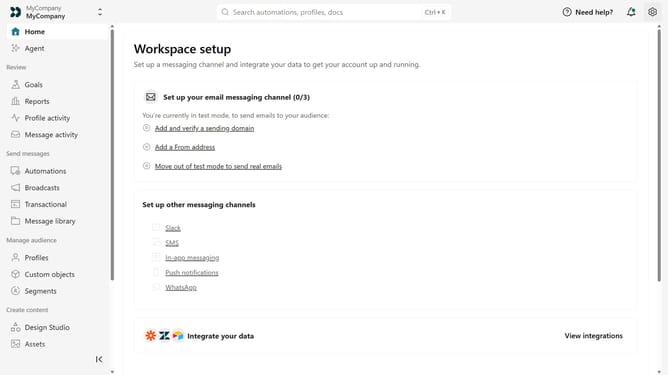
How to export deliveries in Customer.io
Here is how to export deliveries in customer.io
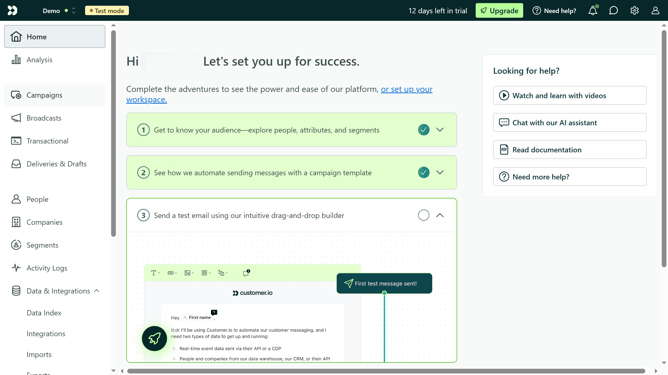
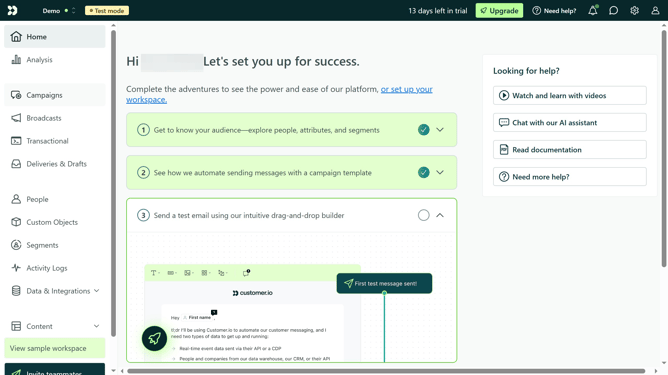
- First click on "Deliveries & Drafts" in the left sidebar menu
- Then click on "Export to CSV" button in the top right corner of the page
- Click on the date range input field
- In the Calendar date selection click the desired start date
- Then click the desired end date for the report
- Finally click on "Export to CSV"
Why should you export deliveries in Customer.io
Customer.io is a powerful platform designed for marketers to send targeted messages to customers with precision.
Exporting deliveries in Customer.io allows you to efficiently manage and analyze your marketing efforts by retrieving detailed information on your sent messages.
This feature provides valuable insights, enabling you to better understand your customer engagements and optimize your communication strategies.
By exporting deliveries, you can further enhance your marketing campaigns, ensuring you consistently achieve desirable results.
Last update