How to adjust the energy level of your brand voice in Customer.io
Here is how to adjust the energy level of your brand voice in customer.io
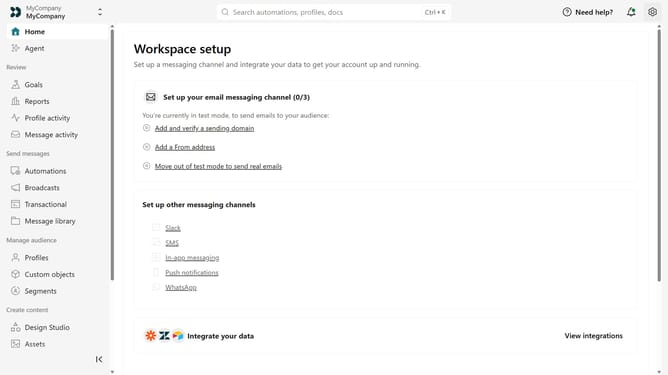
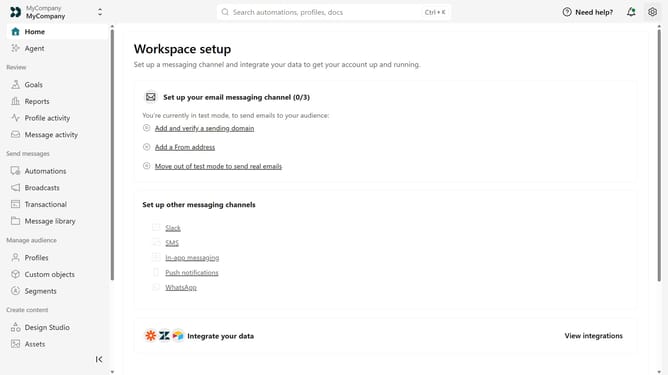
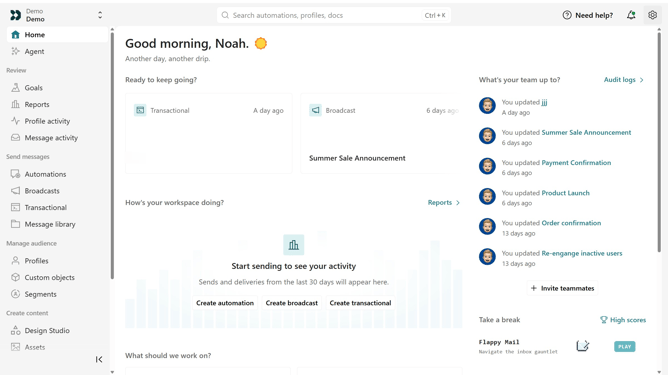
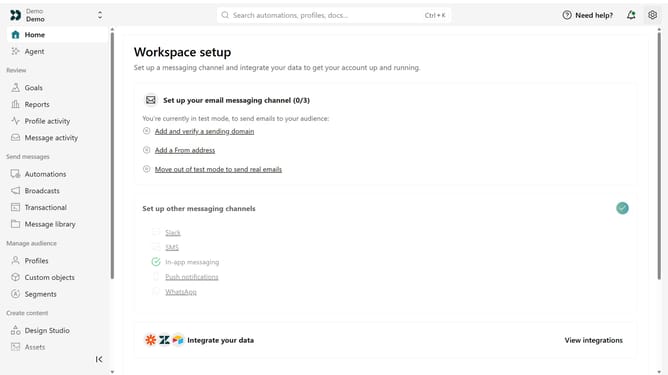
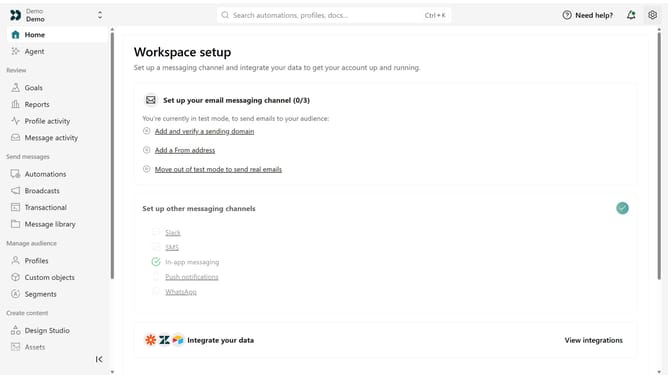
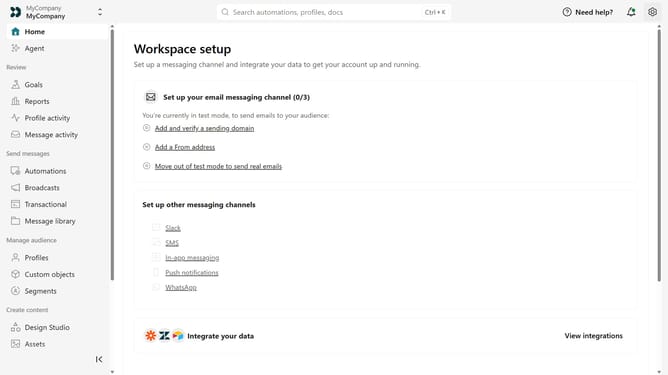
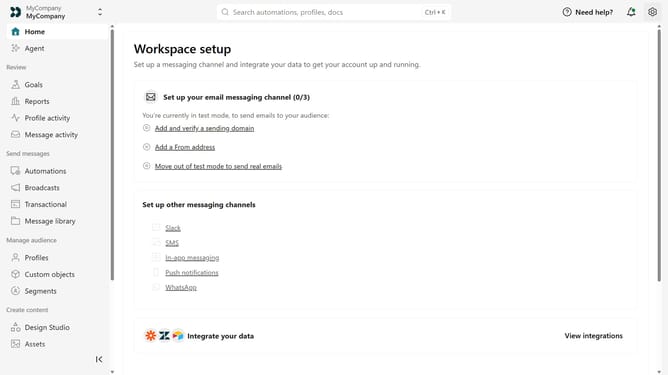
- First click on the settings icon in the top right corner
- Click on "Workspace settings" in the dropdown menu
- Next, click on "Business context" in the workspace settings
- Under "Tone & Voice", locate the "Energy" option
- Then move the slider to the desired level between Calm & Direct and Enthusiastic
- Finally click on the "Save" button
Why should you How to adjust the energy level of your brand voice in Customer.io
Customer.io, a platform for automating personalized messages, helps businesses engage with their audience more effectively.
Adjusting the energy level of your brand voice in Customer.io allows you to tailor communications to meet your audience’s expectations. It enables a seamless blend of company personality and target audience preferences, enhancing message resonance.
This feature lets you craft communications that are consistent yet flexible, ensuring messages are perceived as authentic and engaging. By managing your brand’s tone, you enhance audience connection and engagement.
Last update