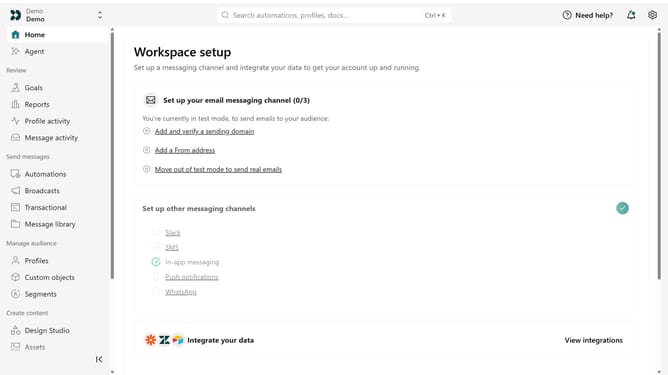
How to adjust the formality of your brand voice in Customer.io
Here is how to adjust the formality of your brand voice in customer.io
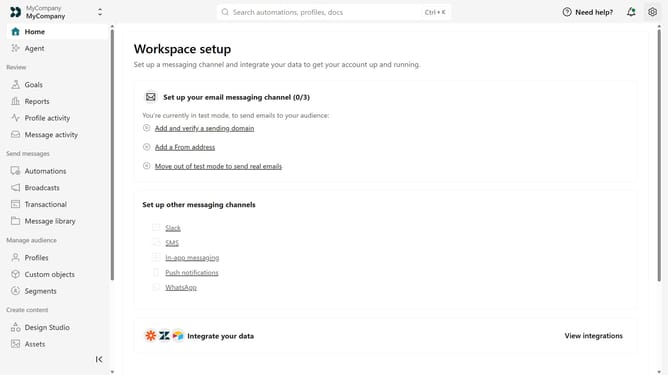
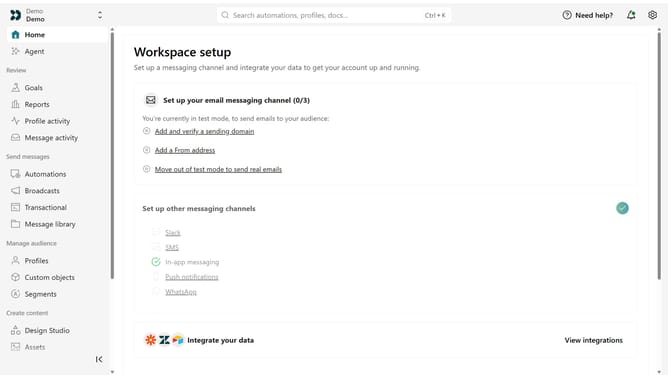
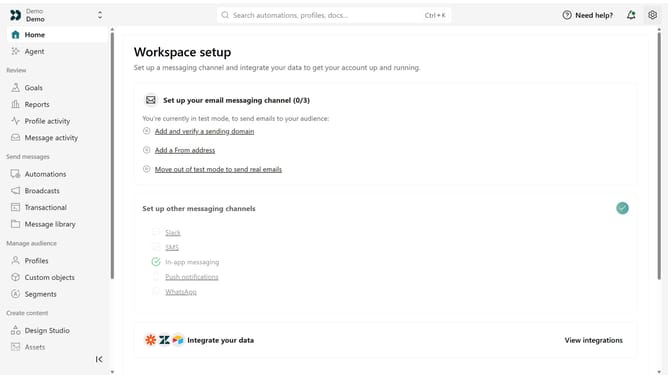
- First click on the settings icon in the top right corner
- Click on "Workspace settings" in the dropdown menu
- Next, click on "Business context" in the workspace settings
- Under "Tone & Voice", locate the "Formality" option
- Then move the slider to the desired level between Casual and Formal
- Finally click on the "Save" button
Why should you How to adjust the formality of your brand voice in Customer.io
Customer.io is a powerful tool designed to help businesses create personalized messaging experiences.
Within Customer.io, you can easily adjust the formality of your brand voice, allowing your communications to resonate better with diverse audience segments.
Whether you need a formal tone for professional audiences or a casual voice for a more relaxed crowd, this flexibility ensures your brand maintains consistency while engaging effectively.
Utilizing this feature enhances connection and builds stronger relationships with your customers, ultimately driving engagement and loyalty.
Last update