How to add your privacy policy link in Customer.io
Here is how to add your privacy policy link in customer.io
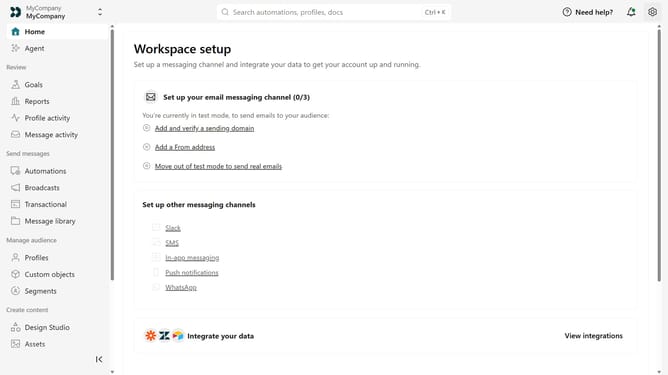
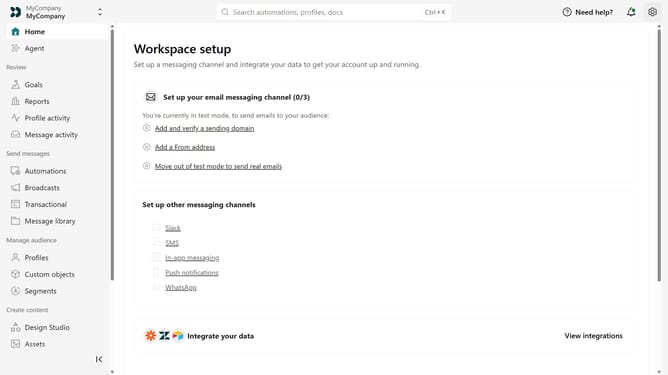
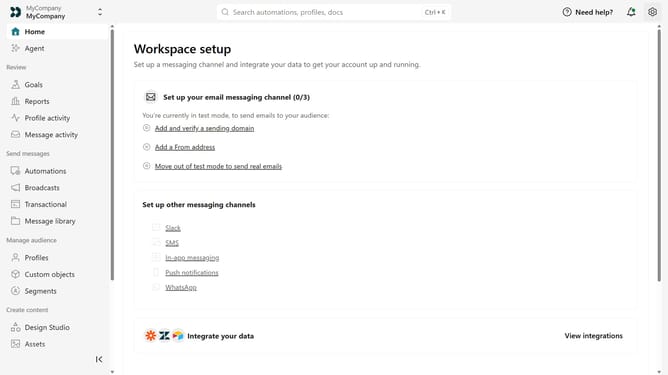
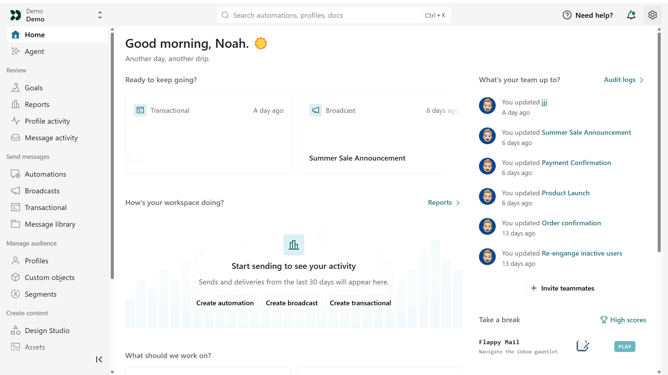
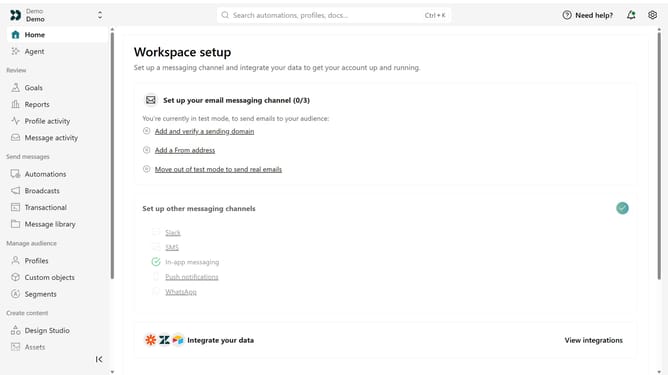
- First click on the settings icon in the top right corner
- Click on "Workspace settings" in the dropdown menu
- Next, click on "Business context" in the workspace settings
- Under "Key links", locate the "Privacy policy" field
- Then, enter your privacy policy URL
- Finally click on the "Save" button
Why should you How to add your privacy policy link in Customer.io
Customer.io is a robust platform crafted for data-driven communication.
Integrating your privacy policy link in Customer.io is an essential feature for building trust and transparency with your audience.
This addition not only aligns with compliance regulations but also elevates your brand's credibility, ensuring users feel secure while interacting with your content.
Ultimately, it strengthens your relationship with your audience, fostering loyalty and engagement.
Last update