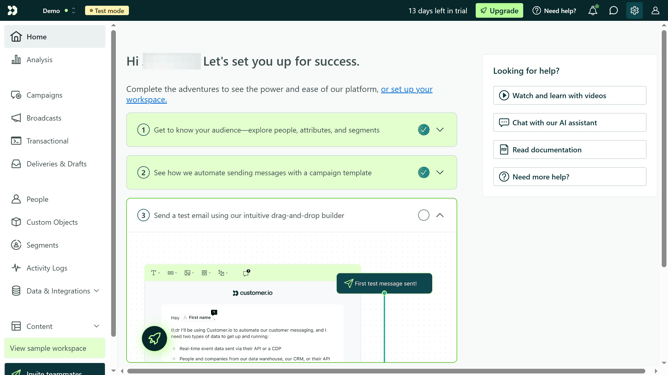
How to create segment location in Customer.io
Here is how to create segment location in customer.io
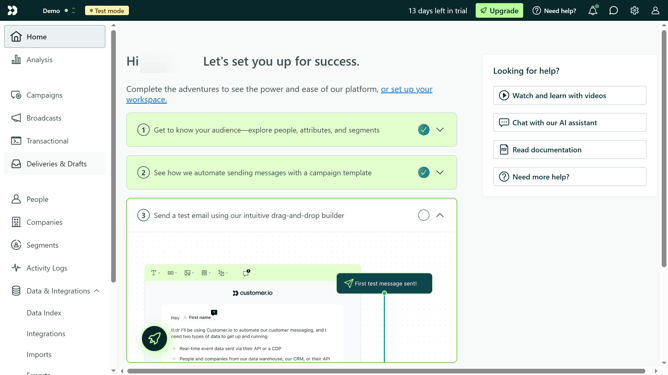
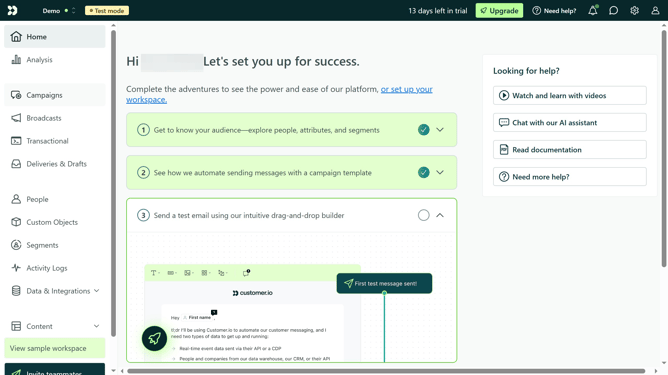
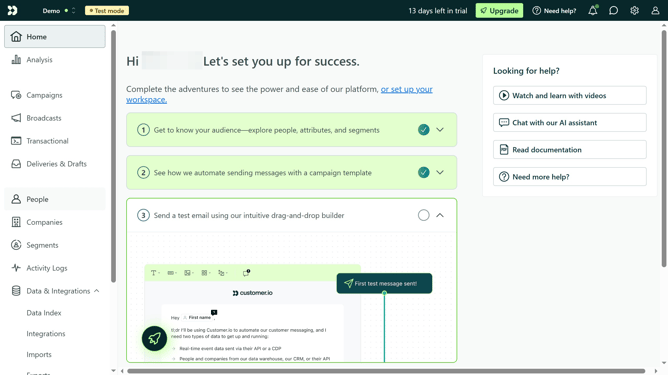
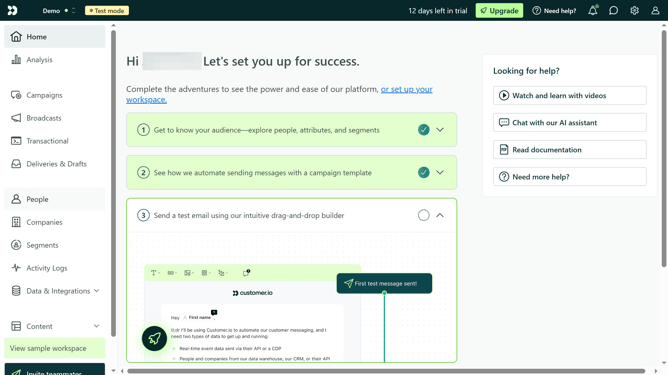
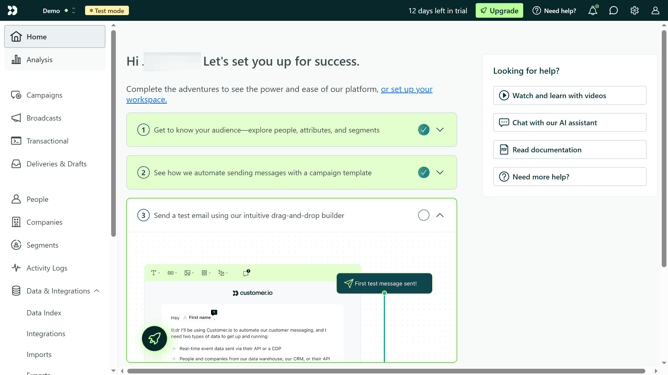
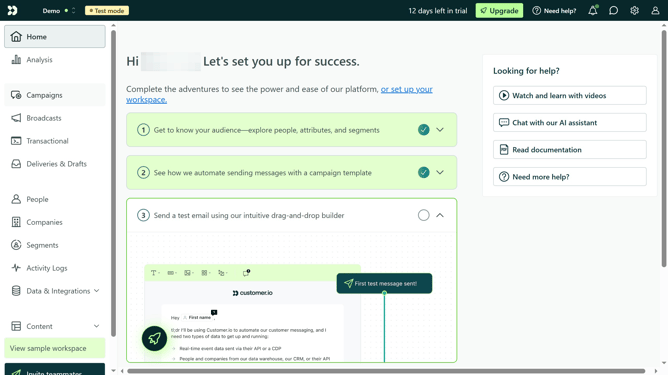
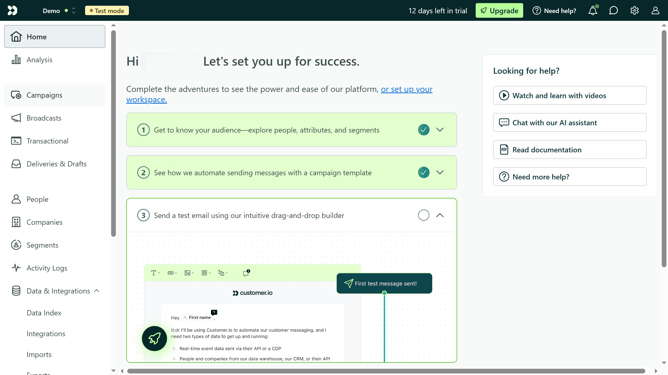
- First click on "Segments" in the left sidebar menu
- Then click on "Create Segment" button in the top-right corner
- In the segment creation screen, click on "Data-driven" option
- Next click on "Attribute" in the Overview tab
- Then click on "profile attribute" from the dropdown menu
- Click on "city" from the attribute options list
- Enter "value" in the condition field
- Type the desicred location in the value field
- Click on "Save segment" button at the bottom right of the screen
- In the segment details popup, type in the name of your segment
- Finally click save
Why should you create segment location in Customer.io
Customer.io is an intuitive platform designed for crafting targeted and personalized marketing messages.
Creating segment locations within Customer.io empowers businesses to refine their audience targeting based on geographical data. By organizing users into location-specific groups, companies can tailor messages that resonate more effectively with regional preferences and behaviors.
Utilizing segment locations not only boosts engagement but also enhances the overall user experience by delivering pertinent content at the optimal moment, increasing the likelihood of conversion and customer satisfaction.
Last update