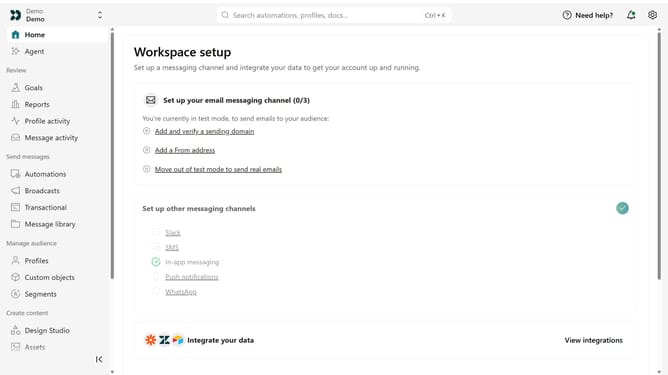
How to update your business information in Customer.io
Here is how to update your business information in customer.io
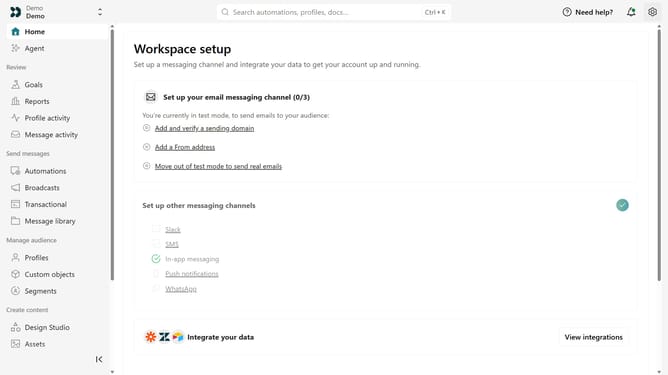
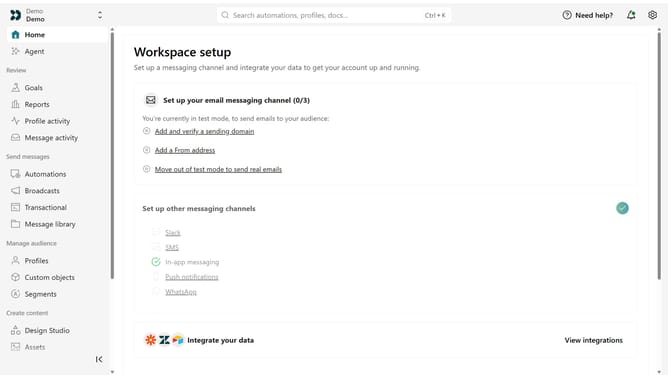
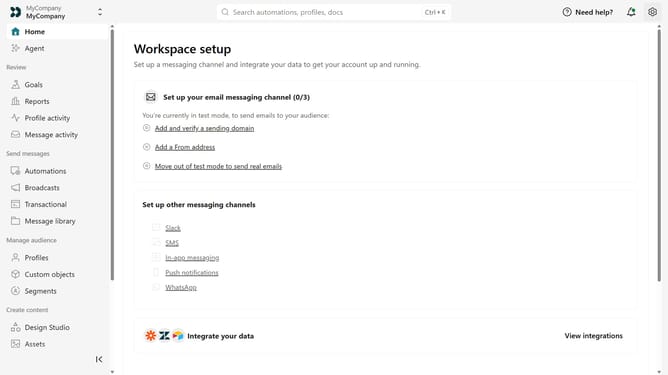
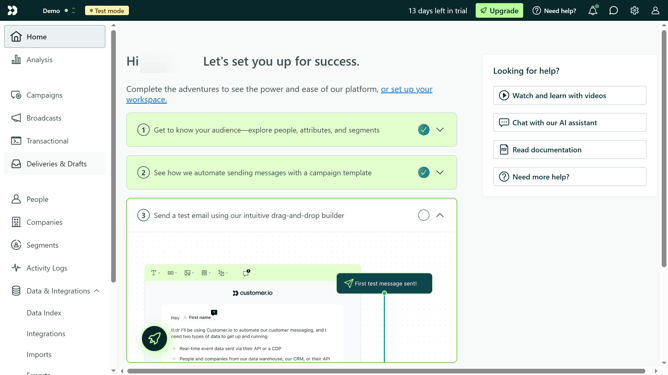
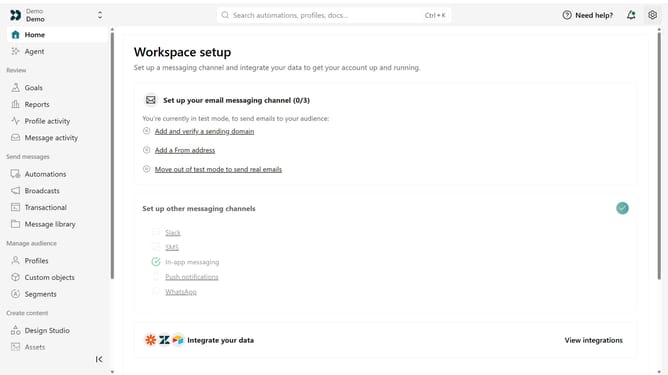
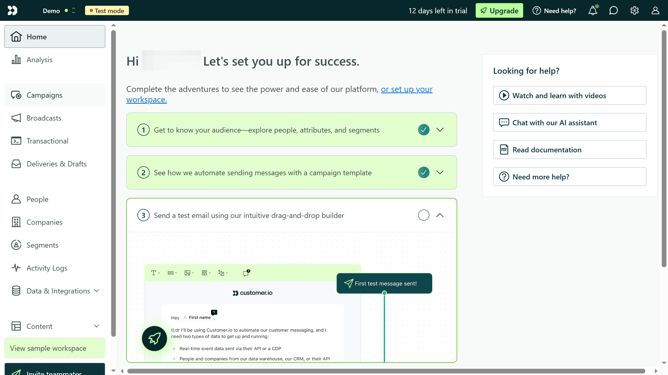
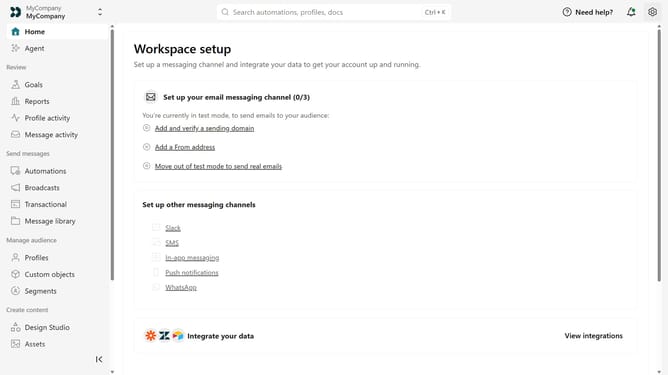
- First click on the settings icon in the top right corner
- Click on "Workspace settings" in the dropdown menu
- Next, click on "Business context" in the workspace settings
- Under "Basic info", update your business information as needed
- Finally, click on the "Save" button to apply the changes
Why should you How to update your business information in Customer.io
Customer.io is a versatile platform designed to enhance personalized marketing communication.
Keeping your business information updated in Customer.io is pivotal for maintaining seamless interactions with your audience. By regularly updating your details, you ensure that your communication strategies remain aligned with your current business objectives.
This feature aids in fostering trust and transparency with your clients, enabling you to reflect any changes in your business promptly and effectively. Updating information also streamlines operational tasks, saving time and ensuring accuracy across marketing campaigns.
Last update