How to update your business description in Customer.io
Here is how to update your business description in customer.io
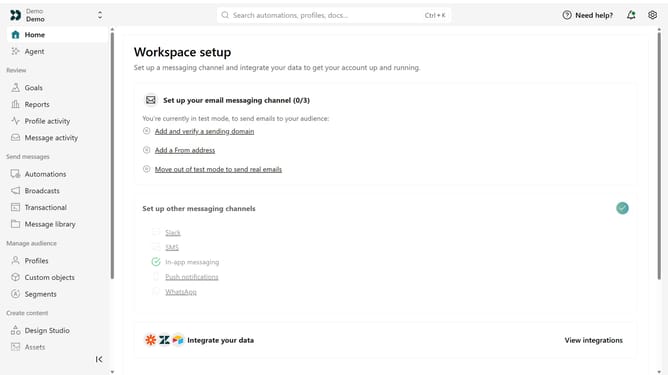
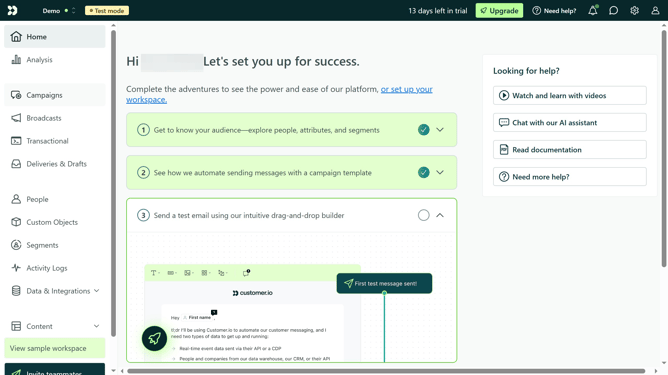
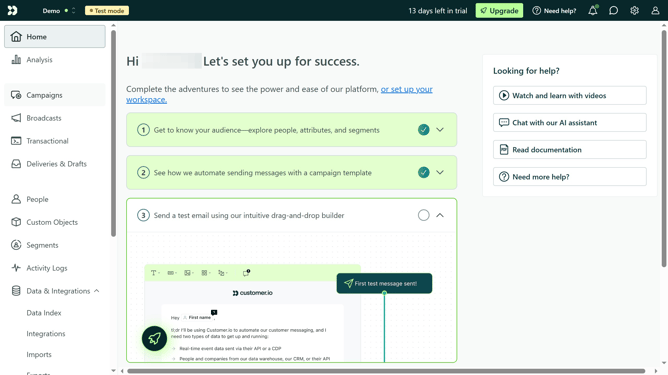
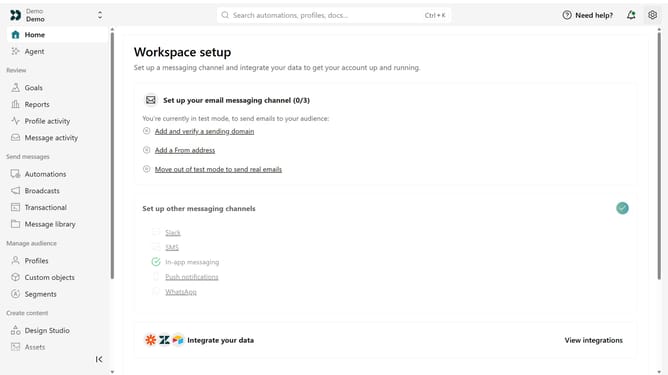
- First click on the settings icon in the top right corner
- Click on "Workspace settings" in the dropdown menu
- Next, click on "Business context" in the workspace settings
- Under "Basic info", locate the "Business description" field
- Then, update your business description
- Finally, click on the "Save" button to apply the changes
Why should you How to update your business description in Customer.io
Customer.io is a versatile platform designed to automate and optimize customer communication.
Updating your business description in Customer.io is a straightforward feature that ensures your brand's messaging remains fresh and appealing.
By keeping your business description current, you improve customer engagement and demonstrate your commitment to transparency and credibility.
This feature is crucial for maintaining consistency across all marketing channels, fostering trust, and ensuring your audience receives accurate information about your business.
Last update