How to personalize in-app messages in Customer.io
Here is how to personalize in-app messages in customer.io
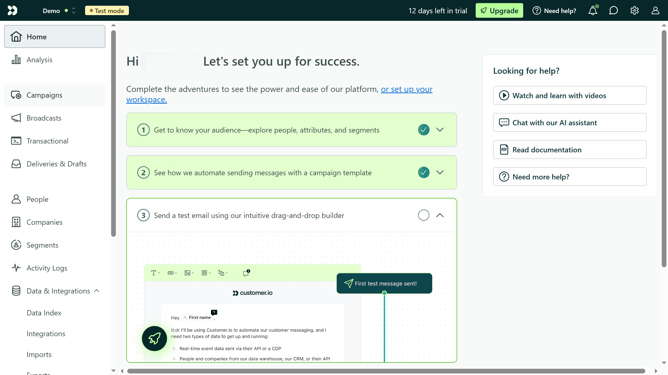
- First click on the "Campaigns" option in the left sidebar menu
- Then click on the name of the campaign where you want to add a personalized in-app message
- Next click on the "In-App Message" item in the workflow
- Then click on the "Add a component" button
- Next click on the "+ Add a component"
- Then click on the text field
- Then type in your personalize message
- Click on the "Save Changes" button at the bottom of the editor
- Click on the "Done" button in the top-right corner
Why should you personalize in-app messages in Customer.io
Customer.io is a powerful platform designed to optimize and automate your customer engagement.
By personalizing in-app messages in Customer.io, you tailor communications specifically to user behaviors and preferences, enhancing user experience and satisfaction.
This feature allows you to engage audiences with precise messages at optimal moments, increasing interaction and retention rates.
Ultimately, personalized messaging fosters deeper connections with your audience, nurturing loyalty and promoting a seamless user journey.
Last update