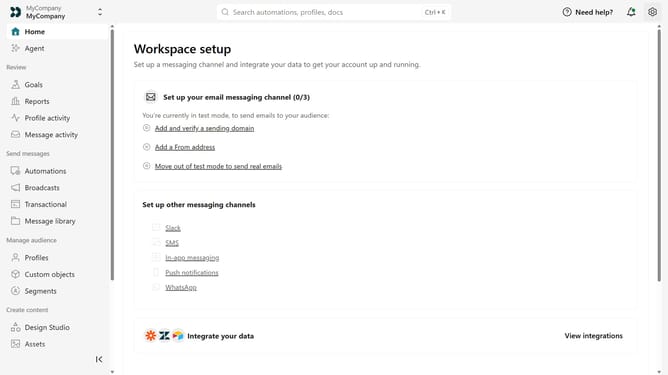
How to rename a Track API key in Customer.io
Here is how to rename a track api key in customer.io
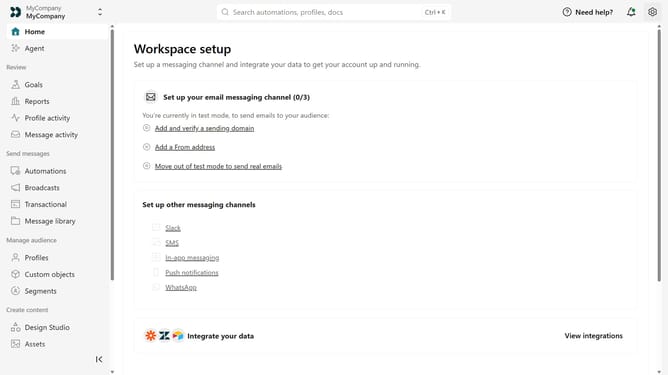
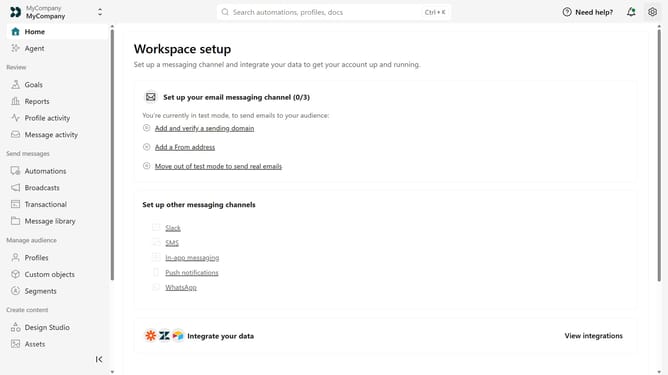
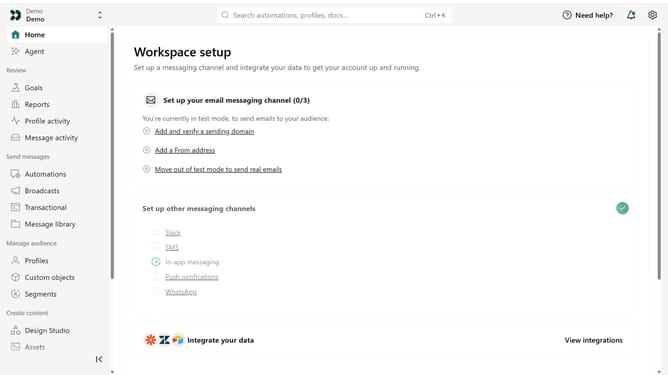
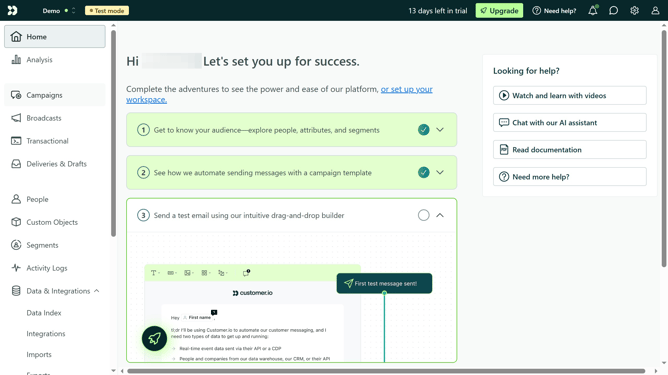
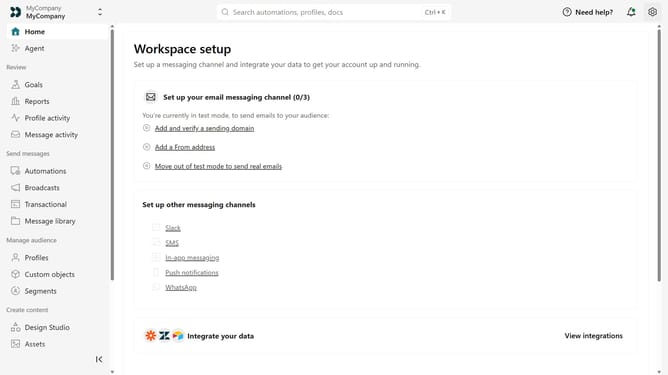
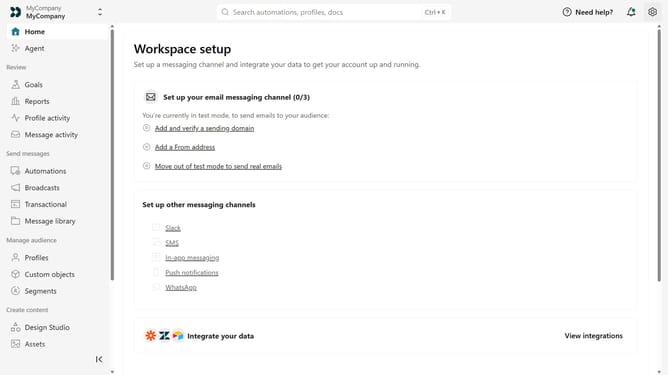
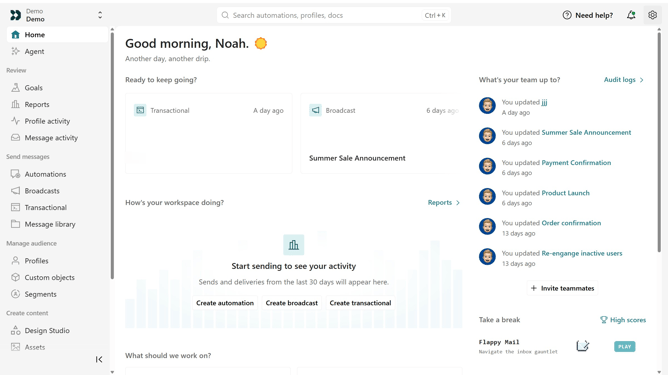
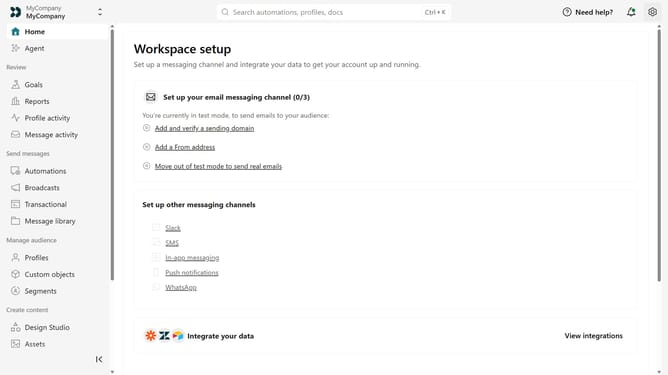
- First click on the settings icon in the top right corner
- Click on "Account settings" in the dropdown menu
- Next click on "API Credentials" in the main menu
- After that, click on "Tracking API keys" tab
- Locate the Track API key you want to rename
- Then, click on the more options menu next to the API key
- Next, select "Rename key"
- Then, enter the new name
- Finally, click on "Save" to apply your changes
Why should you How to rename a Track API key in Customer.io
Customer.io is a powerful platform that enables marketers to automate their engagement efforts effortlessly.
The ability to rename a Track API key in Customer.io is a valuable feature that enhances organization and clarity. By renaming the API key, users can easily identify and manage multiple keys, ensuring seamless integration with various applications.
This feature is particularly beneficial for teams handling large volumes of data, as it simplifies tracking and troubleshooting. Effective API key management contributes to a more efficient workflow, fostering an enriched user experience.
Last update