How to add your API link in Customer.io
Here is how to add your api link in customer.io
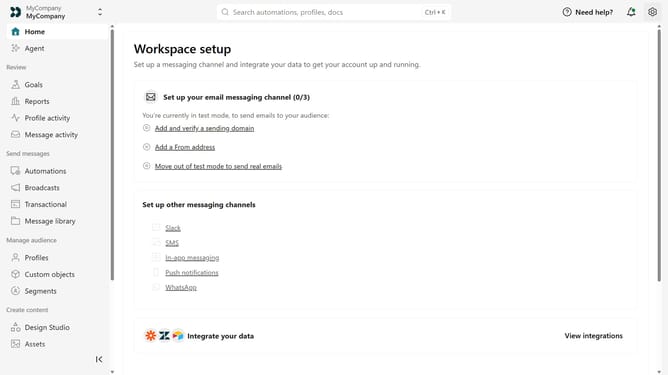
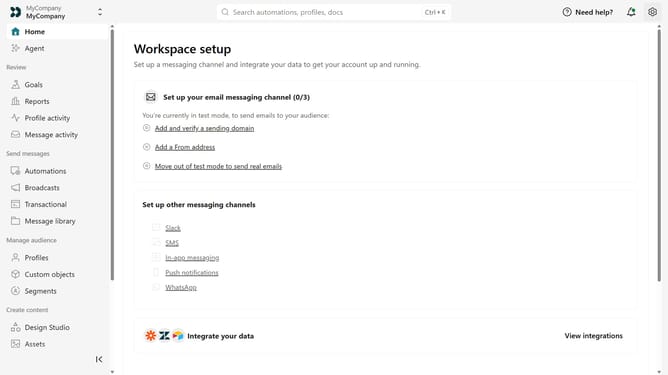
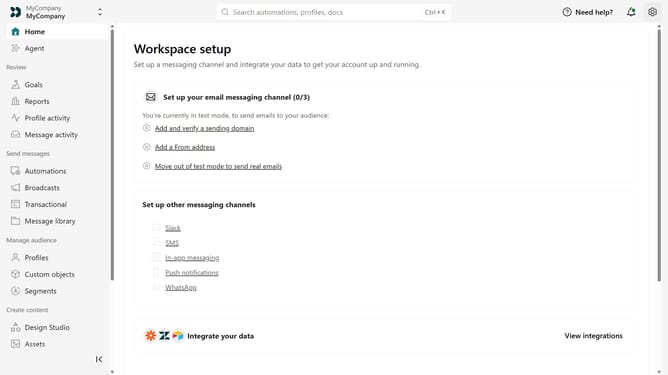
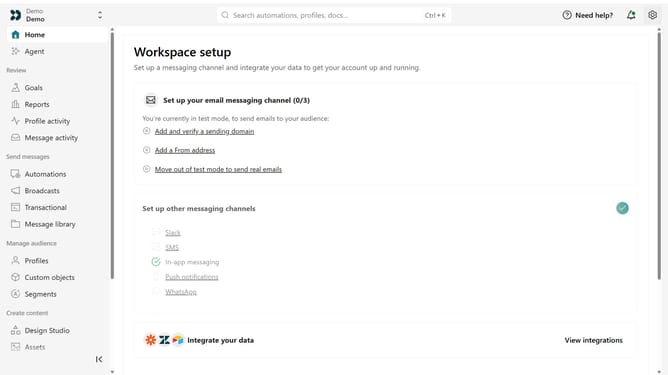
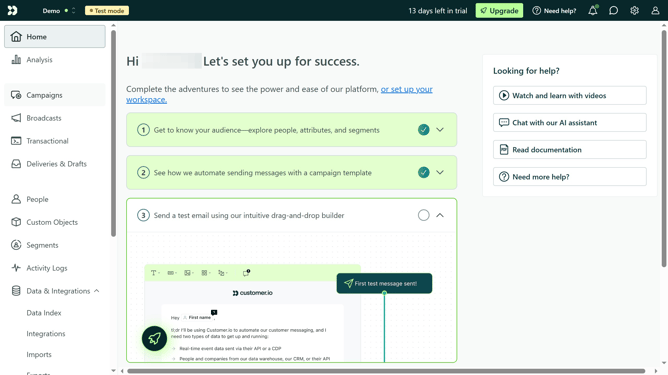
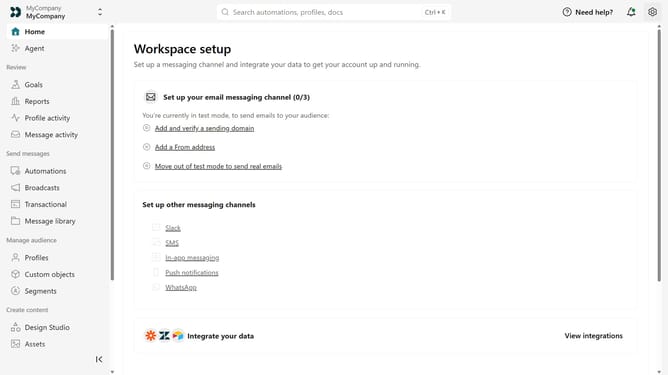
- First click on the settings icon in the top right corner
- Click on "Workspace settings" in the dropdown menu
- Next, click on "Business context" in the workspace settings
- Under "Platform availability", locate the "API" field
- Then enter your API URL or documentation URL
- Finally click on the "Save" button
Why should you How to add your API link in Customer.io
Customer.io is a powerful platform allowing businesses to send targeted communication to enhance user engagement and retention.
Integrating your API link into Customer.io unlocks the doors to seamless data interaction, increasing the platform's capability to customize and automate communication efforts.
Using the API enhances data accuracy and personalization, ensuring that your messages are always timely and relevant.
The direct connection streamlines workflow and boosts campaign effectiveness, making Customer.io an essential tool for data-driven marketing operations.
Last update