How to add a time delay in Customer.io
Here is how to add a time delay in customer.io
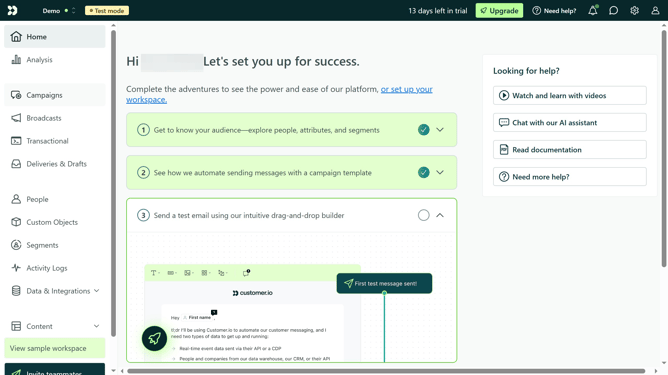
- First click on the "Campaigns" option in the left sidebar menu
- Click on the "Create Campaign" button in the top right corner
- Click on "Start from a template"
- Select your preferred template
- Click the "Build workflow" button at the bottom of the template selection
- Click on the "Time Delay" in the workflow builder
- Click on the time unit dropdown
- Select your preferred time unit from the options
- Click on the arrows to adjust the delay time value
- Finally click the "Save" button in the bottom right corner of the Time Delay settings panel
Why should you add a time delay in Customer.io
Customer.io is a versatile platform designed to help businesses send targeted messages to their audiences.
A notable feature of Customer.io is the ability to add a time delay, allowing businesses to schedule messages with precision. This feature plays a crucial role in strategic communication by spacing out interactions, preventing overwhelming customers with consecutive messages.
By strategically implementing delays, businesses can craft more engaging and timely messages, ultimately enhancing customer satisfaction and strengthening relationships.
Last update