How to update your business website in Customer.io
Here is how to update your business website in customer.io
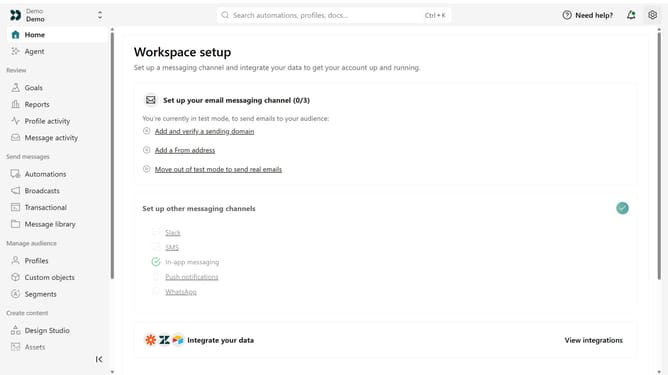
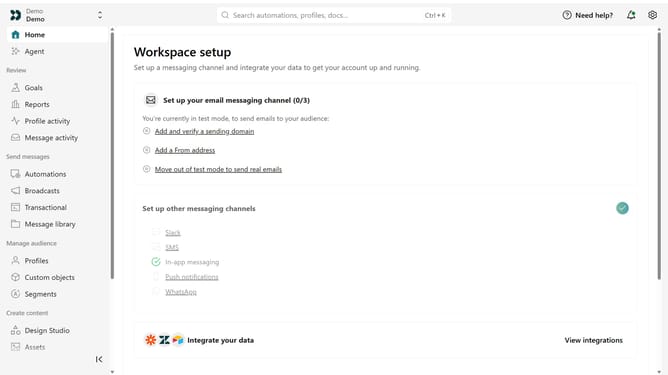
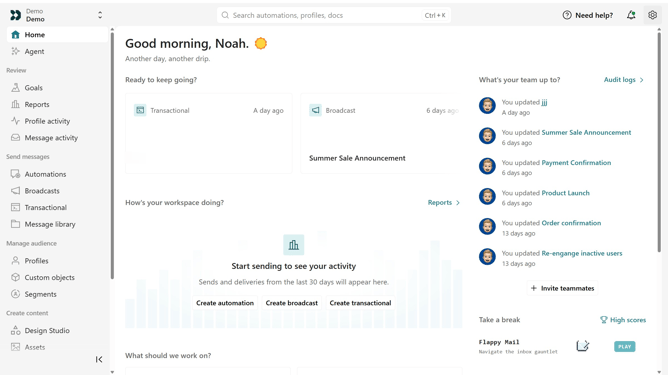
- First click on the settings icon in the top right corner
- Click on "Workspace settings" in the dropdown menu
- Next, click on "Business context" in the workspace settings
- Under "Basic info", locate the "Website" field
- Then enter the new website URL
- Finally, click on the "Save" button to apply the changes
Why should you How to update your business website in Customer.io
Customer.io is a powerful platform designed to help businesses communicate with their customers effectively through data-driven messaging.
Updating your business website using Customer.io ensures that your communications and user interactions are always in-sync and relevant. This feature allows seamless integration of content, ensuring all updates align with your marketing goals.
By utilizing Customer.io to update your website, businesses can enjoy enhanced engagement rates as the system tailors content delivery based on real-time data, ensuring a more personalized user experience.
This facilitates better customer relationship management and provides actionable insights that drive growth and customer satisfaction.
Last update