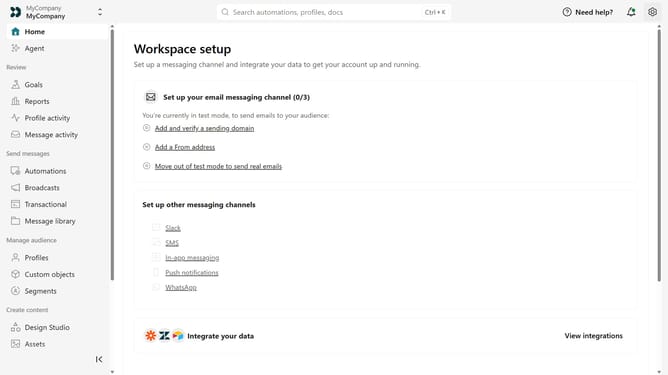
How to view your App API key in Customer.io
Here is how to view your app api key in customer.io
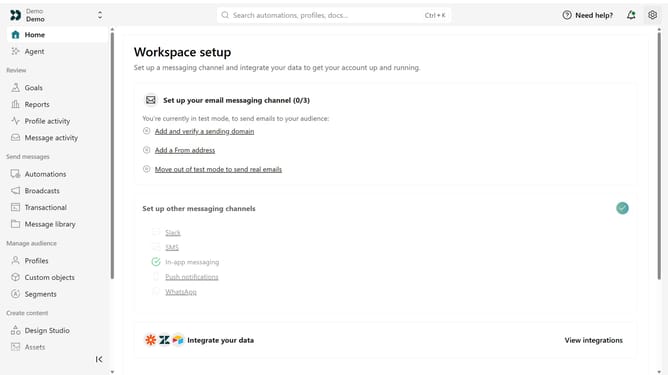
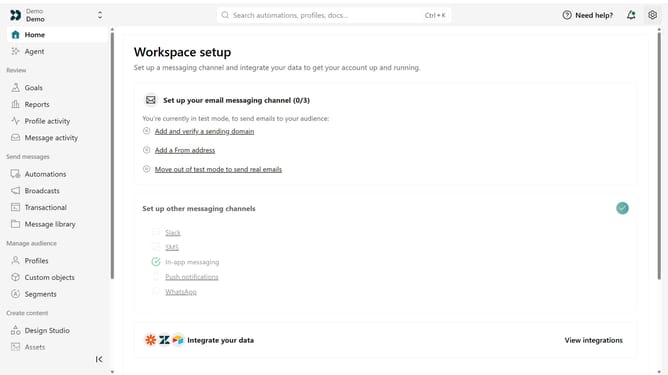
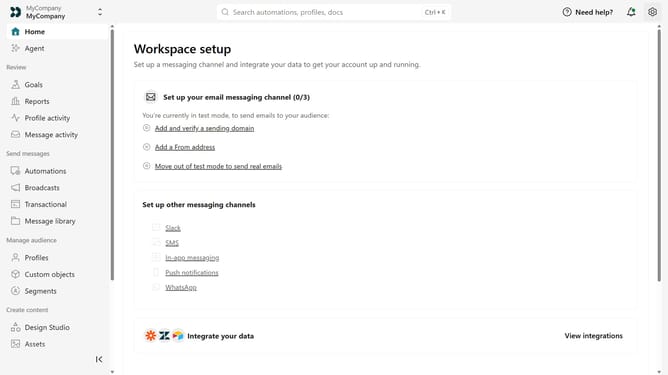
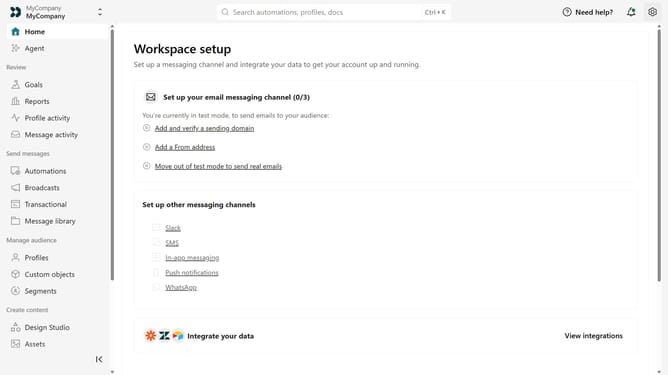
- First click on the settings icon in the top right corner
- Click on "Account settings" in the dropdown menu
- Next click on "API Credentials" in the main menu
- Then, click on "App API keys" tab
- From here, you can view your available App API keys and their details
Why should you How to view your App API key in Customer.io
Customer.io is a robust platform dedicated to automated messaging tailored for targeted customer engagement.
Viewing your App API key in Customer.io is a straightforward feature designed to enhance flexibility and integration.
Accessing the API key empowers developers and marketers alike to seamlessly integrate external applications, improving data flow.
This feature not only facilitates smoother processes but also enhances your ability to customize user interactions efficiently.
Last update