How to update the download link in Customer.io
Here is how to update the download link in customer.io
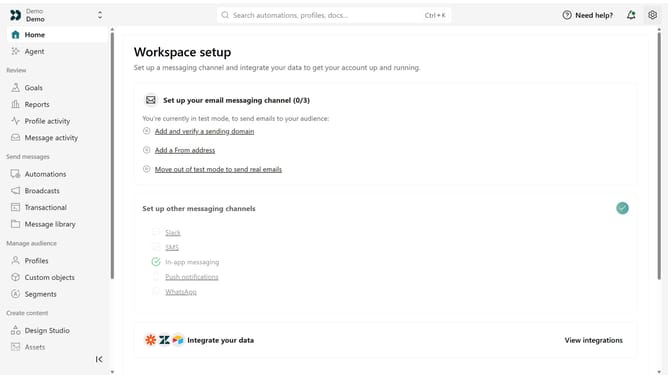
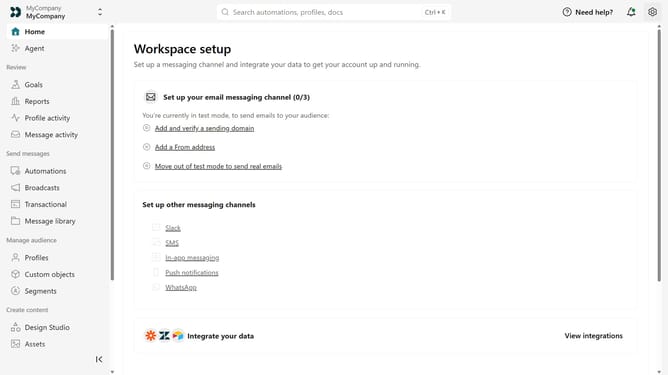
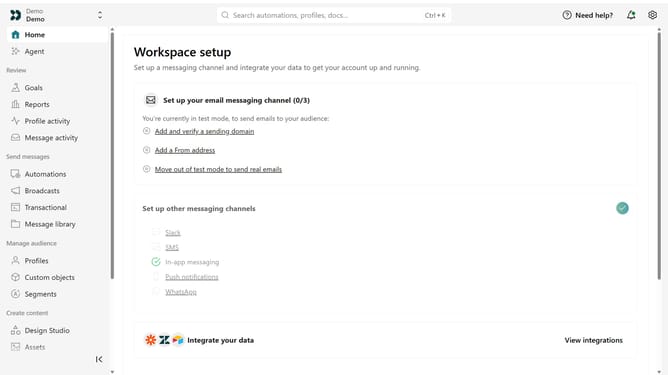
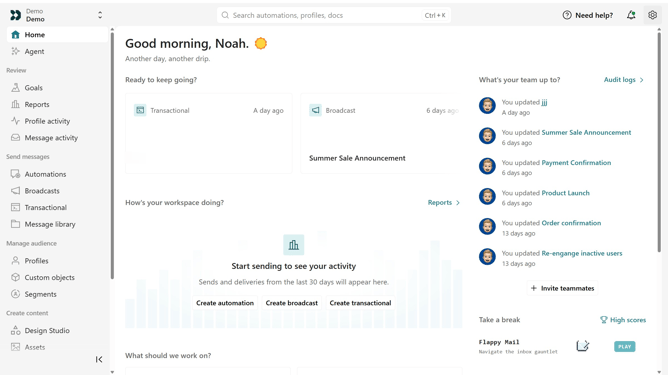
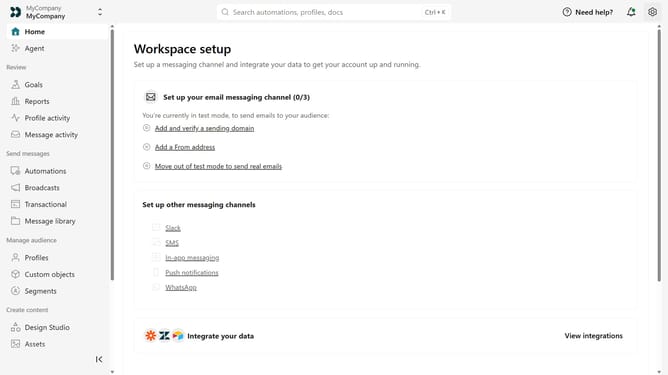
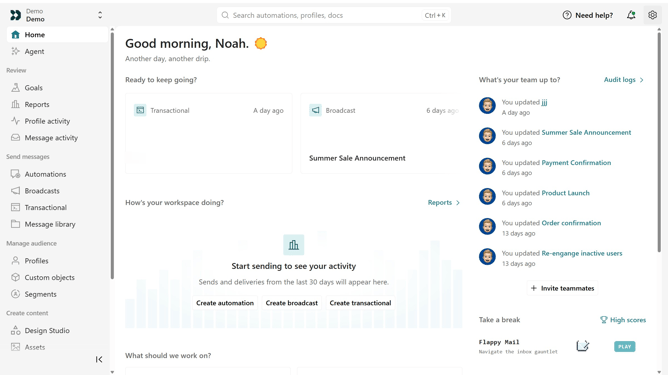
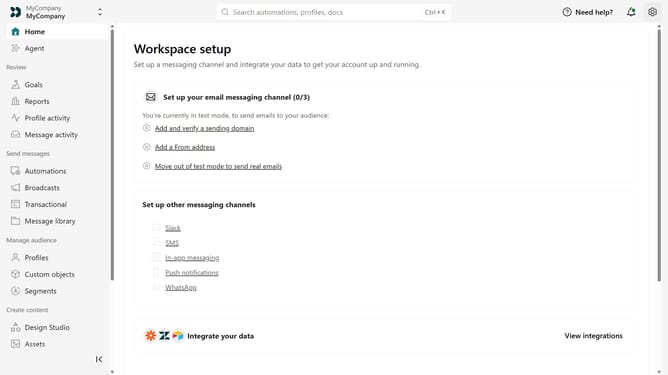
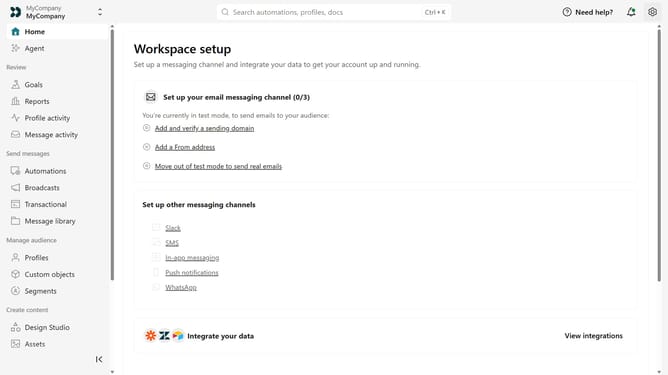
- First click on the settings icon in the top right corner
- Click on "Workspace settings" in the dropdown menu
- Next, click on "Business context" in the workspace settings
- Under "Key links", locate the "Download" field
- Then replace the existing URL with your updated download URL
- Finally click on the "Save" button
Why should you How to update the download link in Customer.io
Customer.io is a behavioral messaging platform that helps engage and convert customers through personalized communication.
Updating the download link in Customer.io is a vital feature that enhances user experience by ensuring recipients have access to the latest content. This seamless process allows businesses to maintain relevance and deliver precision-targeted materials.
Main benefits include improved user engagement and streamlined customer communication, allowing you to stay up-to-date and responsive to user needs.
Last update