How to add your download link in Customer.io
Here is how to add your download link in customer.io
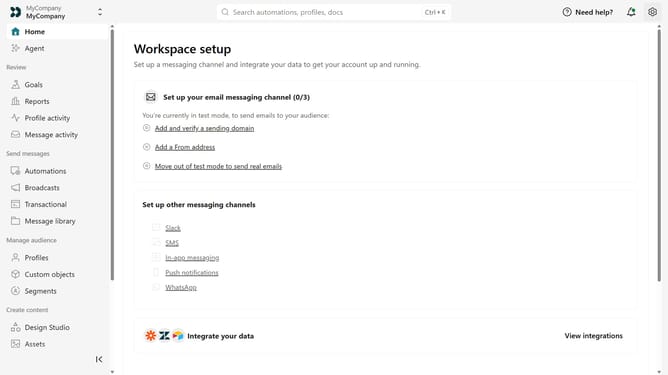
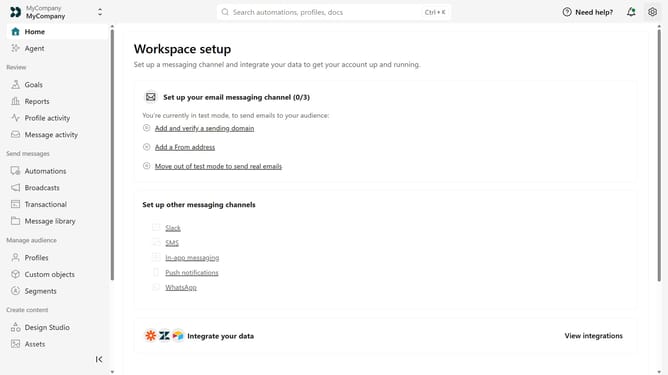
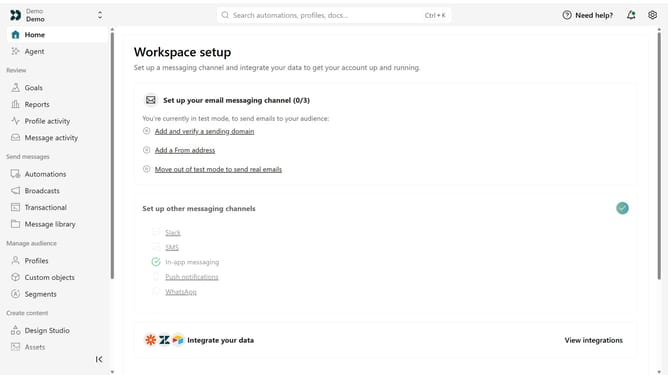
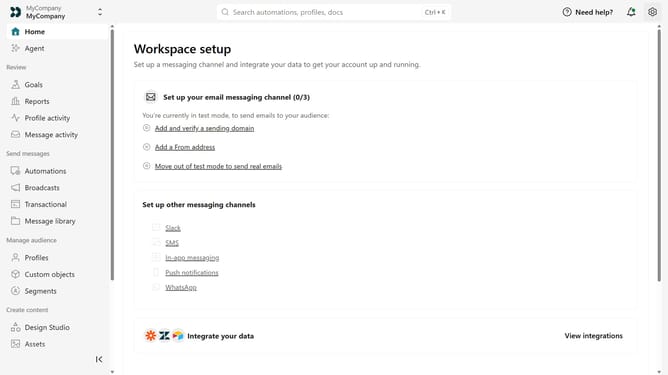
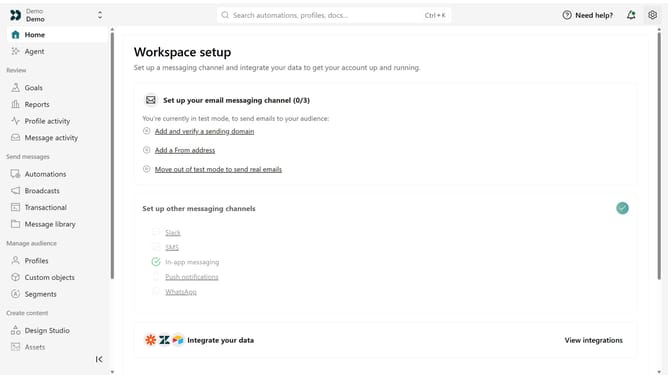
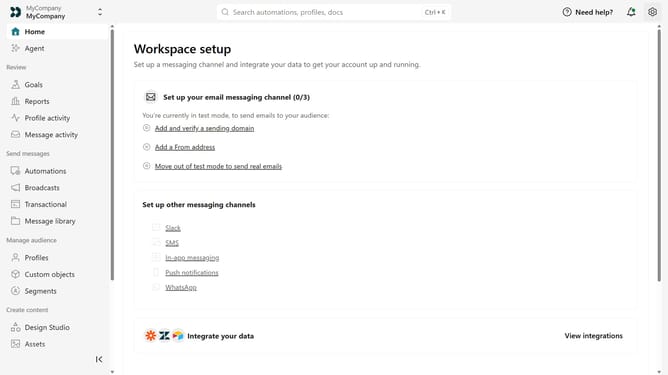
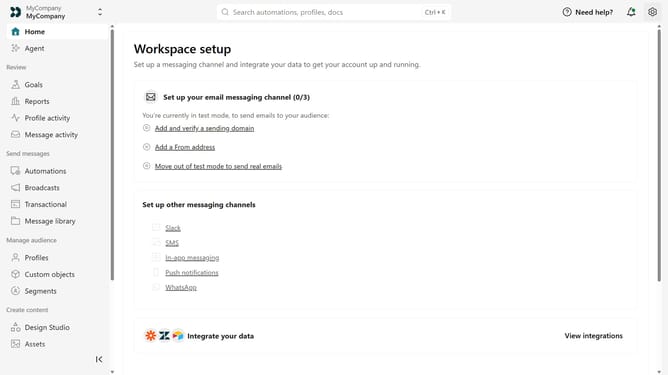
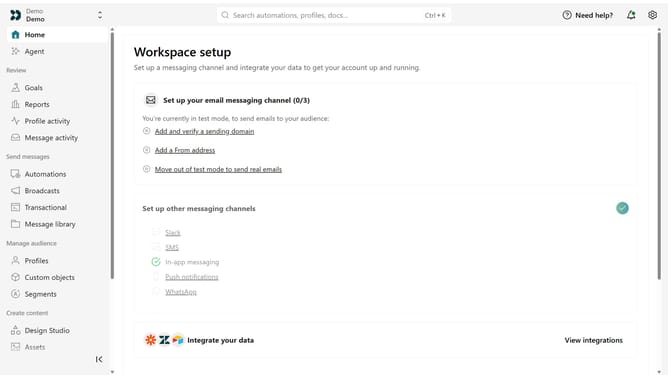
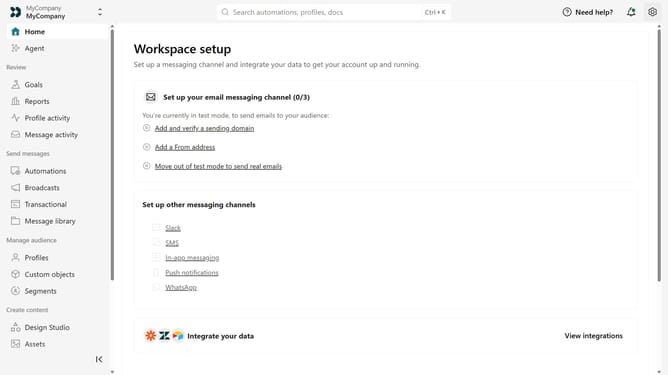
- First click on the settings icon in the top right corner
- Click on "Workspace settings" in the dropdown menu
- Next, click on "Business context" in the workspace settings
- Under "Key links", locate the "Download" field
- Then, enter your app download URL
- Finally click on the "Save" button
Why should you How to add your download link in Customer.io
Customer.io is a powerful platform designed to enhance communication and engagement with your audience.
By adding your download link in Customer.io, you seamlessly connect your audience to valuable content, enriching their experience.
This feature boosts user engagement by providing direct access and improves conversion rates as it removes barriers to accessing your resources.
Ultimately, it streamlines your workflow, allowing your marketing efforts to be more effective and efficient.
Last update