How to update the pricing page link in Customer.io
Here is how to update the pricing page link in customer.io
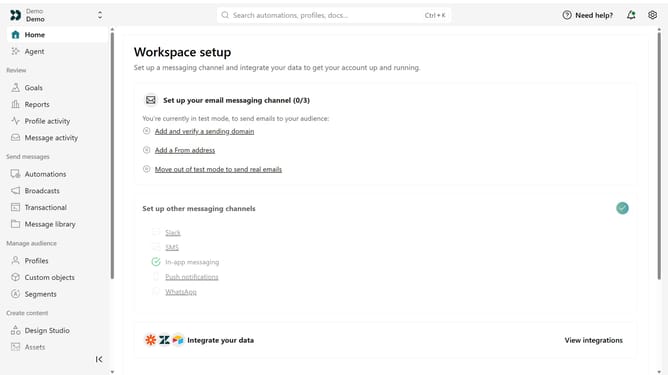
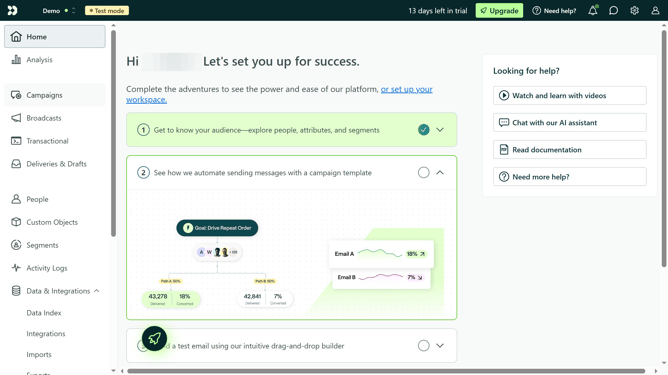
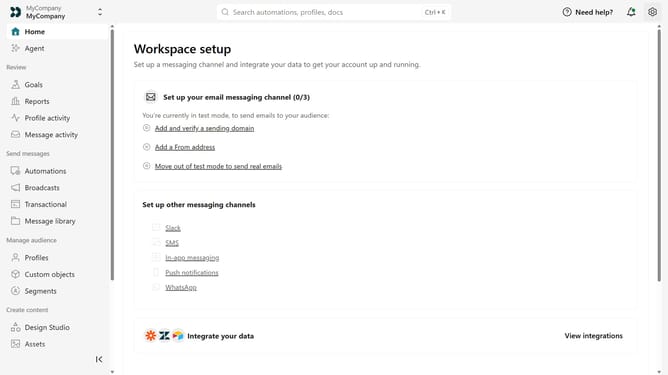
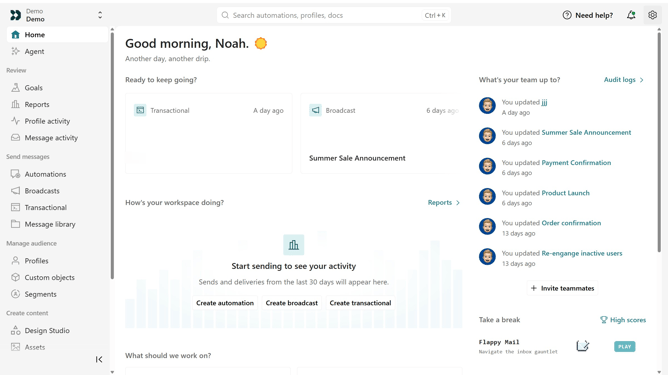
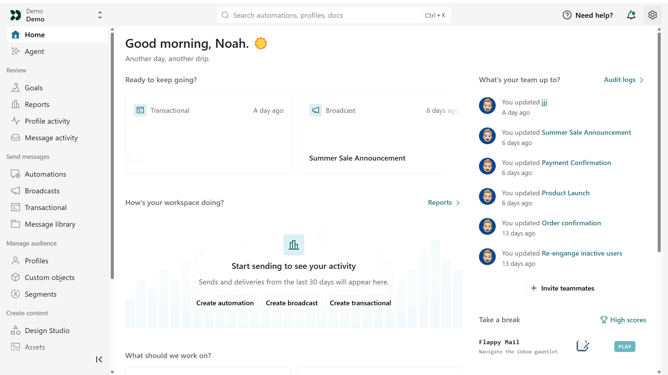
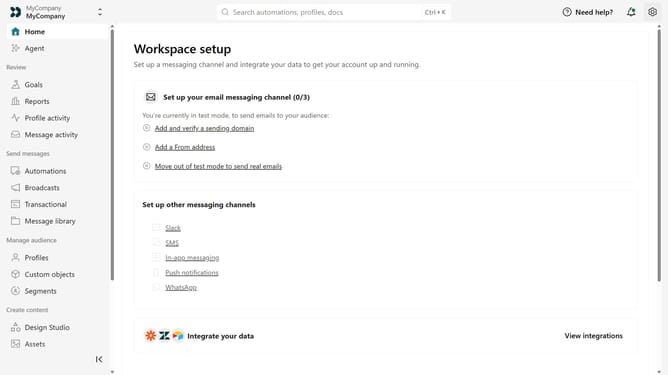
- First click on the settings icon in the top right corner
- Click on "Workspace settings" in the dropdown menu
- Next, click on "Business context" in the workspace settings
- Under "Key links", locate the "Pricing" field
- Then replace the existing URL with your updated pricing page URL
- Finally click on the "Save" button
Why should you How to update the pricing page link in Customer.io
Customer.io is an intuitive platform designed to enhance customer engagement through automated messaging campaigns.
One of its standout features is the ability to effortlessly update the pricing page link. This ensures that the most current and accurate pricing information is always accessible to your audience.
Regular updates to the pricing page link not only reflect changes in your offerings but also build trust with your customers by maintaining transparency.
Leveraging this feature ensures that your communication remains consistent and up-to-date, ultimately supporting your sales strategy.
Last update