How to export campaign metrics in Customer.io
Here is how to export campaign metrics in customer.io
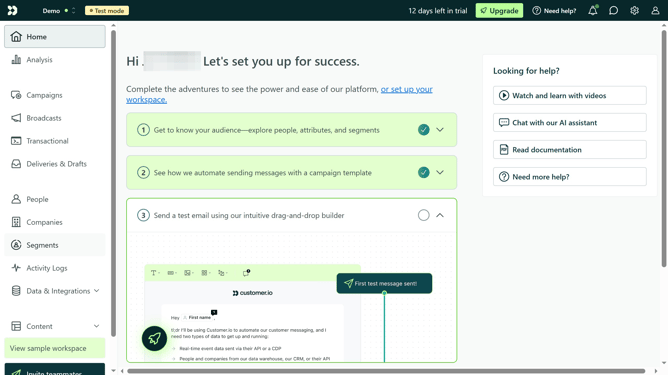
- First click on "Campaigns" in the left sidebar menu
- Then click on "Leads" campaign item in the main content area
- Next click on "Metrics" tab in the campaign details view
- Then click on the "Create Export" dropdown button in the top-right corner
- Next click on "All-time metric totals" option in the export dropdown menu
- Then click on "Export" button in the confirmation dialog
- After processing, click on "Go to Exports" button in the success message
- Finally click on "Download" button next to the most recent export in the exports list
Why should you export campaign metrics in Customer.io
Customer.io is a powerful platform designed for automating email campaigns to engage your audience effectively.
Exporting campaign metrics in Customer.io provides crucial insights into your marketing efforts. This feature allows you to effortlessly access data on campaign performance, helping you understand what resonates with your audience.
By analyzing these metrics, you can make informed decisions to refine strategies, enhance engagement, and drive better results.
Last update