How to export drafts in Customer.io
Here is how to export drafts in customer.io
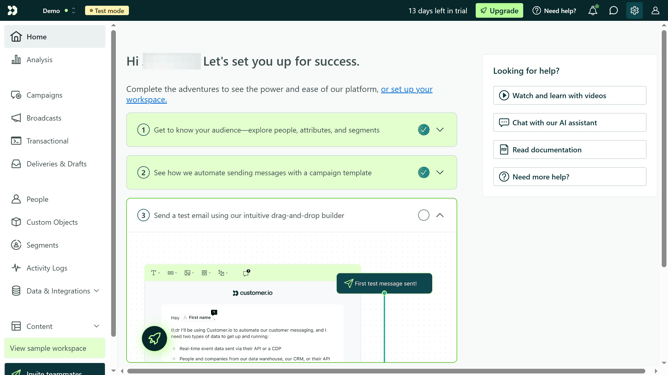
- First click on "Deliveries & Drafts" in the left sidebar navigation
- Then click on the "Drafts" tab
- Next click on the date range selector for the report
- Click on the desired start date of the report
- Then click on the desired end date of the report
- Finally click on the export to CSV
Why should you export drafts in Customer.io
Customer.io is an intuitive platform designed to help you build meaningful customer relationships through automated messaging.
One of its valuable features is the ability to export drafts, streamlining the process of managing your communication strategies.
Exporting drafts in Customer.io allows for efficient collaboration across teams and ensures that your messaging is consistent and on-brand before going live.
This feature is particularly beneficial for revisiting previous campaigns, refining them, and ensuring your efforts align with evolving business goals.
Last update