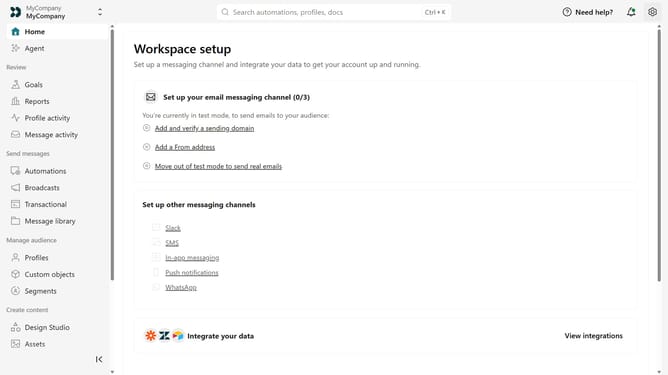
How to create a Track API key in Customer.io
Here is how to create a track api key in customer.io
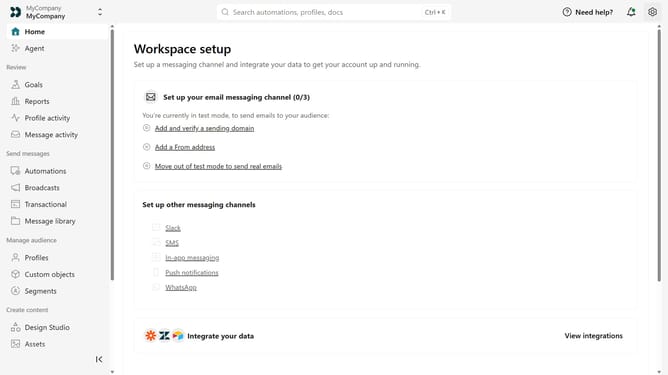
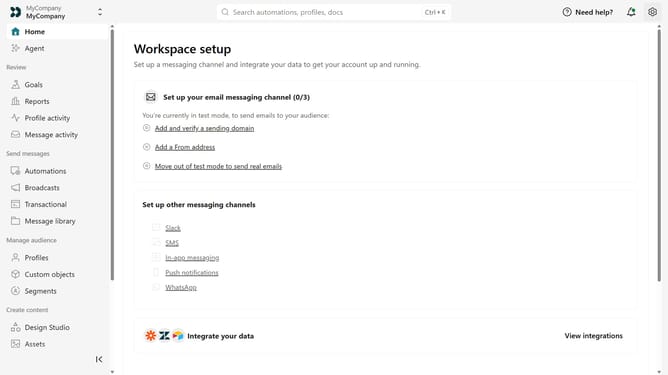
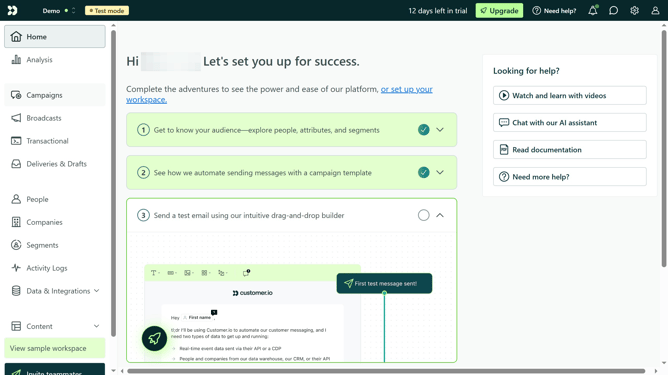
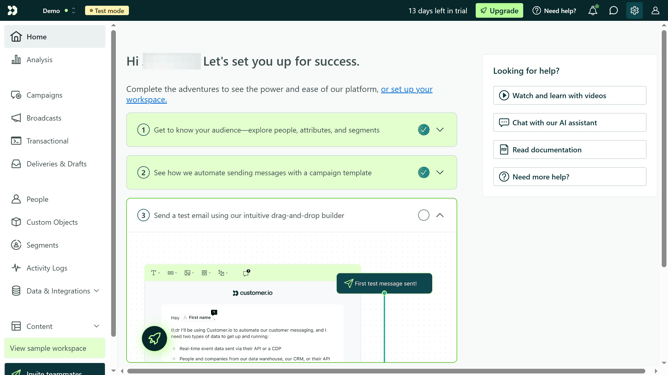
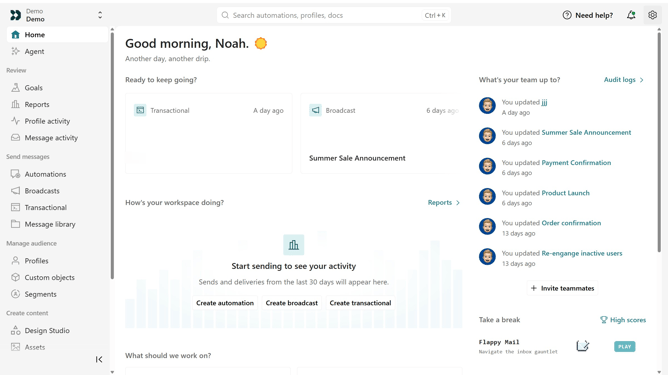
- First click on the settings icon in the top right corner
- Click on "Account settings" in the dropdown menu
- Next click on "API Credentials" in the main menu
- After that, click on "Tracking API keys" tab
- Click on "Create Track API Key" button
- Then, enter a name for the API key
- Finally click on "Create Track API Key" button to confirm
Why should you How to create a Track API key in Customer.io
Customer.io is a powerful platform designed to automate and personalize customer communications effectively.
Creating a Track API key within Customer.io is a seamless way to integrate and manage data streams, ensuring accurate customer behavior tracking.
This feature empowers businesses to tailor interactions by capturing real-time data, enhancing customer engagement.
With the ability to track and respond to user actions promptly, businesses can foster stronger relationships and drive success.
Last update