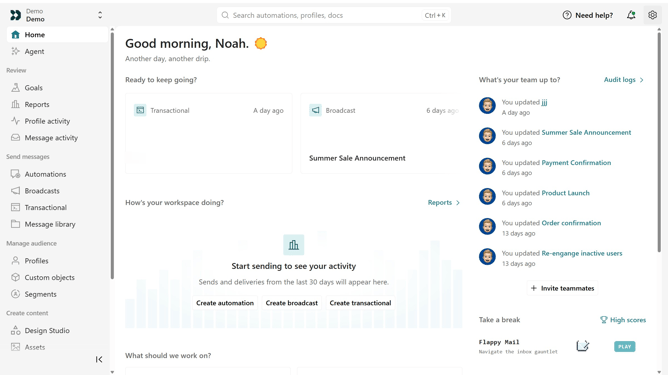
How to stop campaign in Customer.io
Here is how to stop campaign in customer.io
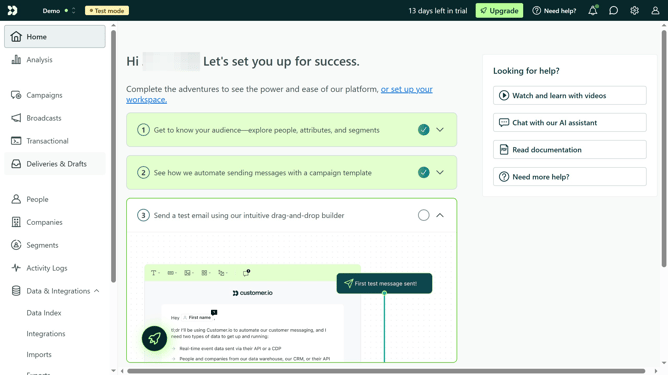
- First click on the "Campaigns" option in the left sidebar menu
- Then click on the name of the campaign you want to stop
- Click on the "Actions" dropdown menu in the top-right corner
- Select the "Stop" option from the Actions dropdown menu
- Finally click the "Yes, stop campaign" button in the confirmation dialog
Why should you stop campaign in Customer.io
Customer.io empowers businesses to create personalized marketing communications that resonate with their audience.
One of the essential features of Customer.io is the ability to stop campaigns, offering flexibility and control over your marketing efforts. This feature ensures campaigns can be paused or halted to reflect changes in strategy or customer needs without hassle.
Utilizing this capability helps maintain brand integrity, ensures resources are optimally utilized, and allows marketers to stay responsive to dynamic business environments.
Last update