How to add your web app link in Customer.io
Here is how to add your web app link in customer.io
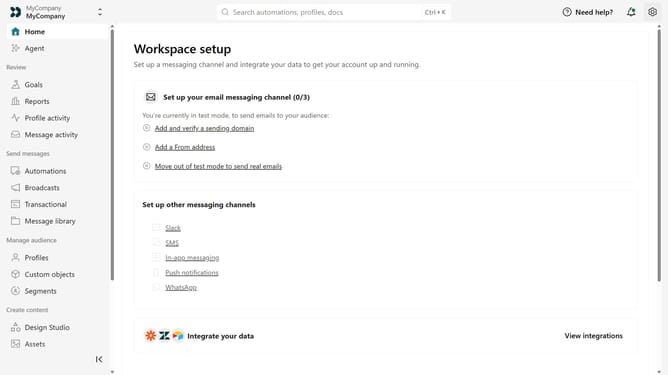
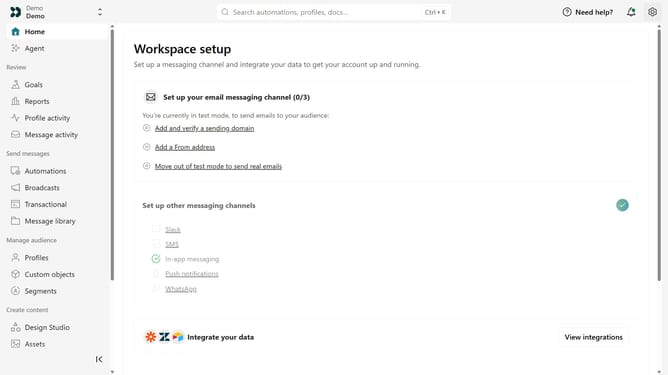
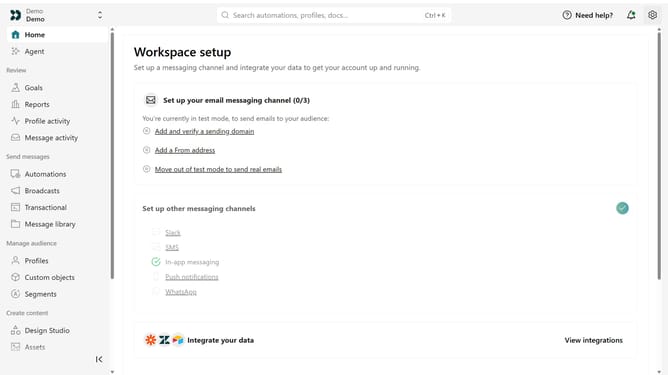
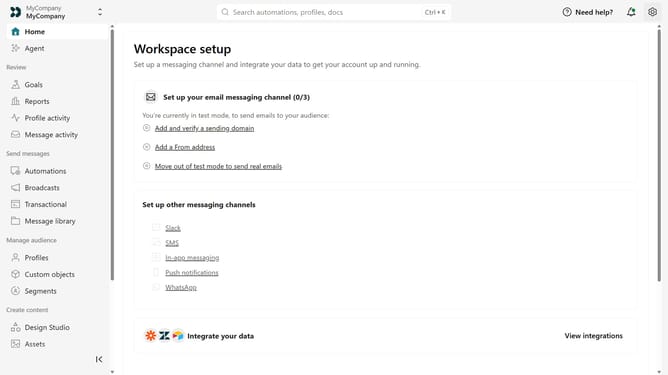
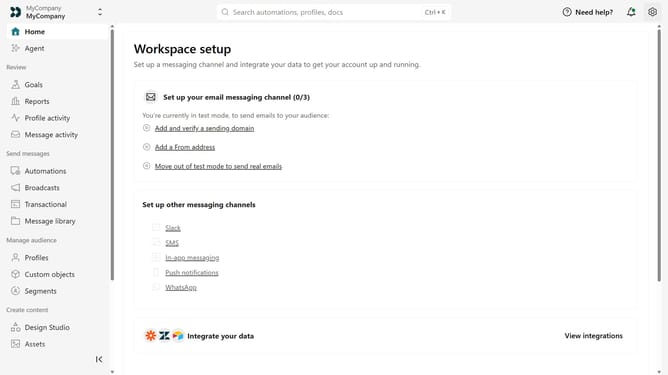
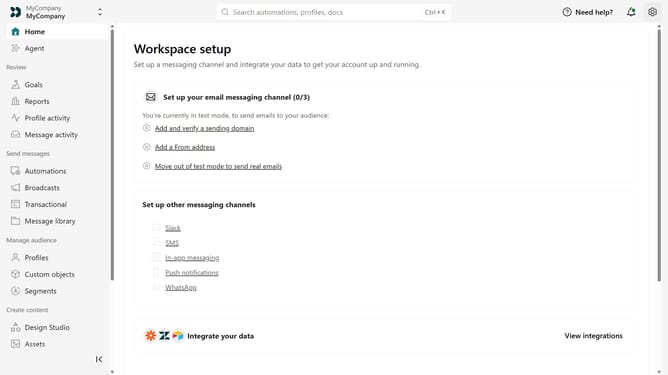
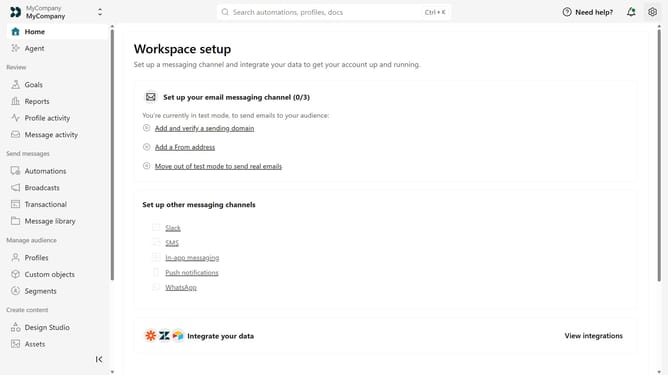
- First click on the settings icon in the top right corner
- Click on "Workspace settings" in the dropdown menu
- Next, click on "Business context" in the workspace settings
- Under "Platform availability", locate the "Web app" field
- Then enter your web app URL
- Finally click on the "Save" button
Why should you How to add your web app link in Customer.io
Customer.io is a dynamic platform designed to enhance customer engagement through personalized messaging.
Adding your web app link in Customer.io is a powerful feature that allows you to seamlessly integrate your app with this robust messaging tool. This integration ensures that your users can transition smoothly between engagement touchpoints, enhancing their overall experience.
Utilizing this feature not only simplifies the user journey but also increases engagement by directing customers precisely where you want them to go, thereby boosting interaction and satisfaction.
Last update