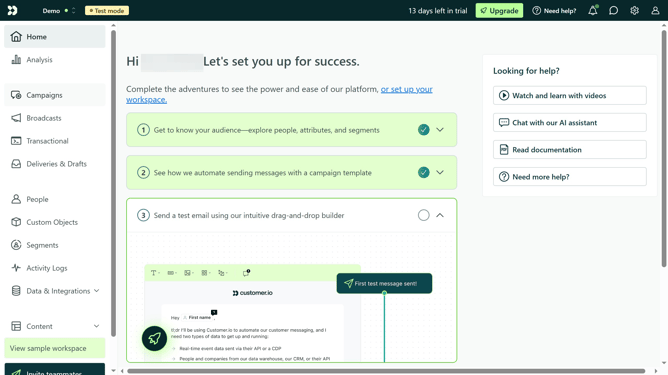
How to access Business context in Customer.io
Here is how to access business context in customer.io
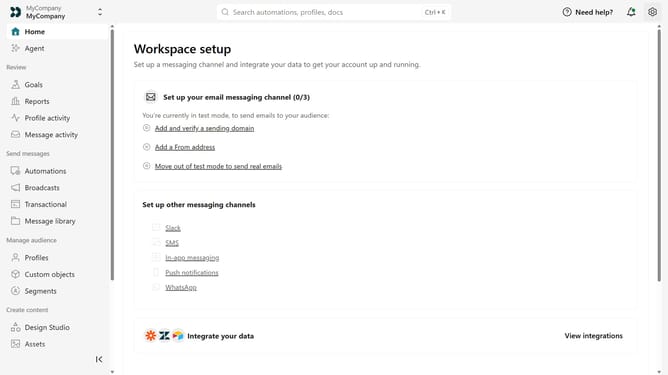
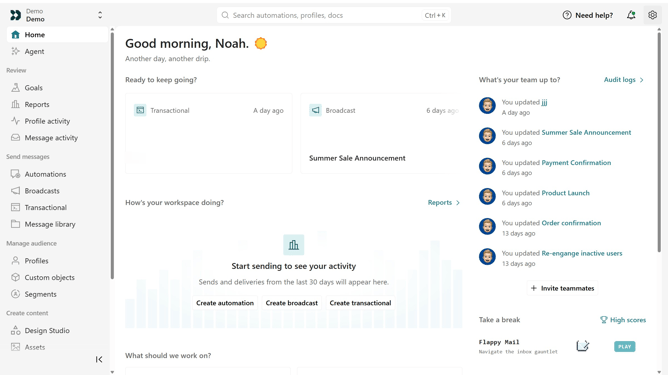
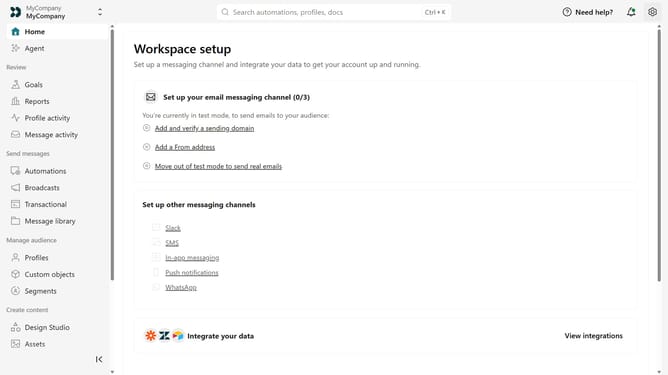
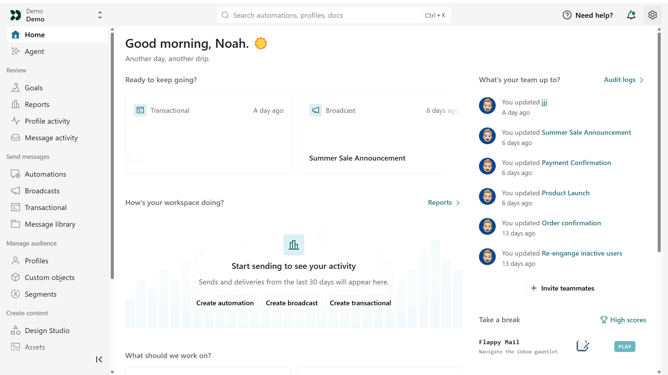
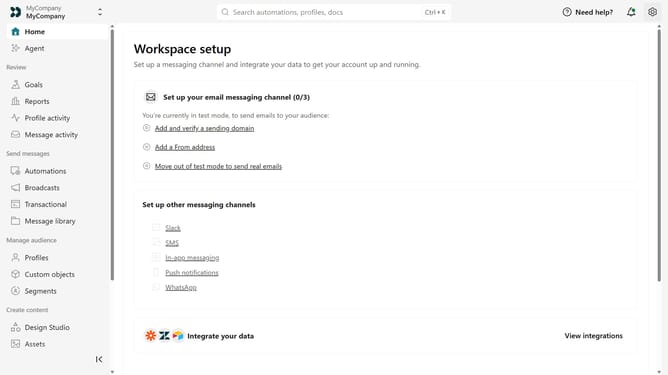
- First click on the settings icon in the top right corner
- Click on "Workspace settings" in the dropdown menu
- Next, click on "Business context" in the workspace settings
- From here, you can view and manage your business information, brand voice, and key links
Why should you How to access Business context in Customer.io
Customer.io empowers businesses to create personalized marketing campaigns through precise messaging and audience targeting.
Accessing Business context within Customer.io allows users to capture and utilize essential customer data, enhancing communication strategies.
This feature provides deep insights, enabling businesses to tailor interactions based on user behavior and preferences, ultimately leading to improved engagement and higher conversion rates.
Last update