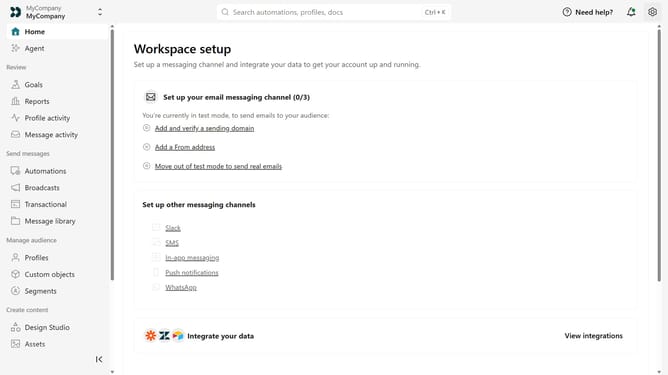
How to add your Mac app link in Customer.io
Here is how to add your mac app link in customer.io
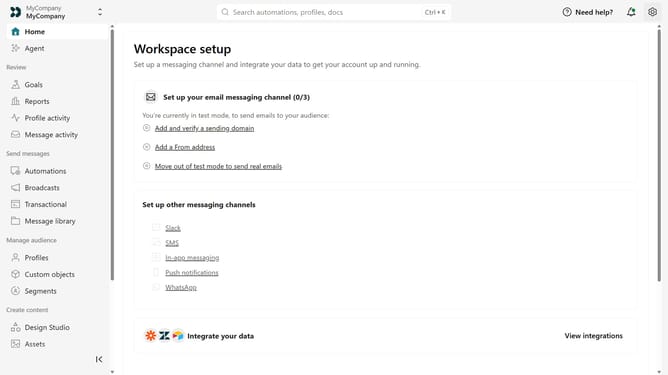
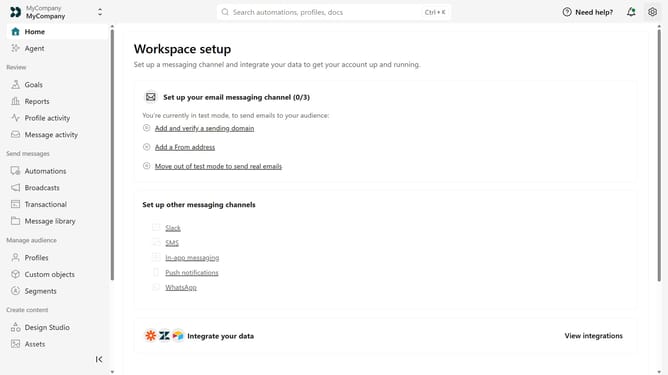
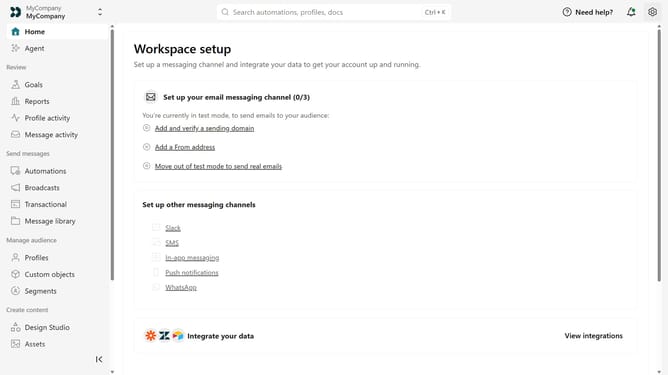
- First click on the settings icon in the top right corner
- Click on "Workspace settings" in the dropdown menu
- Next, click on "Business context" in the workspace settings
- Under "Platform availability", locate the "Mac" field
- Then, enter your Mac app URL
- Finally click on the "Save" button
Why should you How to add your Mac app link in Customer.io
Customer.io is a dynamic platform designed to boost customer engagement through personalized messaging.
By adding your Mac app link to Customer.io, you can seamlessly integrate your app information into targeted email campaigns. This feature allows you to simplify the user journey, directing them effortlessly to your Mac app with just a click.
Incorporating your app link ensures users have instant access to your product, increasing visibility and enhancing user interaction, ultimately driving app downloads and user satisfaction.
Last update