How to update your target audience in Customer.io
Here is how to update your target audience in customer.io
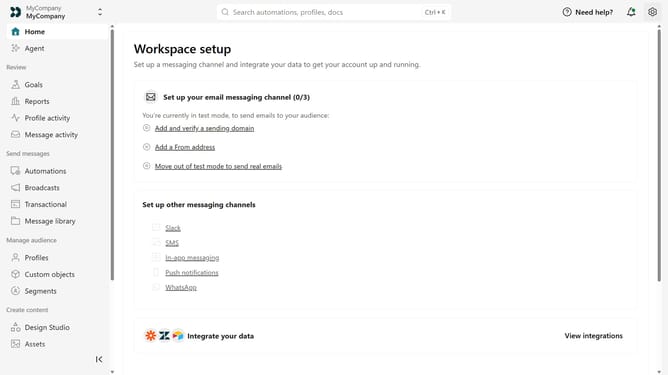
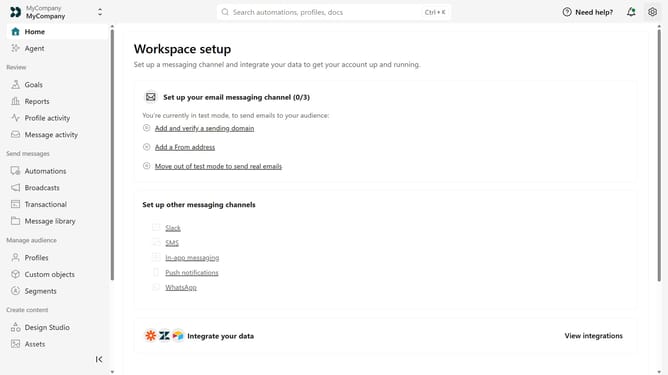
- First click on the settings icon in the top right corner
- Click on "Workspace settings" in the dropdown menu
- Next, click on "Business context" in the workspace settings
- Under "Basic info", locate the "Audience" field
- Then update the field with your target audience or customer segments
- Finally, click on the "Save" button to apply the changes
Why should you How to update your target audience in Customer.io
Customer.io is a powerful tool designed to transform how businesses automate and personalize communications.
Updating your target audience in Customer.io allows you to tailor messages with precision, ensuring that the right people receive the right information at exactly the right time.
This feature enhances your marketing strategy by providing dynamic audience control, keeping your data relevant and your interactions effective.
By leveraging this functionality, you stay ahead in delivering personalized experiences that resonate with your audience, maximizing engagement and impact.
Last update