How to automate follow‑Ups in Customer.io
Here is how to automate follow‑ups in customer.io
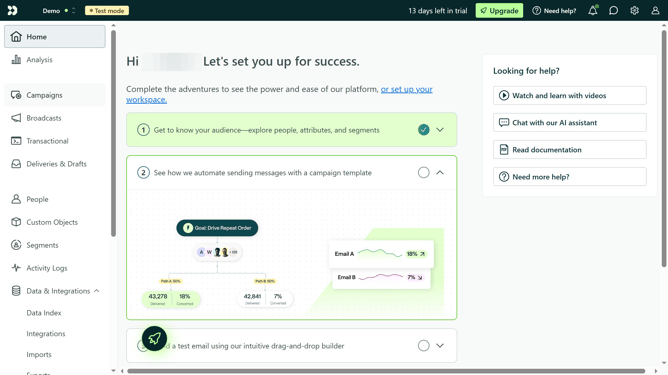
- First click on the "Campaigns" option in the left sidebar menu
- Then click on the name of the email campaign where you want to set up the automated follow-up
- Click on the "Wait Until..." option in the right sidebar under the Delays section
- Drag the "Wait Until..." block to the position where you want to insert a delay before the follow-up email.
- Once it's placed in the workflow, click on the "Wait Until..." block to configure it
- Click on the "Max. time" option
- Click on the time unit dropdown menu
- Click on your preferred time unit
- Click on the arrow in the number unit field to customize the time
- Finally click the "Save" button to apply the wait condition
Why should you automate follow‑Ups in Customer.io
Customer.io is a versatile platform designed to streamline customer interactions through automated messaging.
Automating follow-ups in Customer.io enhances your communication strategy by ensuring timely and relevant interactions with your audience.
This feature allows you to effortlessly maintain engagement without manual intervention, saving time and increasing efficiency.
By utilizing automation, you can focus on crafting meaningful messages while Customer.io handles delivery, fostering stronger customer relationships.
Last update