How to add your iOS app link in Customer.io
Here is how to add your ios app link in customer.io
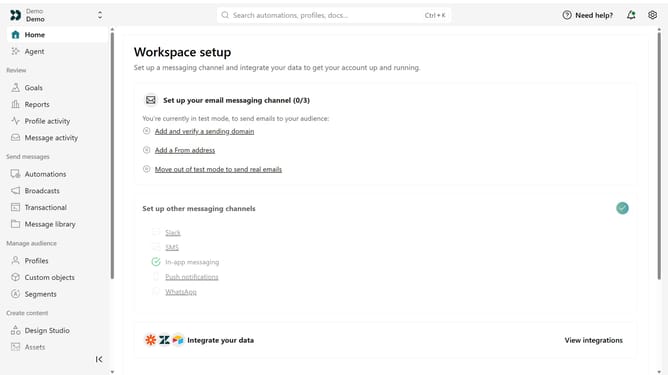
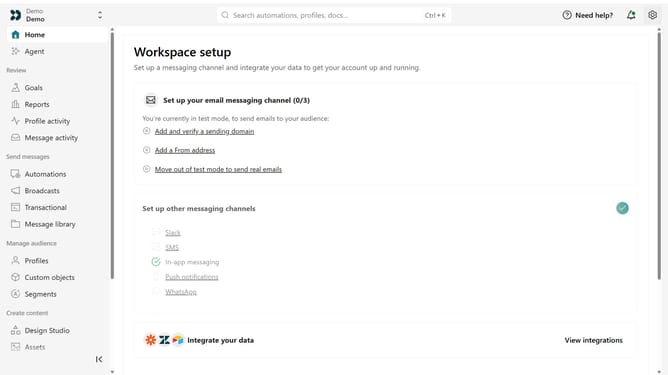
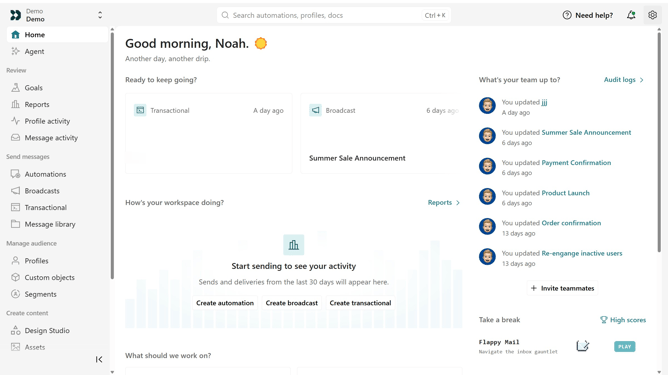
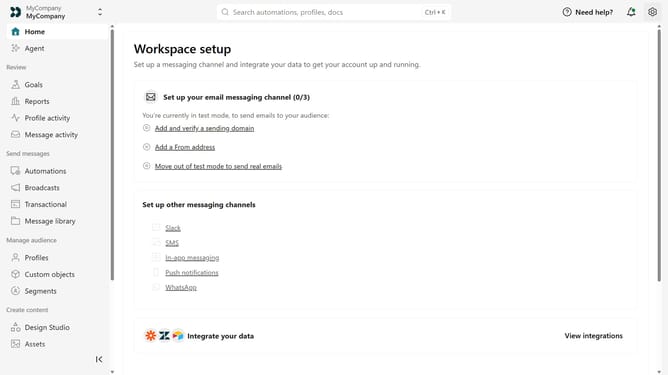
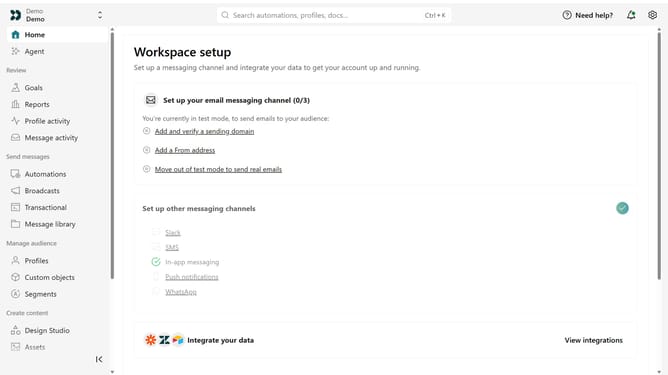
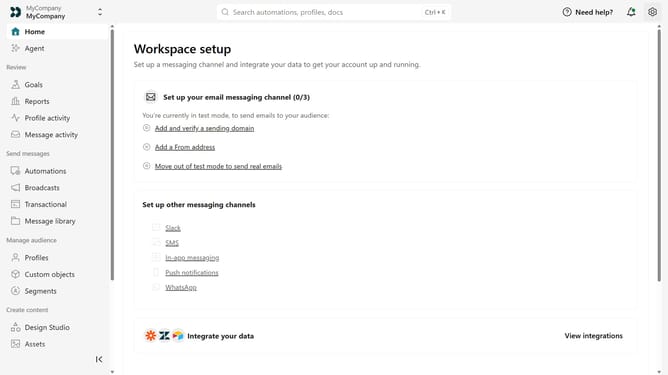
- First click on the settings icon in the top right corner
- Click on "Workspace settings" in the dropdown menu
- Next, click on "Business context" in the workspace settings
- Under "Platform availability", locate the "iOS" field
- Then enter your iOS app URL
- Finally click on the "Save" button
Why should you How to add your iOS app link in Customer.io
Customer.io is a sophisticated platform designed to enhance the way businesses engage with their audiences through personalized messaging.
Including your iOS app link in Customer.io amplifies your app's visibility. By placing your app link within your communications, users can easily access your app, streamline the download process, and ultimately drive higher engagement.
This feature bridges the gap between your digital presence and your mobile application, creating a more integrated experience for your audience and fostering brand loyalty through seamless interaction.
Last update