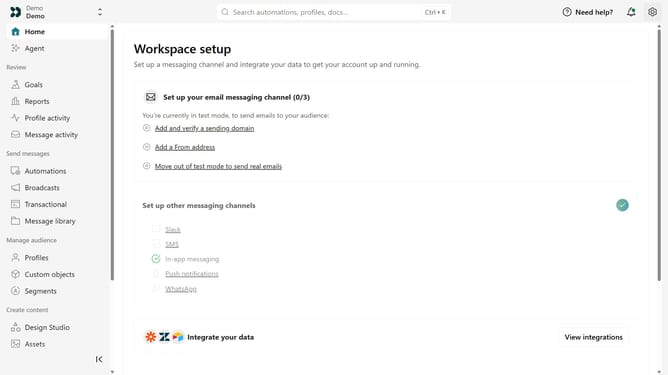
How to delete a pending team member invitation in Customer.io
Here is how to delete a pending team member invitation in customer.io
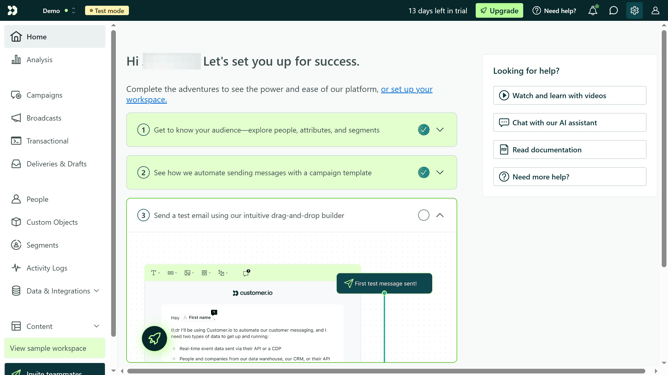
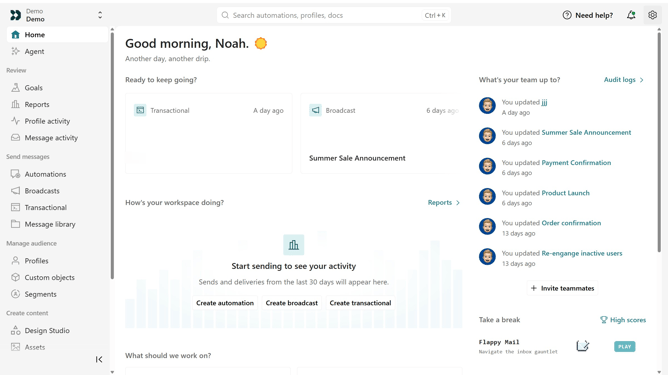
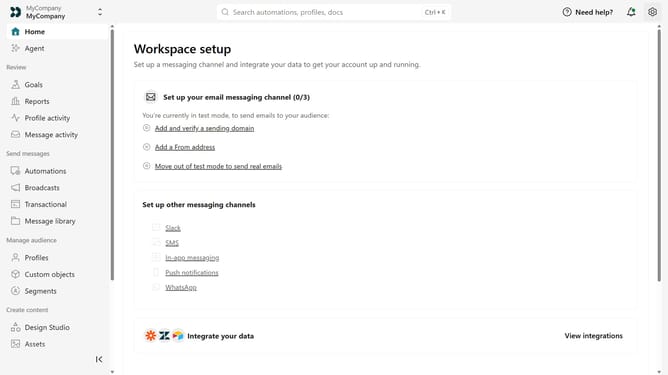
- First click on the settings icon in the top right corner
- Click on "Account settings" in the dropdown menu
- Next, click on "Team members"
- Locate the pending team member invitation
- After that, click on the more options menu next to the invitation
- Then, select "Delete" from the context menu
- Finally, click on the "Delete team member" button in the confirmation dialog
Why should you How to delete a pending team member invitation in Customer.io
Customer.io is a powerful messaging platform designed to help businesses craft meaningful customer communication experiences.
One of its valuable features is the ability to manage team member invitations efficiently. Deleting a pending invitation helps maintain an organized team structure by ensuring only the necessary and verified users have access. This not only enhances security but also streamlines workflow management.
Utilizing this feature reduces clutter on your platform and demonstrates proactive management of your team dynamics, ensuring seamless collaboration and focus on delivering exceptional customer interactions.
Last update