How to resend a team member invitation in Customer.io
Here is how to resend a team member invitation in customer.io
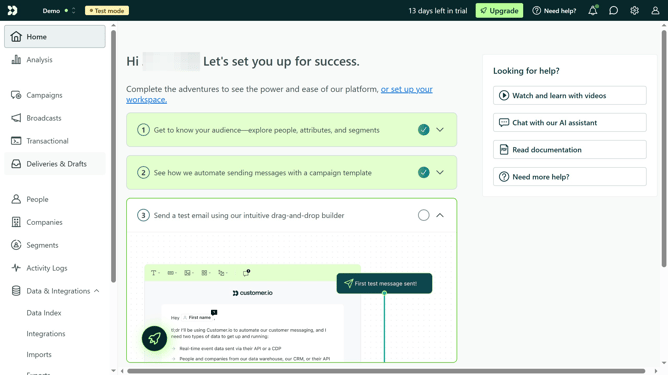
- First click on the settings icon in the top right corner
- Click on "Account settings" in the dropdown menu
- Next, click on "Team members"
- Locate the pending team member invitation
- Then, click on the more options menu next to the invitation
- Finally select "Resend invitation" from the context menu
Why should you How to resend a team member invitation in Customer.io
Customer.io is a powerful automated messaging platform designed to help businesses send targeted messages to their customers at the right time.
Resending a team member invitation in Customer.io is a straightforward feature that enhances team collaboration. This feature ensures that no team member misses out on essential updates or projects due to an invitation oversight.
By easily resending invitations, you improve communication efficiency and maintain seamless coordination among your team. It’s a fantastic way to ensure everyone stays connected and engaged without any hassle.
Last update