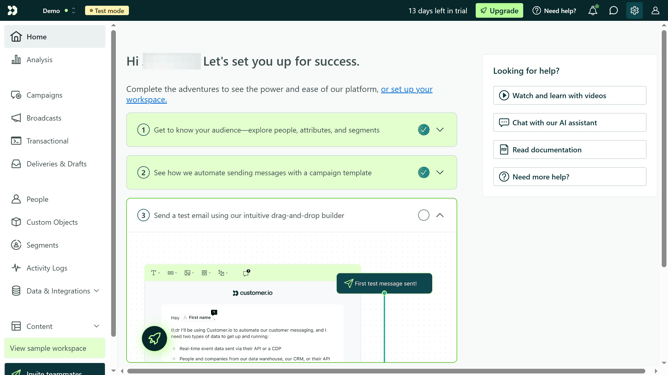
How to add segment condition in Customer.io
Here is how to add segment condition in customer.io
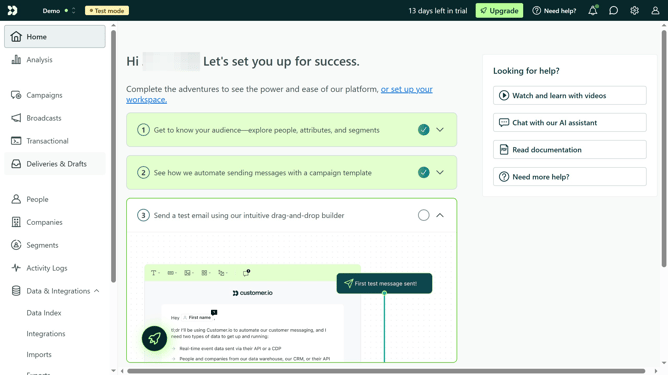
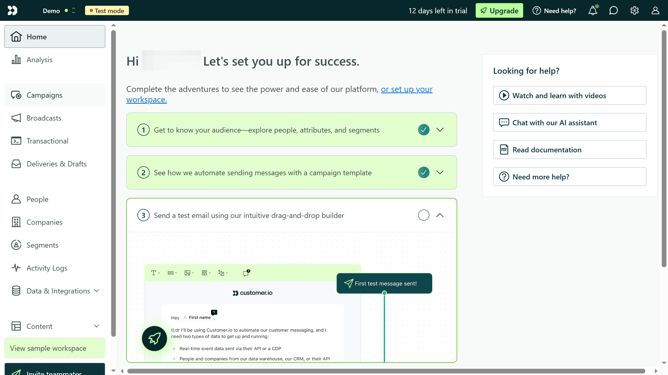
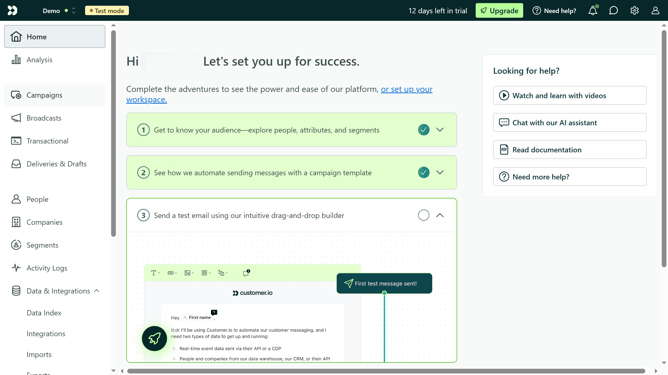
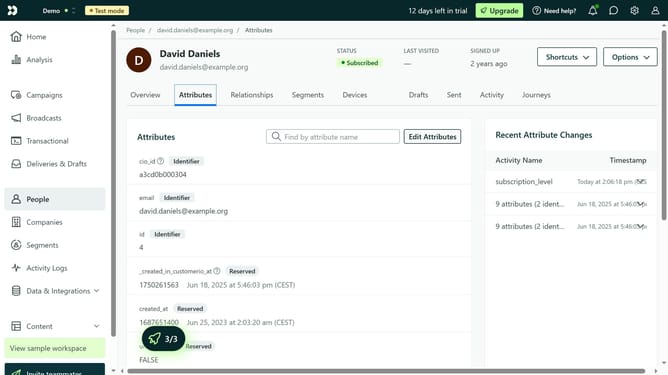
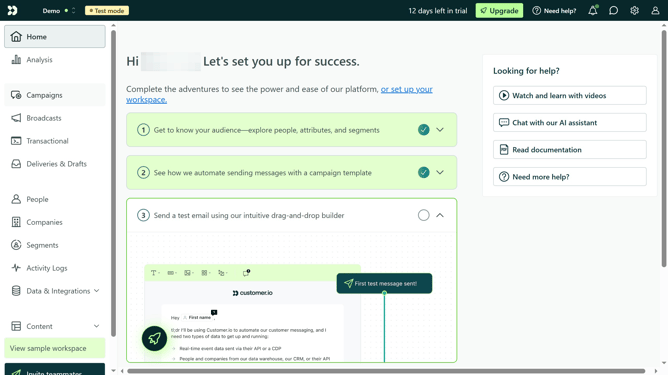
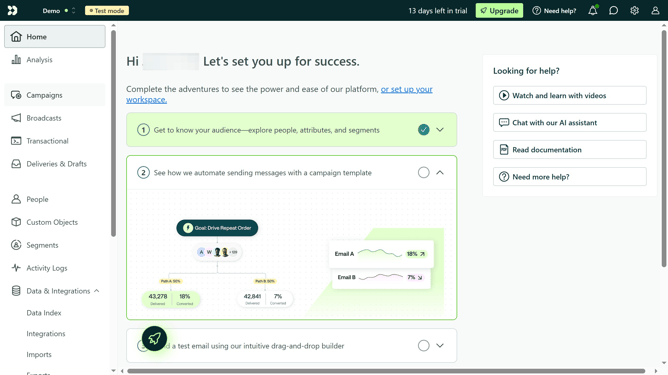
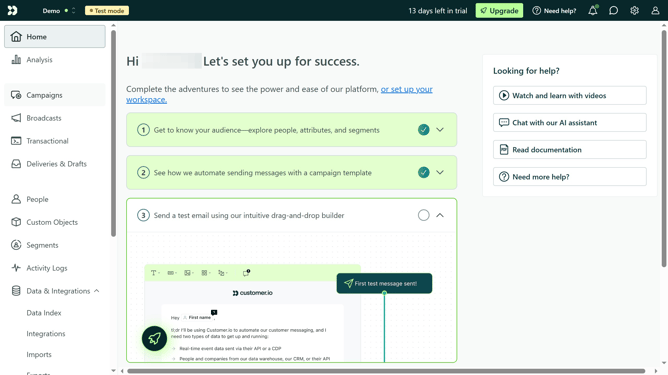
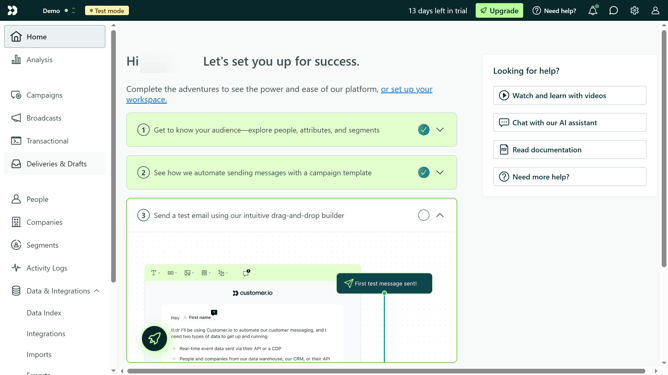
- First click on the "People" option in the left sidebar menu
- Then click on the "conditions" filter tab in the top filter menu
- Next click on the "Add segment condition" button from the condition options
- Then select the segment you want to use from the segments dropdown menu
- Finally click the checkmark button to apply the selected segment condition
Why should you add segment condition in Customer.io
Customer.io is a powerful platform designed for automating communication across every customer interaction.
Adding segment conditions in Customer.io allows you to tailor your messages to specific audience groups, enhancing user engagement.
By strategically using segment conditions, businesses can ensure that customers receive the most relevant content at the right time, optimizing their communication strategies.
This feature empowers marketers to craft personalized experiences, leading to increased customer satisfaction and retention.
Last update