How to delete an App API key in Customer.io
Here is how to delete an app api key in customer.io
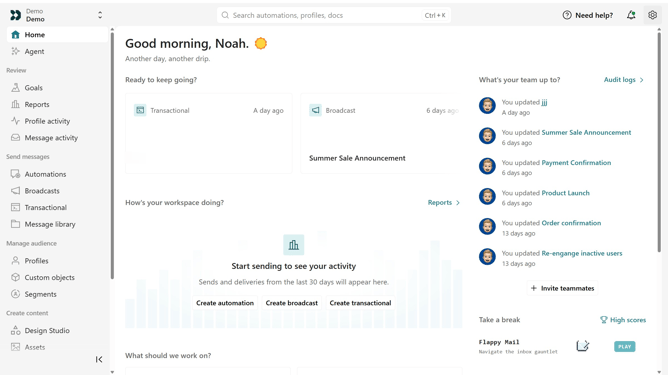
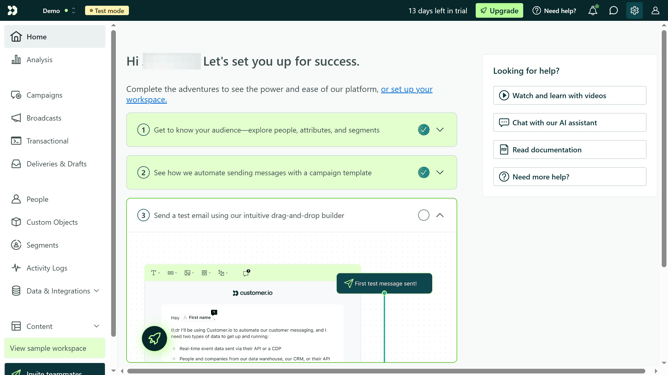
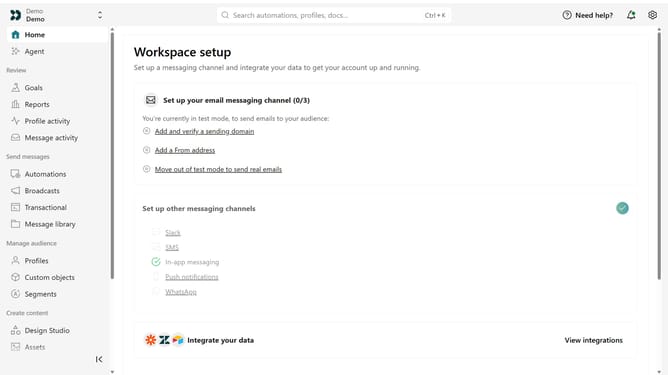
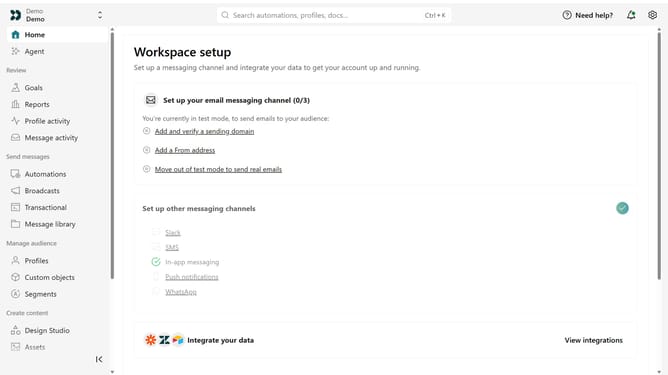
- First click on the settings icon in the top right corner
- Click on "Account settings" in the dropdown menu
- Next click on "API Credentials" in the main menu
- After that, click on "App API keys" tab
- Locate the App API key you want to delete
- Next, click on the more options menu next to the API key
- Next, select "Delete key"
- Then, enter the API key's name when prompted
- Finally, click on the "Permanently delete these credentials" button to confirm
Why should you How to delete an App API key in Customer.io
Customer.io is an advanced platform for crafting personalized customer experiences through efficient communication.
One of its critical features includes the ability to manage App API keys with ease. Deleting an App API key in Customer.io is a straightforward process that plays a vital role in maintaining security and efficient API management.
This function helps organizations protect their data by removing obsolete or compromised API keys, ensuring the right applications have appropriate access and are correctly managed. It's a simple, yet powerful feature that enhances both security and operational efficiency.
Last update