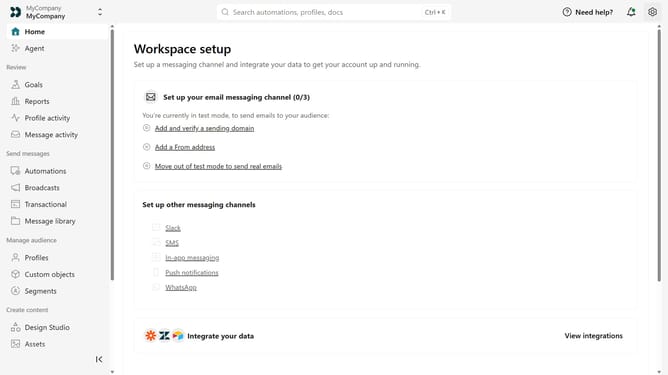
How to invite a person as a Member in Customer.io
Here is how to invite a person as a member in customer.io
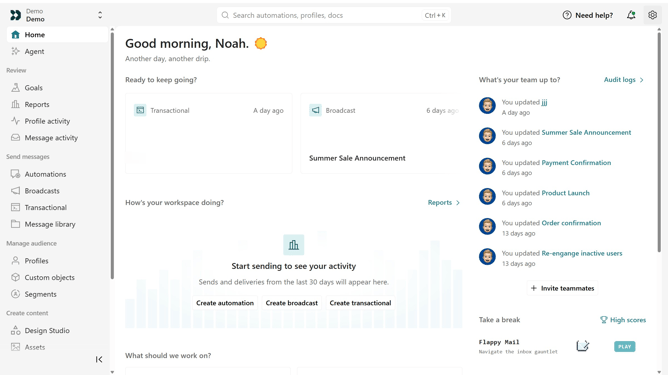
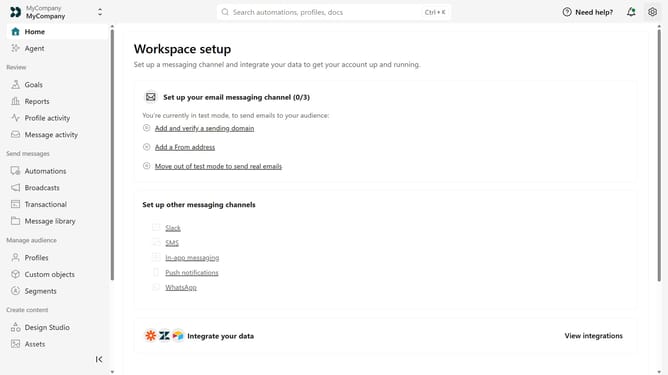
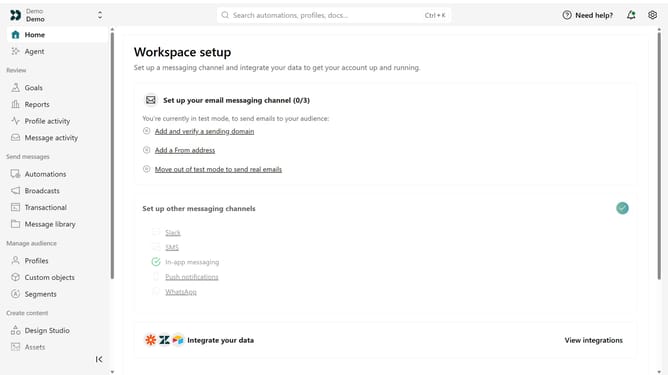
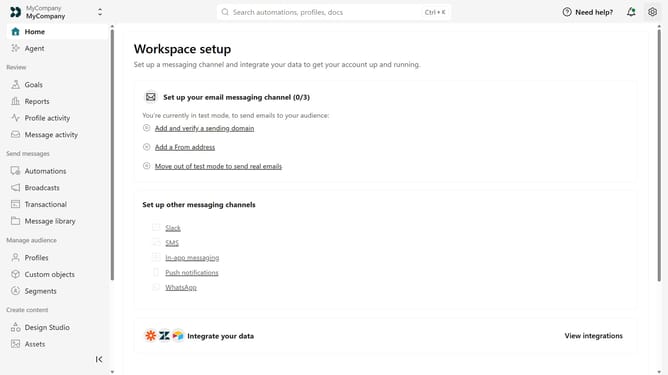
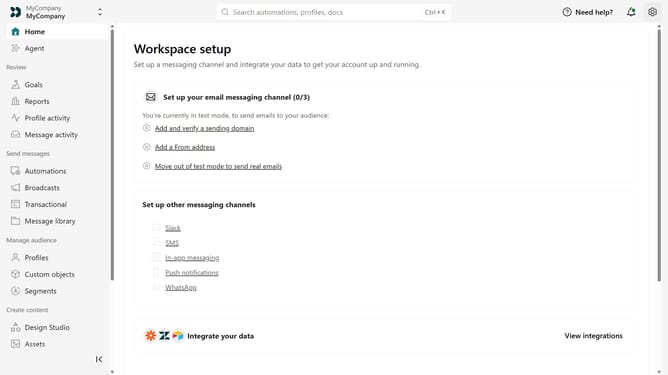
- First click on the settings icon in the top right corner
- Click on "Invite teammate" in the dropdown menu
- Next, enter the new team member's details
- Under "Match permissions", optionally select an existing team member to copy their permissions as a starting point
- After that, click on the "Account level permissions" dropdown
- Then select "Member" from the dropdown menu
- Then, configure their workspace-level permissions as needed
- Finally click on the "Send invite" button
Why should you How to invite a person as a Member in Customer.io
Customer.io is a powerful platform designed to automate and personalize user engagement through targeted messaging.
Inviting a person as a Member in Customer.io is a feature that enhances collaboration and efficiency. By adding team members, you can distribute workload, ensure seamless communication, and capitalize on diverse skill sets. This feature fosters a collaborative environment where everyone can contribute to creating more personalized and effective messaging strategies.
Utilizing this feature not only strengthens your team's synergy but also empowers them to implement campaigns faster, leading to more timely and relevant customer interactions.
Last update