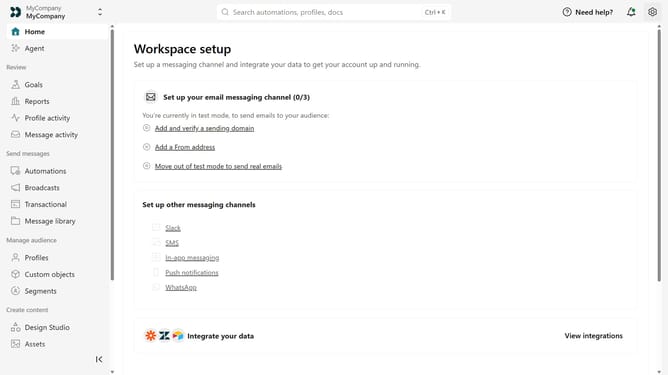
How to download reports in customer.io
Here is how to download reports in customer.io
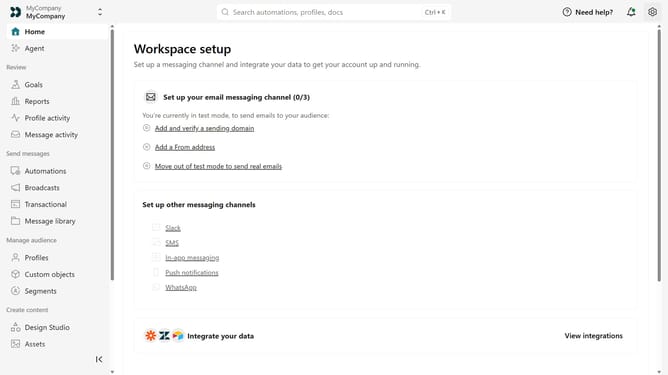
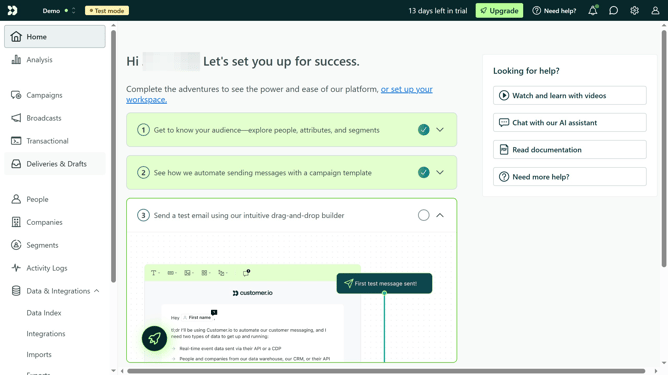
- First click on the "Analysis" item in the left sidebar
- Next click on the type of report you want to export
- Then click on one of the results in table
- Then click on the "Export to CSV" button in the top-right corner
- Click on "Go to Exports" button
- Finally click on the "Download" button
- When the export confirmation appears, click on "Go to Exports" button
- Finally click on the "Download" button next to the first export in the list
Why should you download reports in customer.io
Customer.io is a powerful platform empowering businesses to craft targeted communication experiences.
The ability to download reports in Customer.io allows users to easily access valuable insights into their audience's interactions.
This feature equips teams with data-driven decision-making capabilities, enhancing strategy formulation and execution.
Leveraging downloadable reports ensures teams maintain a clear view of campaign performance, optimizing efforts for maximum impact.
Last update