How to invite a person as an Account Admin in Customer.io
Here is how to invite a person as an account admin in customer.io
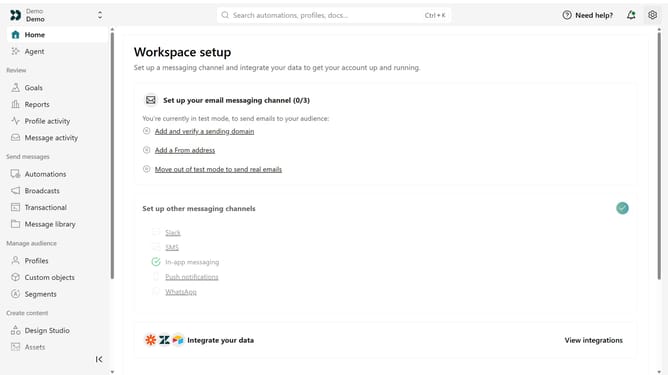
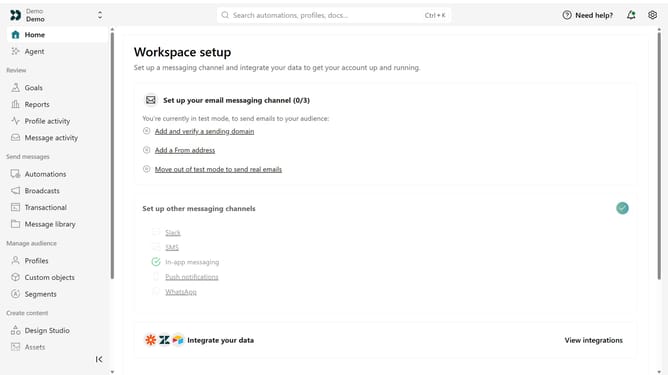
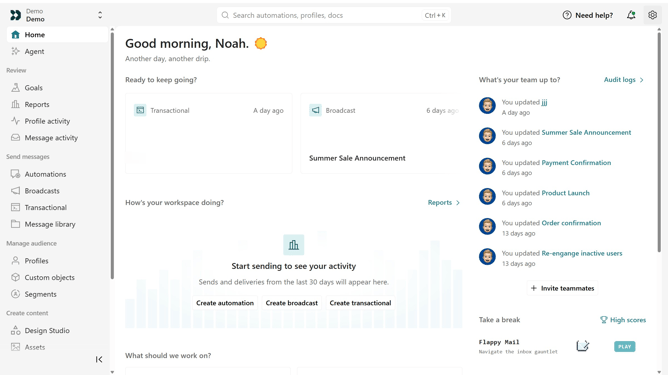
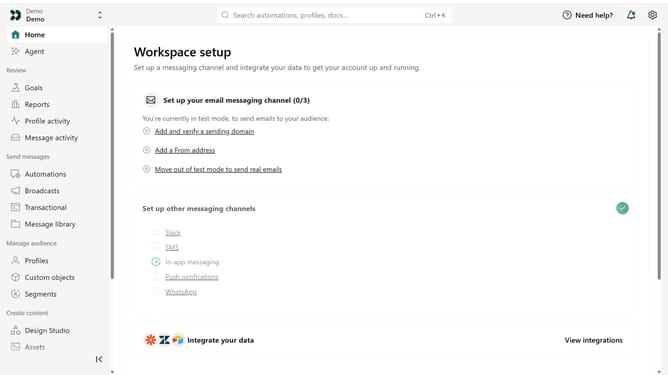
- First click on the settings icon in the top right corner
- Click on "Invite teammate" in the dropdown menu
- Next, enter the new team member's details
- Under "Match permissions", optionally select an existing team member to copy their permissions as a starting point
- After that, click on the "Account level permissions" dropdown
- Then, select "Account Admin"
- Finally click on the "Send invite" button
Why should you How to invite a person as an Account Admin in Customer.io
Customer.io, a dynamic platform designed to streamline automated messaging, empowers businesses to engage with customers effectively.
Inviting someone as an Account Admin in Customer.io expands your team’s capability to manage and optimize communication strategies. By granting this access, businesses ensure seamless collaboration, allowing multiple team members to contribute to campaign success.
This feature fosters a collaborative environment, enhancing productivity and ensuring all team members have the opportunity to innovate and drive impactful customer interaction. It's all about leveraging team strengths for better customer experiences.
Last update