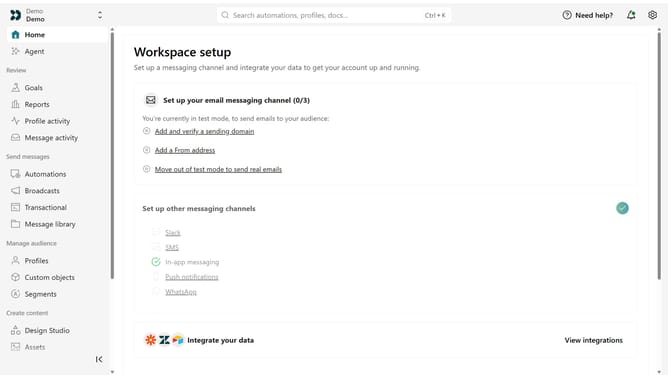
How to revoke a pending guest invitation in Customer.io
Here is how to revoke a pending guest invitation in customer.io
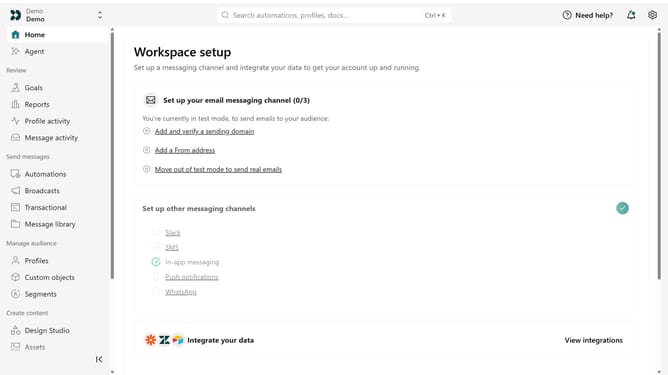
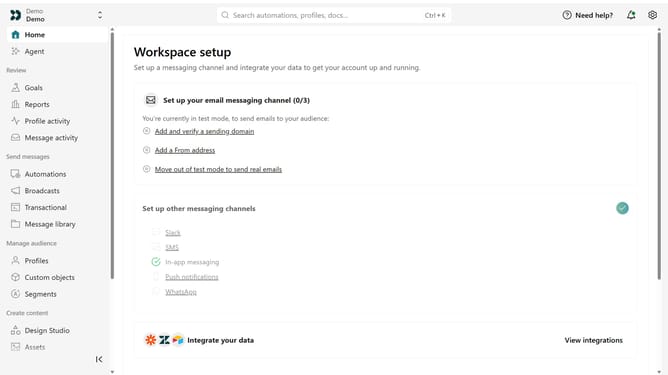
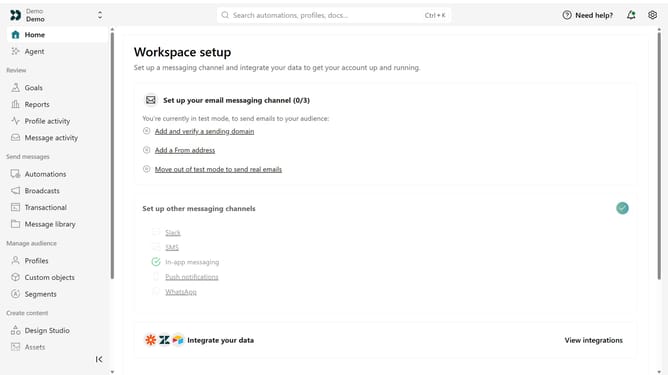
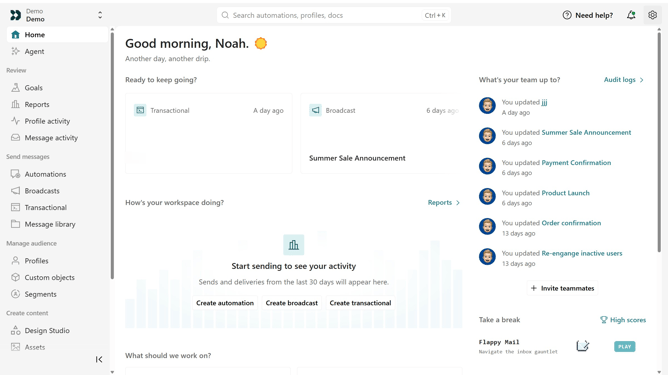
- First click on the settings icon in the top right corner
- Click on "Account settings" in the dropdown menu
- Next, click on "Team members"
- Locate the pending guest invitation from the list
- Then, click on the more options menu next to the invitation
- Finally, select "Revoke invitation" from the menu
Why should you How to revoke a pending guest invitation in Customer.io
Customer.io is an intuitive platform designed to manage and automate customer communication efficiently.
The ability to revoke a pending guest invitation in Customer.io ensures that teams maintain control over who can access the system.
Utilizing this feature is crucial for keeping platform access secure and tailored, which helps prevent unauthorized entries and protects sensitive data.
This proactive action boosts the reliability of your workflow, promoting a streamlined and secure operational environment.
Last update