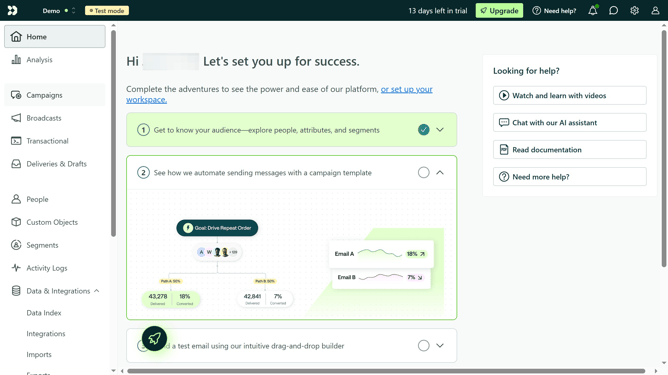
How to create an App API key in Customer.io
Here is how to create an app api key in customer.io
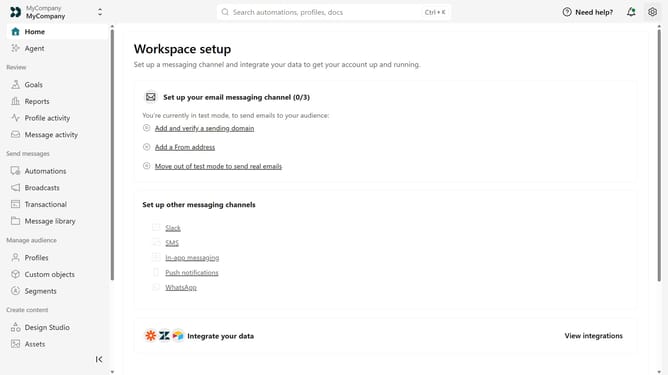
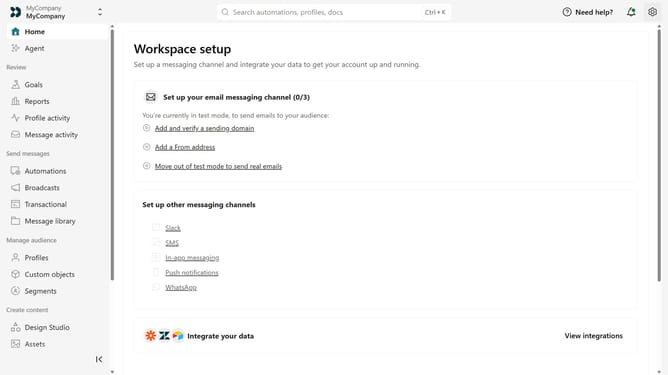
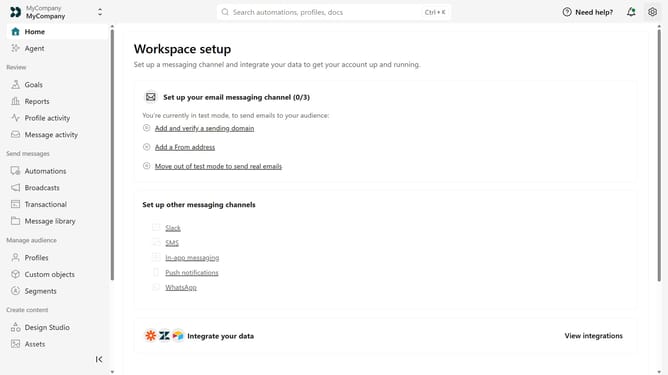
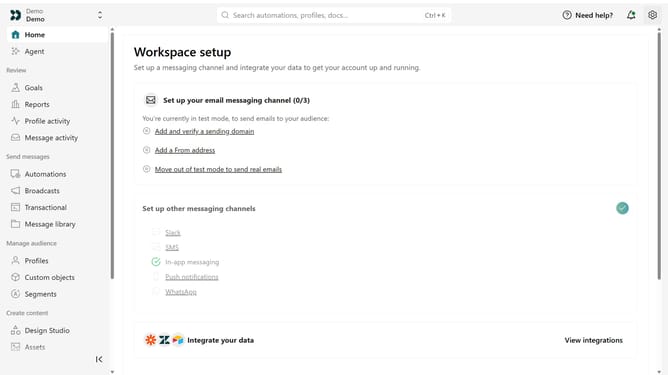
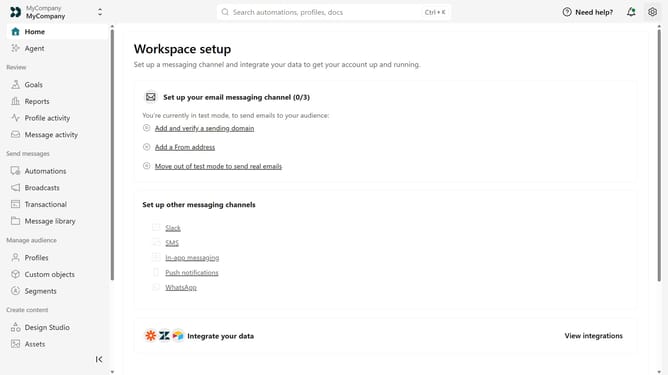
- First click on the settings icon in the top right corner
- Click on "Account settings" in the dropdown menu
- Next click on "API Credentials" in the main menu
- After that, click on "App API keys" tab
- Click on "Create App API Key" button
- Then, enter a name for the API key
- Finally click on "Create App API Key" button to confirm
- Now copy and securely store the API key, as it is shown only once
Why should you How to create an App API key in Customer.io
Customer.io is a dynamic platform designed to automate personalized customer messaging at scale.
Creating an App API key in Customer.io is a straightforward feature that greatly enhances your integration capabilities.
It allows seamless communication between your applications and Customer.io, enabling changes and updates to flow smoothly without manual input.
This feature is especially beneficial for improving operational efficiency and ensuring a more streamlined approach to customer interaction.
Last update