How to add an IP address to the App API allowlist in Customer.io
Here is how to add an ip address to the app api allowlist in customer.io
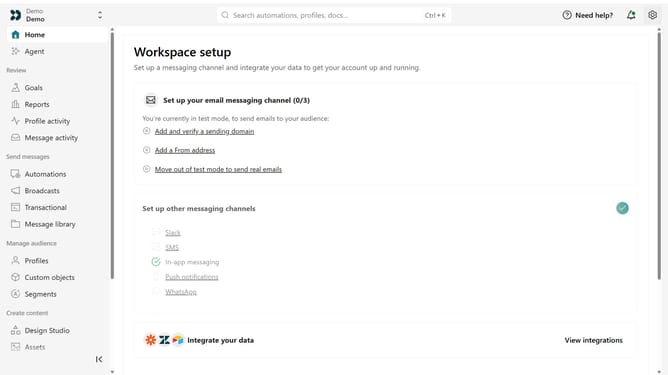
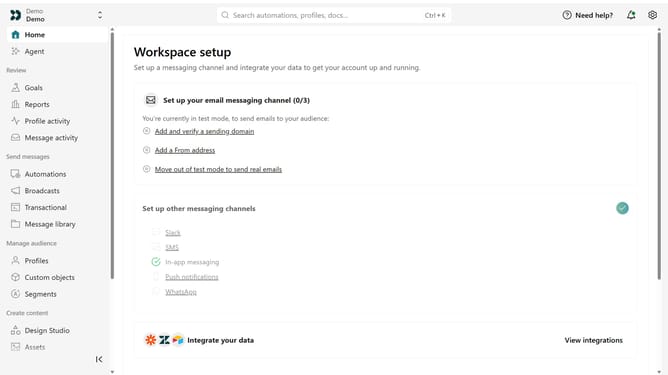
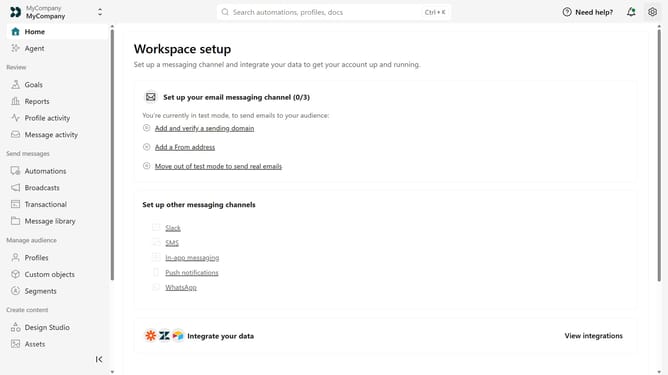
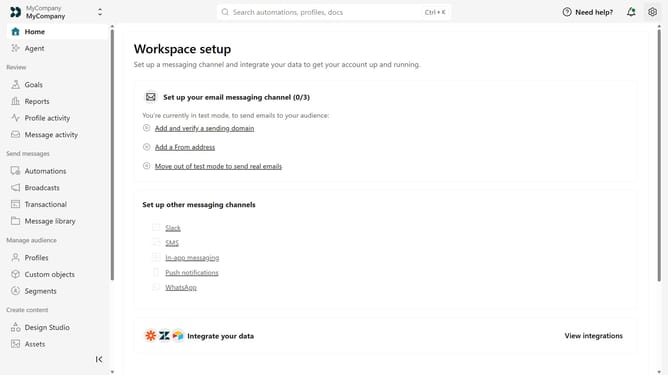
- First click on the settings icon in the top right corner
- Click on "Account settings" in the dropdown menu
- Next click on "API Credentials" in the main menu
- After that, click on "App API keys" tab
- Next, click on the "Add IP Address" button
- Then, enter the IP address you want to allow
- Finally, click on "Add IP address"
Why should you How to add an IP address to the App API allowlist in Customer.io
Customer.io is a robust tool designed to create meaningful and automated messaging solutions that engage your audience effectively.
Adding an IP address to the App API allowlist in Customer.io ensures that your API interactions remain secure and controlled. This feature allows access only to approved IPs, significantly minimizing unauthorized access.
Utilizing this feature enhances your system's security, maintaining trust with your customers while optimizing internal processes. Implementing an allowlist is a strategic measure that protects your data integrity efficiently.
Last update