How to set up campaign goal tracking in Customer.io
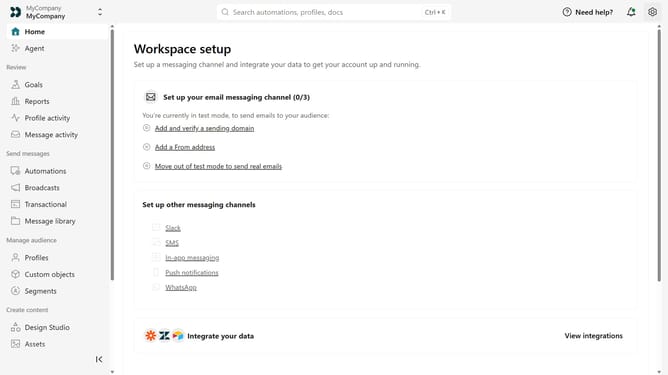
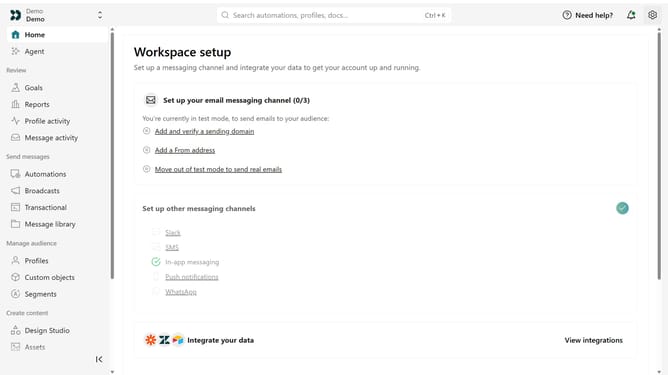
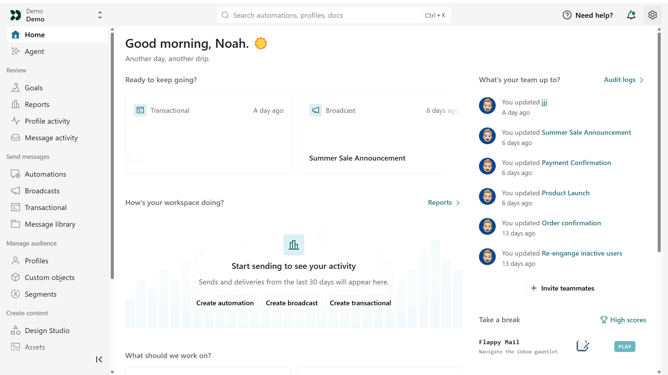
Here is how to set up campaign goal tracking in customer.io
- First click on "Campaigns" in the left sidebar menu
- Click on the campaign where you want to set a goal
- Next click on "Set conversion goal" link in the campaign overview
- Click on "Set goal" button in the goal configuration
- Click on the event dropdown menu
- In the dropdown menu, Click on the desired event
- Then click on the segment dropdown menu
- From the segment options, select the segment that you want to use
- Next adjust the parameters to fit your preferences
- Adjust the parameters to fit your preferences
- Finally click "Save changes" button to apply the goal tracking configuration
Why should you set up campaign goal tracking in Customer.io
Customer.io is a platform designed to help businesses create personalized communication with their customers.
Setting up goal tracking in Customer.io empowers you to monitor user engagement and conversion metrics efficiently.
This feature allows you to measure the success of your campaigns by defining specific objectives, enhancing your strategy through data-driven insights.
Using goal tracking not only fine-tunes your outreach efforts but also maximizes your marketing ROI by aligning goals with business outcomes.
Last update