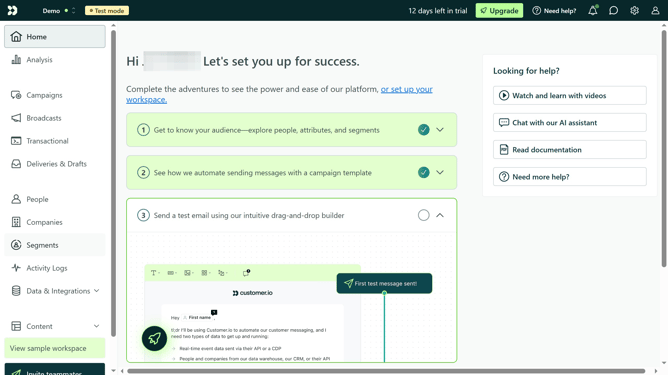
How to add your pricing page link in Customer.io
Here is how to add your pricing page link in customer.io
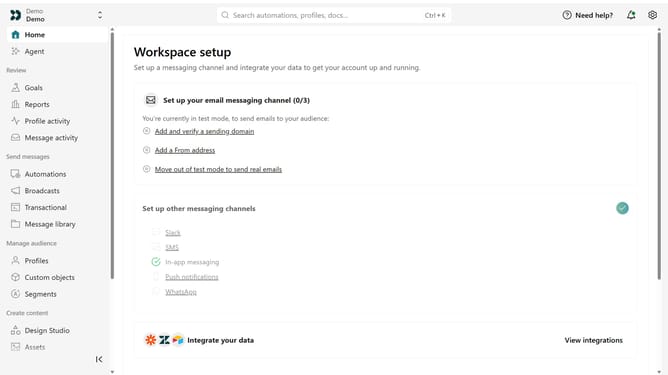
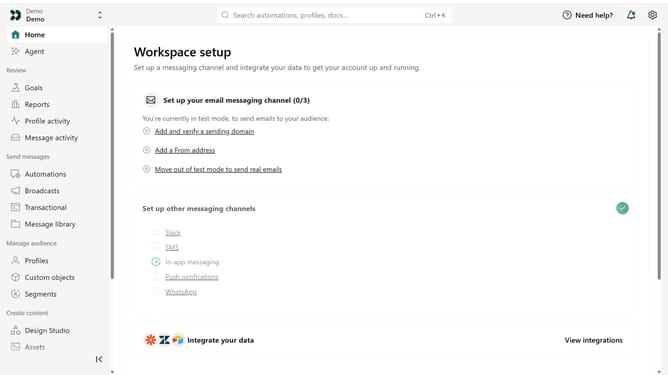
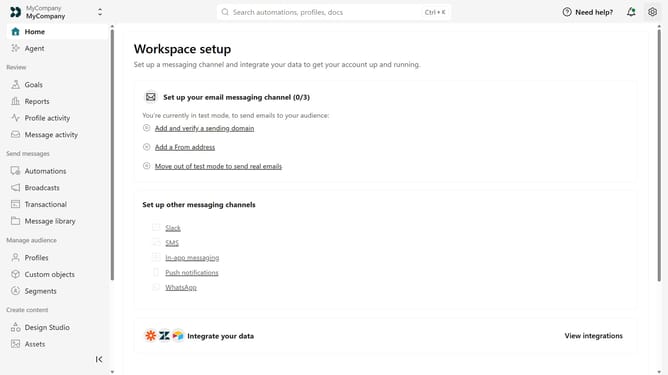
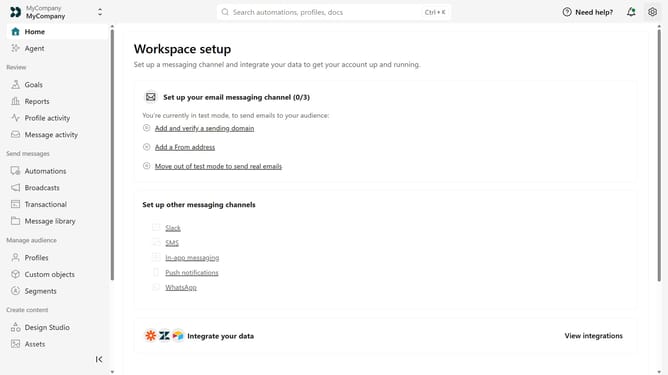
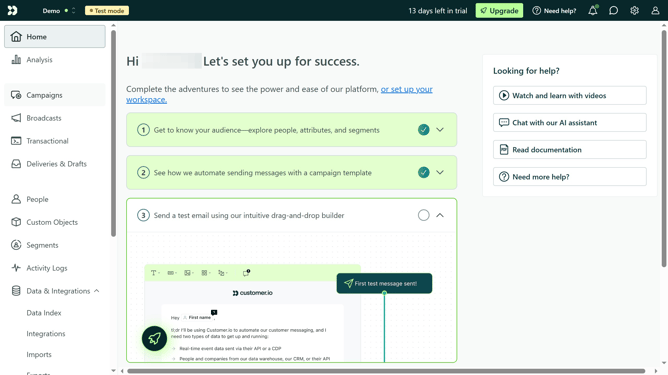
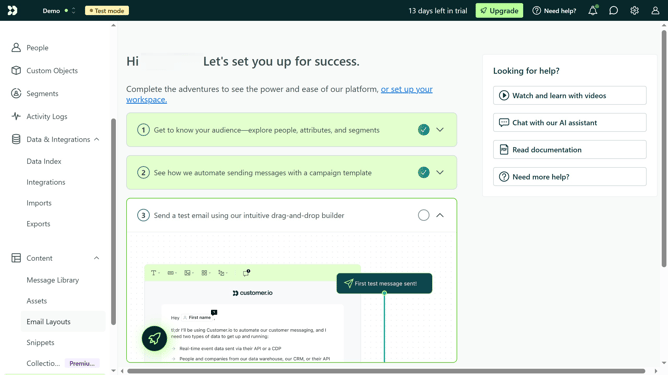
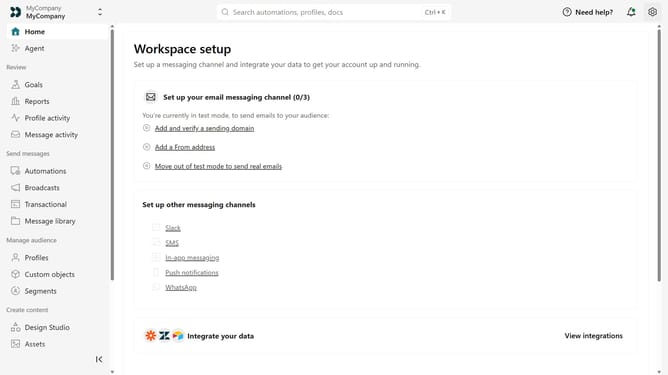
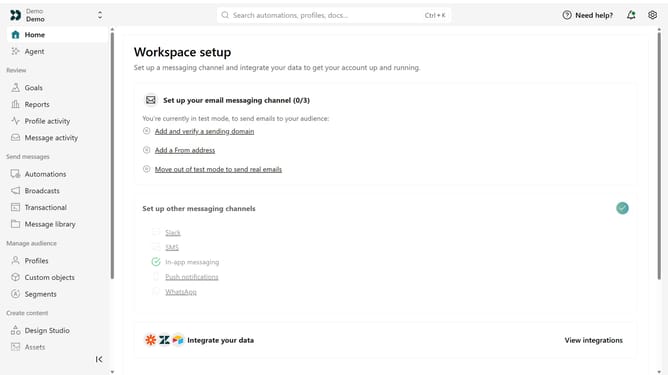
- First click on the settings icon in the top right corner
- Click on "Workspace settings" in the dropdown menu
- Next, click on "Business context" in the workspace settings
- Under "Key links", locate the "Pricing" field
- Then, enter your pricing page URL
- Finally click on the "Save" button
Why should you How to add your pricing page link in Customer.io
Customer.io is a powerful platform designed to craft meaningful customer interactions through automated messaging.
By adding your pricing page link in Customer.io, you seamlessly integrate valuable information directly into your communications.
This strategy enhances the customer journey by providing essential details, encouraging informed decision-making, and fostering trust.
Ultimately, linking your pricing page boosts engagement, making conversions more likely and enhancing overall customer satisfaction.
Last update