How to add your browser extension link in Customer.io
Here is how to add your browser extension link in customer.io
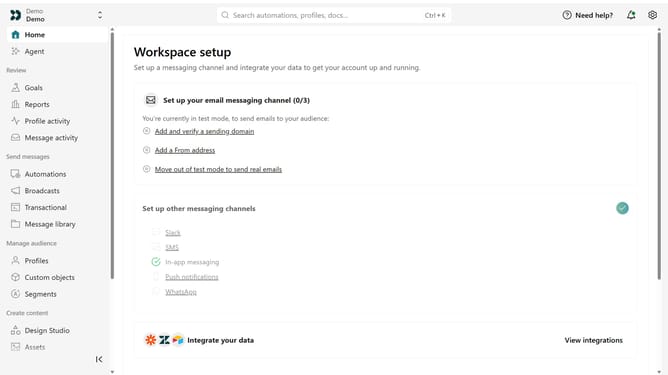
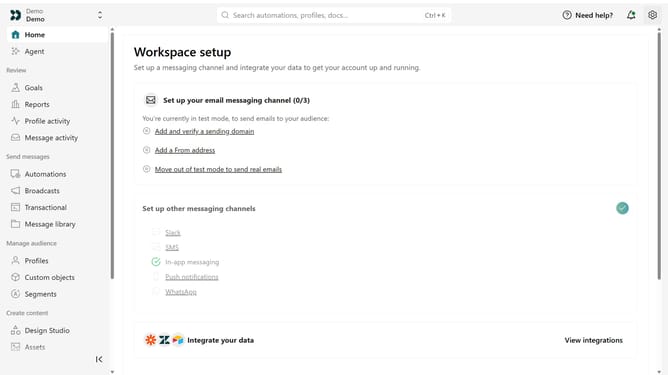
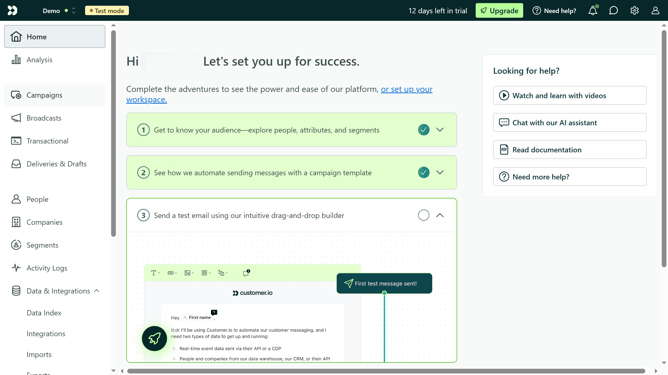
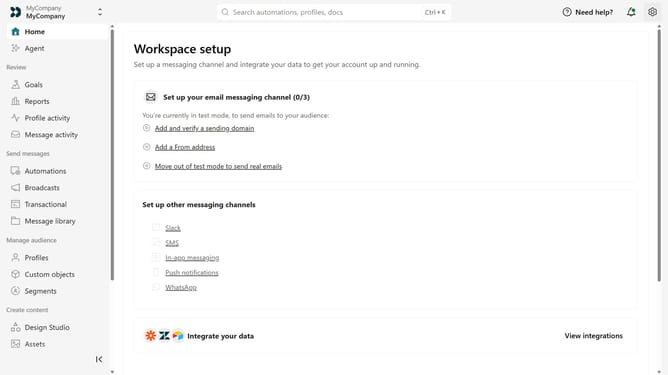
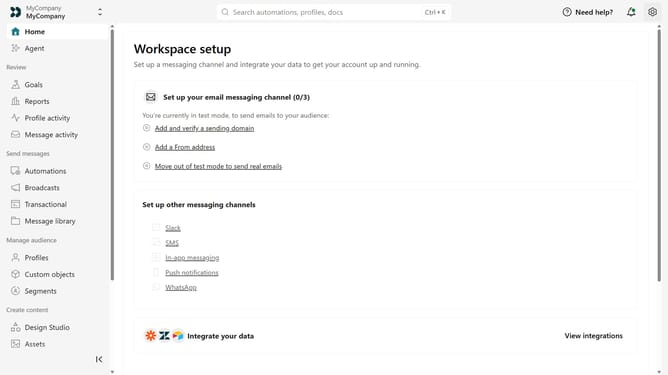
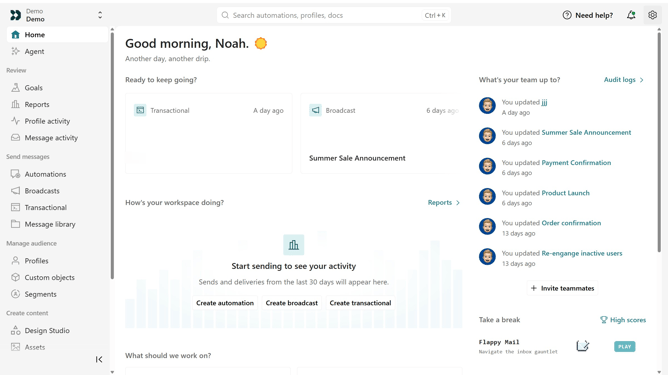
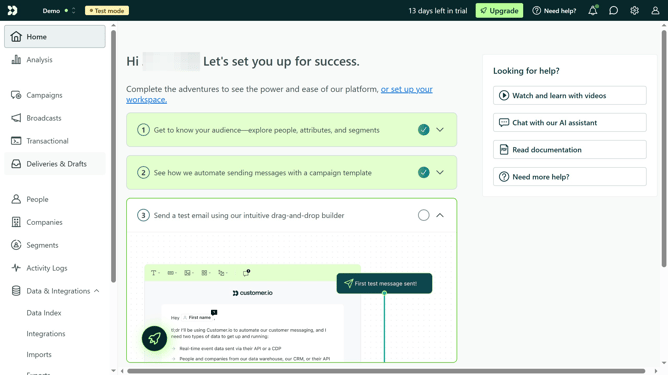
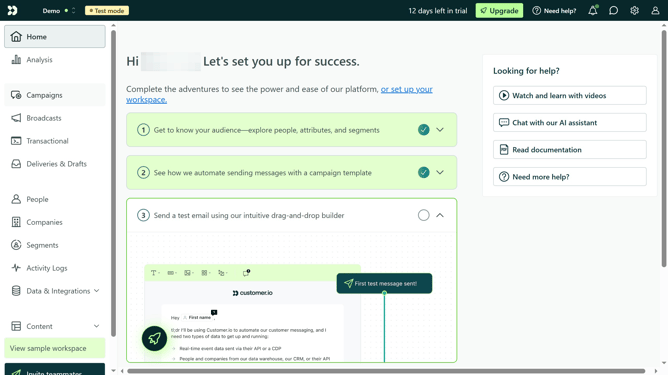
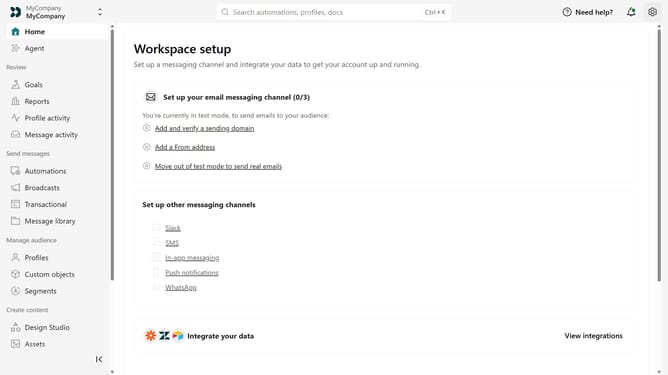
- First click on the settings icon in the top right corner
- Click on "Workspace settings" in the dropdown menu
- Next, click on "Business context" in the workspace settings
- Under "Platform availability", locate the "Browser extension" field
- Then enter your browser extension URL
- Finally click on the "Save" button
Why should you How to add your browser extension link in Customer.io
Customer.io is a powerful platform designed to enhance customer engagement through automated messaging.
Adding your browser extension link in Customer.io allows you to streamline communication by integrating valuable functionalities directly into your campaigns.
This feature empowers you to leverage your extension's capabilities, providing an enhanced user experience and improving interaction with your audience.
By incorporating your browser extension link, you ensure seamless access to the tools your customers need, boosting overall efficiency and engagement metrics.
Last update