How to invite a team member to Customer.io
Here is how to invite a team member to customer.io
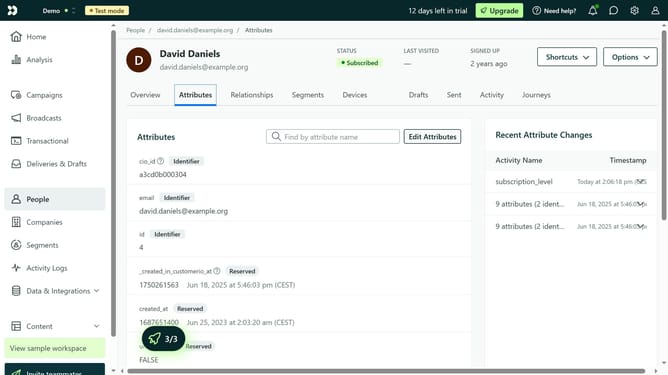
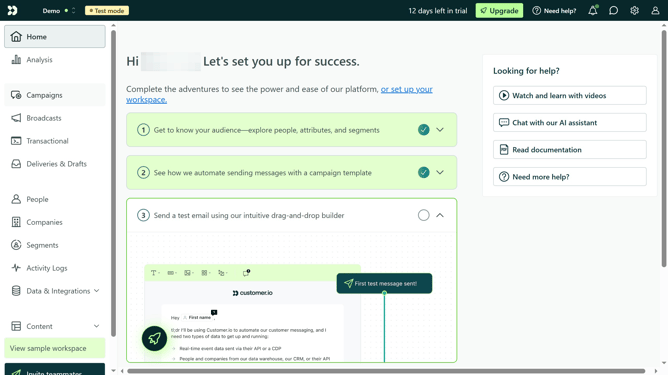
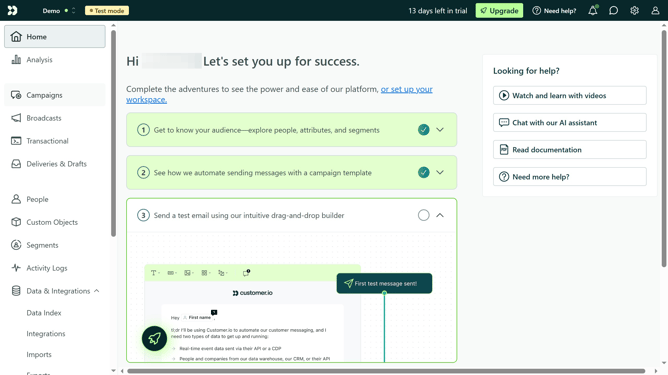
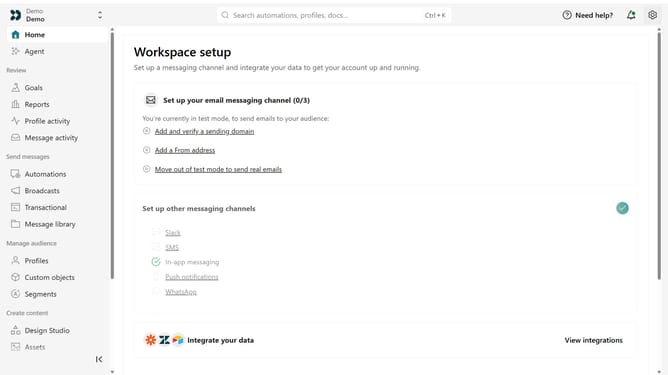
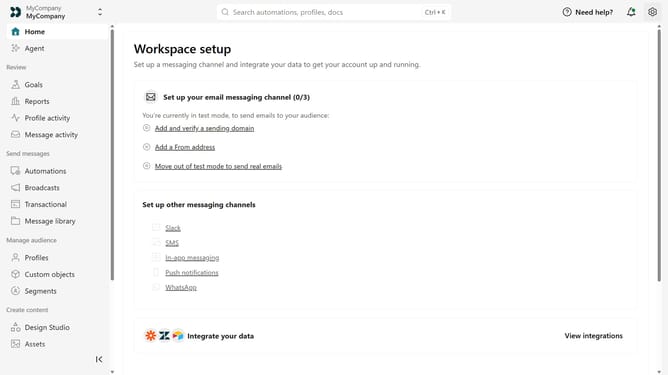
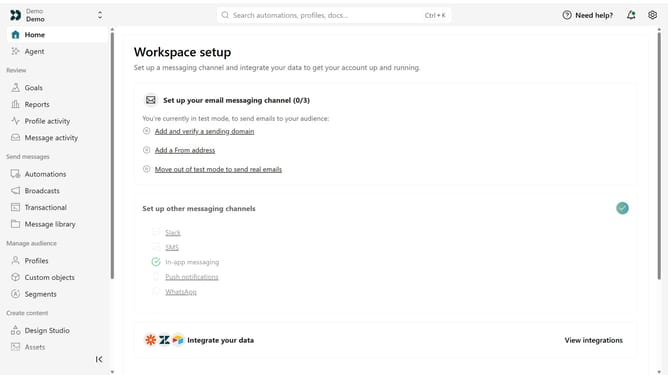
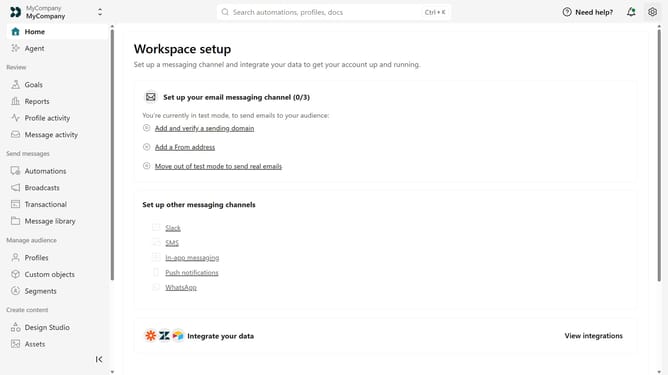
- First click on the settings icon in the top right corner
- Click on "Invite teammate" in the dropdown menu
- Next, enter the new team member's details
- Under "Match permissions", optionally select an existing team member to copy their permissions as a starting point
- Afer that, click on the "Member" dropdown menu under "Account level permissions"
- Then select "Member" or "Account Admin" from the dropdown menu
- If you select "Member", configure their workspace-level permissions by choosing "All" or "Custom"
- If you choose "Custom", assign the appropriate role to each workspace
- Finally click on the "Send invite" button
Why should you How to invite a team member to Customer.io
Customer.io is a powerful platform designed to create personalized customer communications that drive engagement.
Inviting a team member to Customer.io is straightforward and enhances collaboration within your team.
This feature allows you to easily expand your team's access, fostering a collective approach to managing campaigns and analyzing data.
By inviting colleagues, you unlock collective creativity and ensure that different perspectives contribute to crafting more effective customer interactions.
Last update