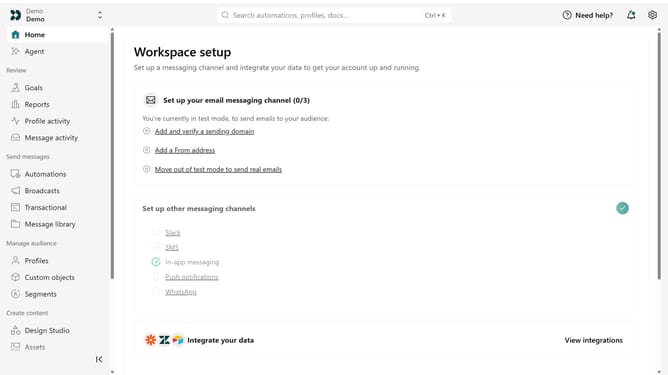
How to change the name of a Track API key in Customer.io
Here is how to change the name of a track api key in customer.io
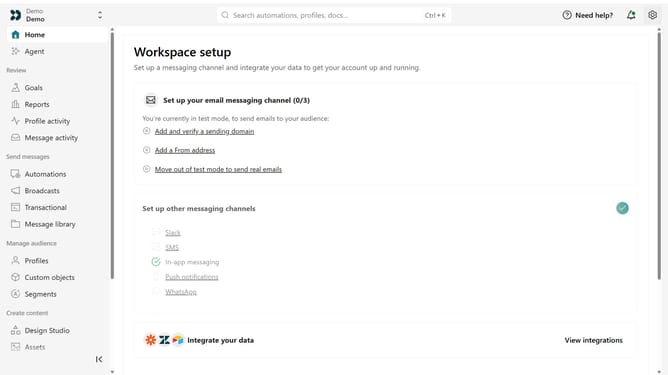
- First click on the settings icon in the top right corner
- Click on "Account settings" in the dropdown menu
- Next click on "API Credentials" in the main menu
- After that, click on "Tracking API keys" tab
- Locate the Track API key you want to rename
- Then, click on the more options menu next to the API key
- Next, select "Rename key"
- Then, enter the new name
- Finally, click on "Save" to apply your changes
Why should you How to change the name of a Track API key in Customer.io
Customer.io is a powerful platform designed to help businesses engage with their audience through personalized messages.
One of its standout features is the ability to change the name of a Track API key, a crucial tool for maintaining a clear and organized system of tracking across various applications. This function allows businesses to customize and categorize their API keys for better identification and management.
By renaming Track API keys, companies can streamline their workflow, improve efficiency, and ensure a better understanding of data sources, enhancing overall operational effectiveness.
Last update